

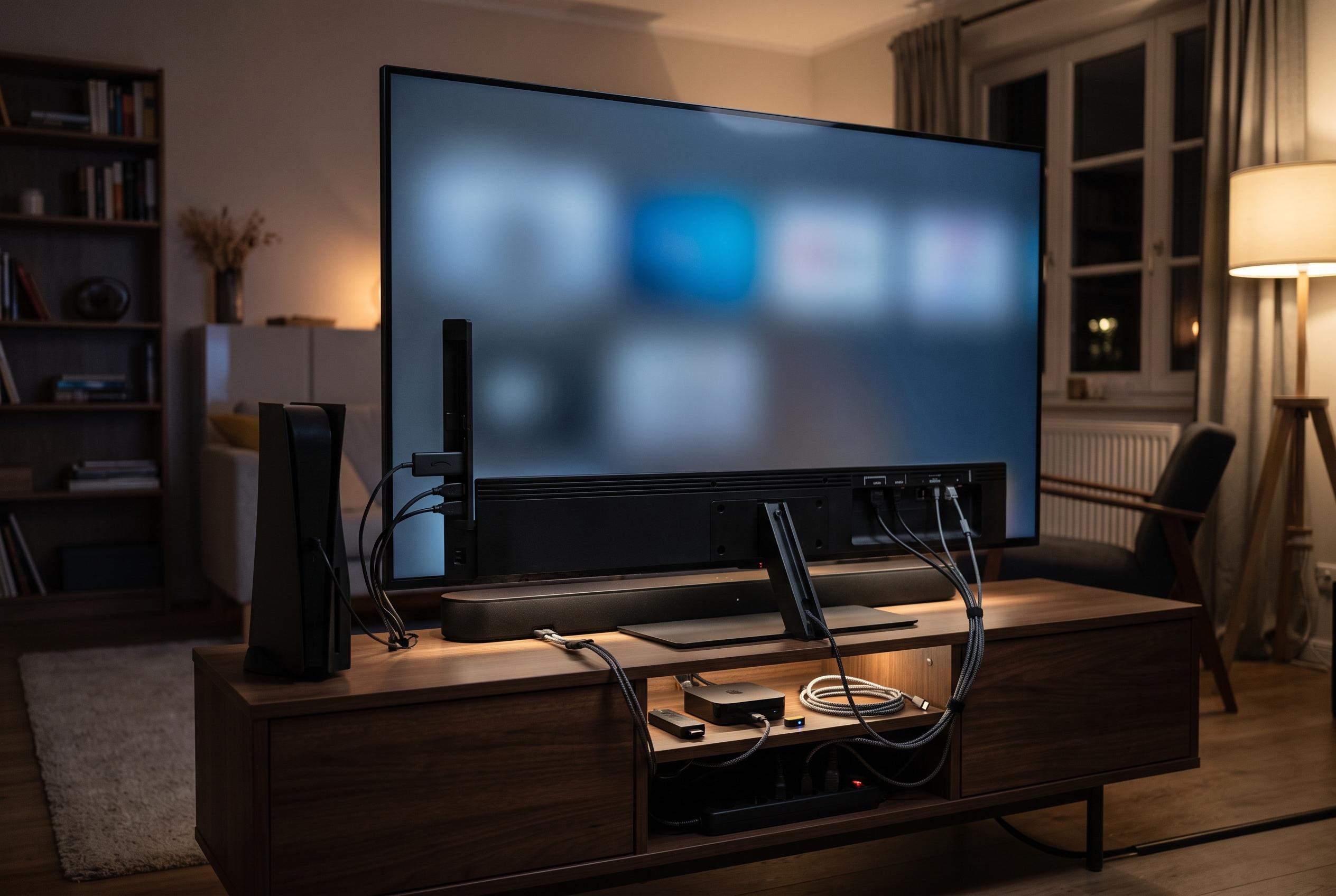

Many modern televisions switch on unexpectedly due to default permissions and connected device controls. Disabling features like HDMI-CEC, network wake settings, and energy-saving modes can help prevent phantom power-ups, but pinpointing the cause requires methodical troubleshooting.
A television that switches on in an empty room is usually not failing. More often, it is obeying a signal from another device, a timer or a default power setting that most owners never notice. That matters because modern sets are built to accept instructions from HDMI equipment, phones, smart speakers and update services, so the first task is to identify which pathway is waking the screen.
The clearest place to begin is HDMI-CEC, the control link that lets one device wake another over the HDMI cable. Manufacturers attach different brand names to it, but the behaviour is similar: a console, streamer or set-top box can bring the television out of standby even when no one has touched the remote. Sony’s support material and other troubleshooting guides both point to CEC and external-device control as common causes of unexpected power changes, which is why this setting is usually the first one worth disabling.
Fast-start functions are the next likely culprit. Features such as Quick Start, fast boot or similar standby modes keep part of the television partially awake so it can respond quickly to commands. That convenience comes at a cost: the set stays ready to listen for network, HDMI or voice-assistant signals, which makes it easier for a stray command to wake it. LG’s own documentation notes that Quick Start Plus can raise energy use, and that is a useful reminder that the feature trades power savings for responsiveness.
Networked wake features deserve equal attention. Many smart televisions can be powered on from a phone app, a casting request or a home-automation routine, sometimes without any obvious pairing step beyond being on the same Wi-Fi network. Samsung, for example, includes a Power On with Mobile option in its network settings, and its support pages warn that such functions can allow other IP-controlled devices to operate the set. That makes a roomful of connected devices a plausible cause of an apparently random wake-up.
AirPlay and casting settings can widen that reach further. If a phone, tablet or streaming device can address the television, it may be able to wake it as part of a media request. Google’s guidance on Chromecast behaviour makes clear that some televisions will power on when a cast is sent to a device on the input, which is why it can be worth moving a streamer between TV power and wall power depending on whether you want it able to wake the screen. A device powered from the television itself cannot send the wake command once the set is off.
Timers and energy-saving modes are the obvious explanation when the television powers itself down rather than up. Sleep timers, idle shut-off settings and eco modes are often buried under energy, system or power menus, and they are frequently left enabled. Samsung’s support documentation separates sleep timers, auto power-off and auto power-saving controls, while other manufacturers use similar names for the same functions. A timer set once can become a nightly routine, which is why a repeated shutdown often feels like a fault even when it is simply a saved setting.
The source device can also create the illusion of a television problem. A streaming box that reboots to install an update, a loose HDMI cable or a tuner signal that drops out for a moment can all make the television switch state as though it had acted on its own. Several troubleshooting guides recommend the same basic test: remove every HDMI device, leave the set on its own menu or tuner for an evening, then reconnect devices one by one until the behaviour returns. That method is slow, but it is usually more revealing than guessing.
Remote control interference is another common cause and one of the easiest to rule out. A stuck infrared button, a universal remote stored in the wrong drawer or even bright sunlight aimed at the sensor can produce intermittent power events. Sony’s official advice includes removing remote batteries and checking for button problems before assuming the television itself has failed, which is sensible because infrared codes are not unique and the sensor does not know which remote sent them.
If none of those checks changes anything, the problem may be physical. Power supply faults, ageing capacitors or a failing button on the set’s chassis can all mimic a phantom wake-up. At that point, the question becomes whether repair makes economic sense. On an out-of-warranty television, a board replacement may cost enough to make a new set more practical, especially if the current model also has awkward menus, weak energy controls or repeated firmware issues.
The broader point is that these are usually permission problems, not mysterious failures. A smart television is designed to be reached by other devices, and those permissions are often switched on by default. That is why the cleanest fix is rarely a single magic setting; it is a process of turning off each route in turn until the set stops answering calls it should never have received.
Disclaimer: This content is intended for informational purposes only. Readers are advised to exercise their own judgement, conduct due diligence, or consult a qualified expert before acting on any information provided.



