

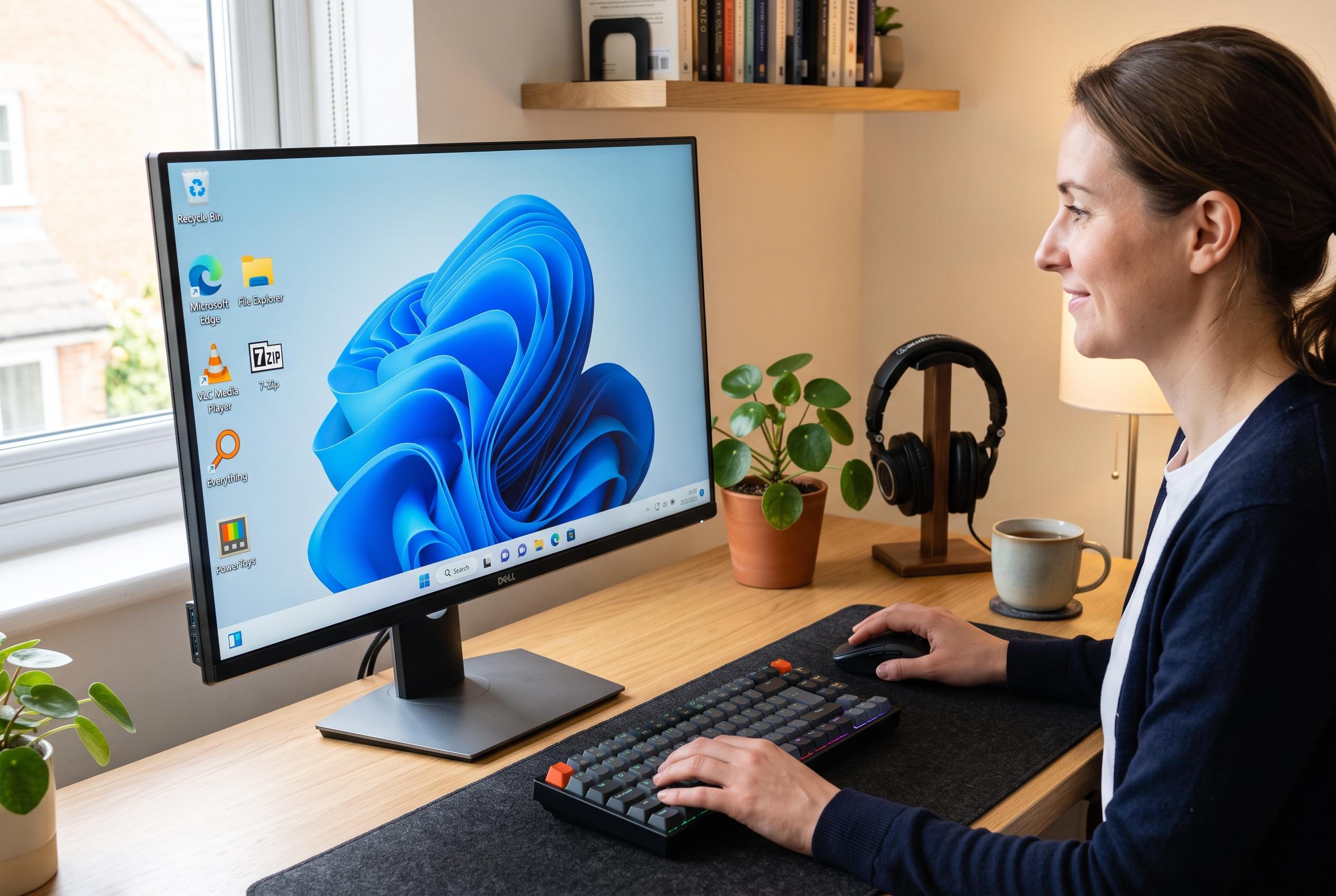

A selection of enduring free programmes, including VLC Media Player, 7-Zip, Everything, and PowerToys, continues to redefine Windows users’ experience by filling essential performance gaps and boosting productivity.
A clean Windows installation still leaves many users wanting more. The operating system provides the basics, but experienced PC owners often add a small set of free utilities that fill gaps in media playback, file handling, search and window management.
One of the most enduring of those tools is VLC Media Player. According to VideoLAN, the open-source programme plays a wide range of audio and video formats without extra codecs, which is why it became a practical replacement for Windows Media Player in situations where built-in playback support was limited. That simplicity remains its main advantage: users open a file and it usually just works.
File compression is another area where free software has long outclassed older paid packages. The 7-Zip project describes its archiver as free and open source, with support for numerous formats and its own 7z format. It also includes features such as AES-256 encryption and archive splitting, making it useful for both everyday file sharing and more technical workflows.
Search is where many Windows users still feel the system falls short. Everything, from voidtools, indexes file and folder names and returns results almost immediately, which makes it far faster than relying on the standard Windows search experience. For anyone managing large drives or deep folder structures, that speed can save a great deal of time.
Microsoft’s own PowerToys fills another common gap. The company’s GitHub repository describes it as a set of utilities for power users, and the current package includes tools such as FancyZones for arranging windows, PowerRename for bulk renaming and a colour picker. In effect, it adds small but valuable productivity functions that many users wish were built into Windows itself.
Taken together, these four programmes show a common pattern in Windows software: the best upgrades are often simple, free and focused on one task each. VLC handles playback, 7-Zip handles archives, Everything handles search and PowerToys sharpens the desktop experience. For a new PC, that combination remains one of the most practical ways to make Windows feel complete.
Disclaimer: This content is intended for informational purposes only. Readers are advised to exercise their own judgement, conduct due diligence, or consult a qualified expert before acting on any information provided.



