

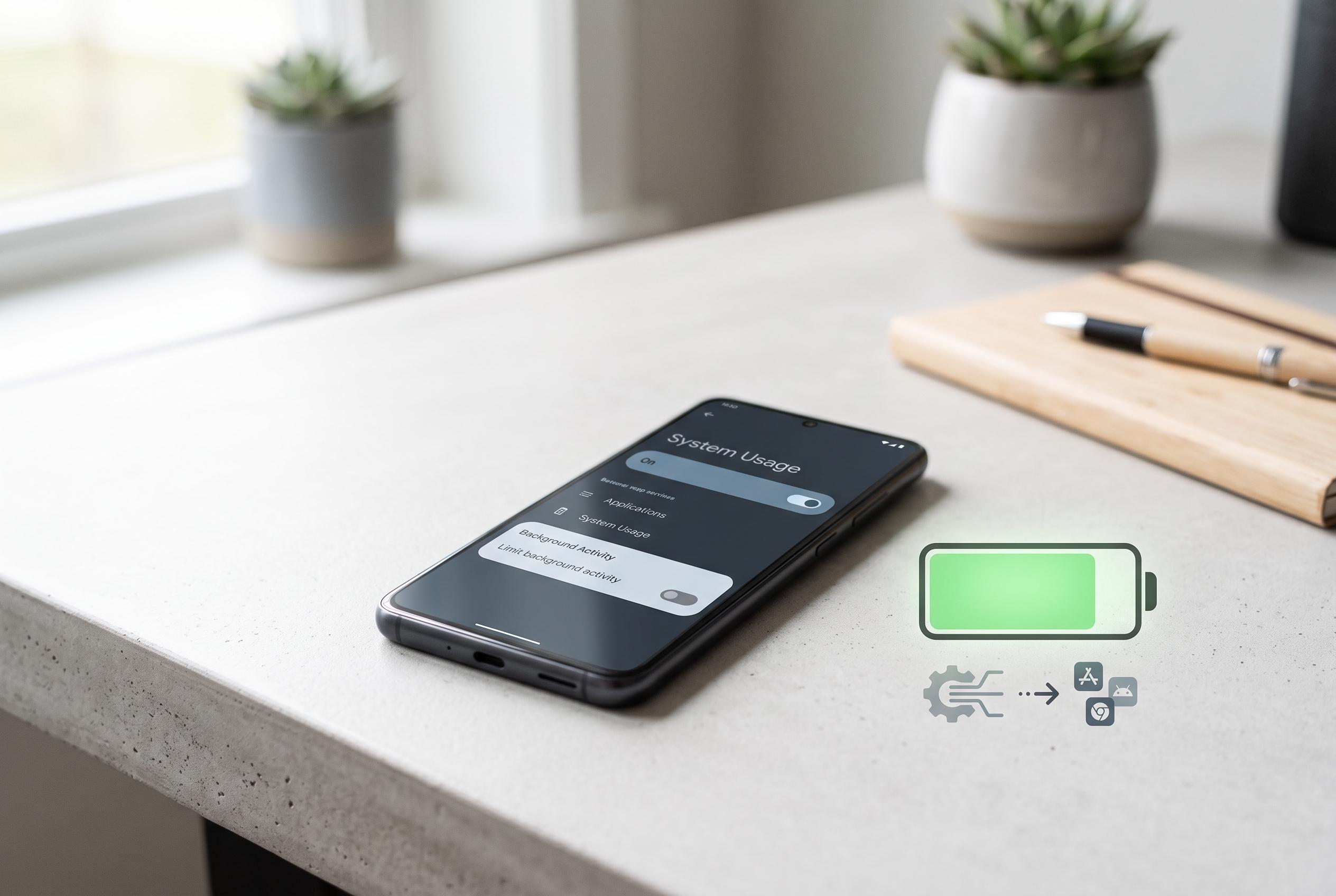

Many Android users experience rapid battery drain not due to hardware but because of background processes within Google Play Services. Simple tweaks in settings can significantly extend battery life and reduce data use.
Many Android users blame ageing hardware when battery life deteriorates, but the real cause is often a service running quietly in the background. In this case, the issue was not the phone’s battery at all, but Google Play Services and the way it was allowed to keep working when the device was idle. The result was a handset that was losing charge far faster than expected, despite light use.
The key distinction is that Google Play Services is not a normal app. It is a system layer that supports sign-in, push notifications, Maps, Gmail, Play Store functions and other Google features. Disabling it outright would break basic behaviour on an Android device. The more useful approach is to limit background data and background sync, so the service still works when opened but is not constantly active when the phone is not being used.
That matters because several background processes can drain power without drawing attention to themselves. Google says Location Accuracy can rely on Wi-Fi, mobile networks and sensors to improve positioning even in the background. At the same time, account synchronisation can keep checking for changes across services such as Calendar, Contacts, Drive, Gmail and Chrome, which uses both battery and data. Other guides on Android battery drain also point to account pruning, location restrictions and sync controls as practical ways to reduce the load.
The fix described here is straightforward. In Android Settings, users can open Apps, choose a Google app or Google Play Services, then go into Mobile data and switch off Allow background data usage. They can also go to Accounts, select their Google account and disable syncing for services they do not need updated in real time. Google says manual refreshing and normal app use still work, but silent background activity is reduced. That can produce a meaningful improvement: less overnight drain, lower data usage and noticeably more charge left at the end of the day.
Disclaimer: This content is intended for informational purposes only. Readers are advised to exercise their own judgement, conduct due diligence, or consult a qualified expert before acting on any information provided.



