

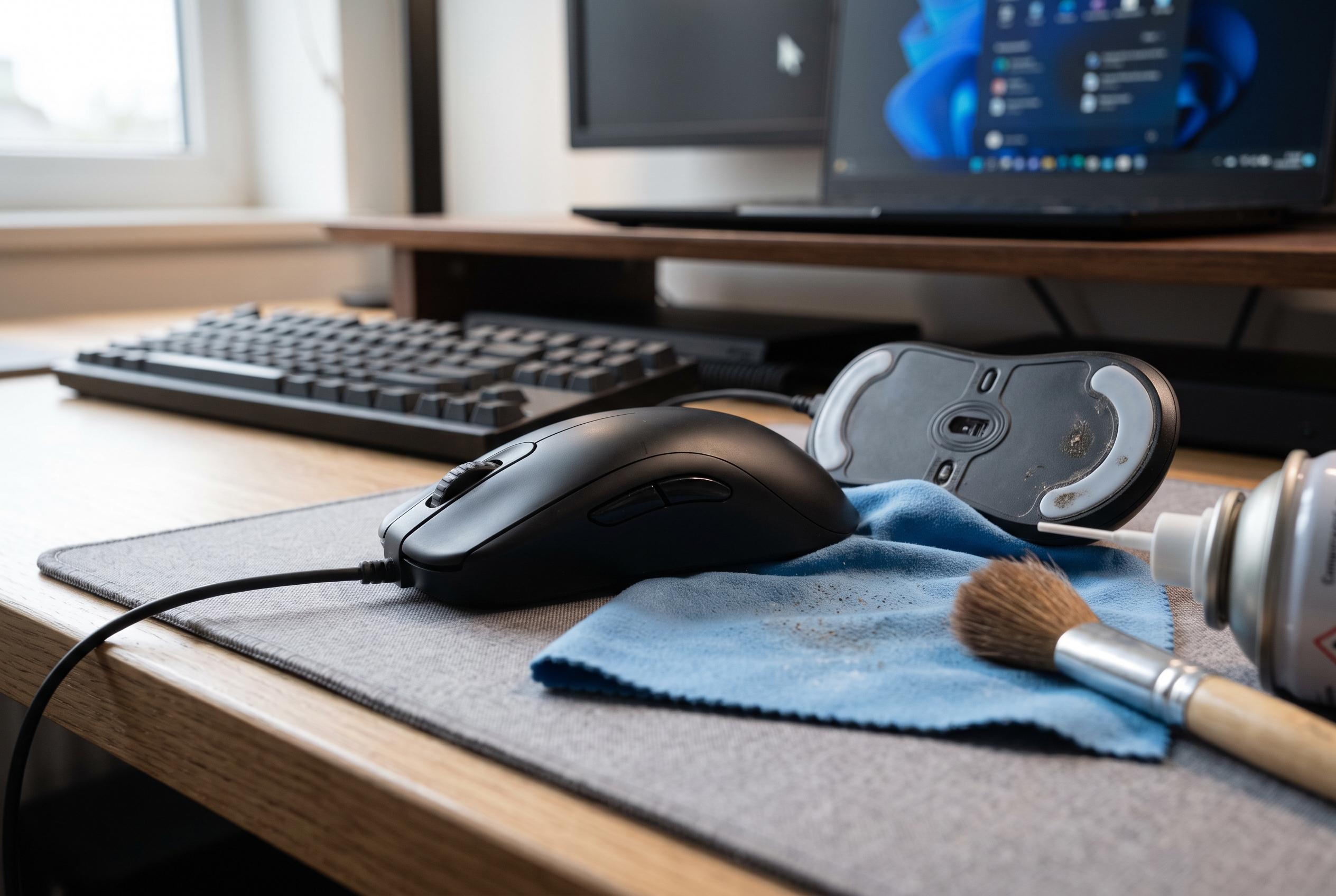

Routine cleaning and software upkeep are vital to extend the performance and longevity of gaming mice amidst daily wear and tear, new cleaning tips emerge as gamers seek to optimise their gear.
A gaming mouse is a precision tool, but it is also a high-wear device. Frequent movement, sweat, dust and repeated button actuation all take a toll. Tom’s Hardware notes that mice are among the peripherals most likely to show wear first, with many lasting around two to three years depending on build quality and use. That makes regular maintenance less of a cosmetic habit than a practical safeguard for performance and longevity.
The basic rule is simple: power it down, unplug it or remove the battery before cleaning. Corsair and other hardware guides recommend a soft microfibre cloth, cotton swabs, compressed air and a wooden or plastic pick for tight gaps. A cloth lightly dampened with water or isopropyl alcohol is usually enough for the shell, buttons and wheel housing. The key is restraint. Liquids should never be sprayed directly on the mouse, and the device should never be submerged.
The sensor needs equal care. Dust around the lens can lead to erratic tracking, cursor skipping or reduced responsiveness. Cleaning guides from GamerGear and ComputerStationNation advise using compressed air first, then a dry swab if debris remains. The sensor window is delicate, so abrasive tools and excessive pressure should be avoided. The same applies to the mouse feet and the pad beneath them, which should be kept free of grit to preserve glide.
Cable condition matters as much as surface cleanliness on wired models. Frayed insulation, sharp bends and pinched sections can all cause instability. Tom’s Hardware also recommends looking for well-made cables and detachable or low-drag designs when buying replacement gear, because better construction tends to reduce long-term failure. For wireless mice, stable positioning of the USB receiver helps avoid connection drops, while the battery and charging port should be checked for dirt and wear.
Software maintenance is easy to overlook, but it can be decisive. Driver updates and firmware fixes can improve sensor behaviour, button mapping and profile handling. Many manufacturers also include diagnostics and calibration tools in their configuration software. That makes it worth checking the official support page periodically, especially if the mouse begins to double-click, lag or behave inconsistently. Hardware care and software upkeep work best together.
Storage and daily handling complete the picture. Keep the mouse in a dry place, avoid heat and direct sun, and use clean hands to reduce the transfer of oils that can leave coatings glossy or sticky. If the surface texture is already wearing down, grip tape can help preserve control. Regular, careful maintenance will not make a mouse immortal, but it can extend useful life, keep tracking reliable and delay the point at which replacement becomes necessary.
Disclaimer: This content is intended for informational purposes only. Readers are advised to exercise their own judgement, conduct due diligence, or consult a qualified expert before acting on any information provided.



