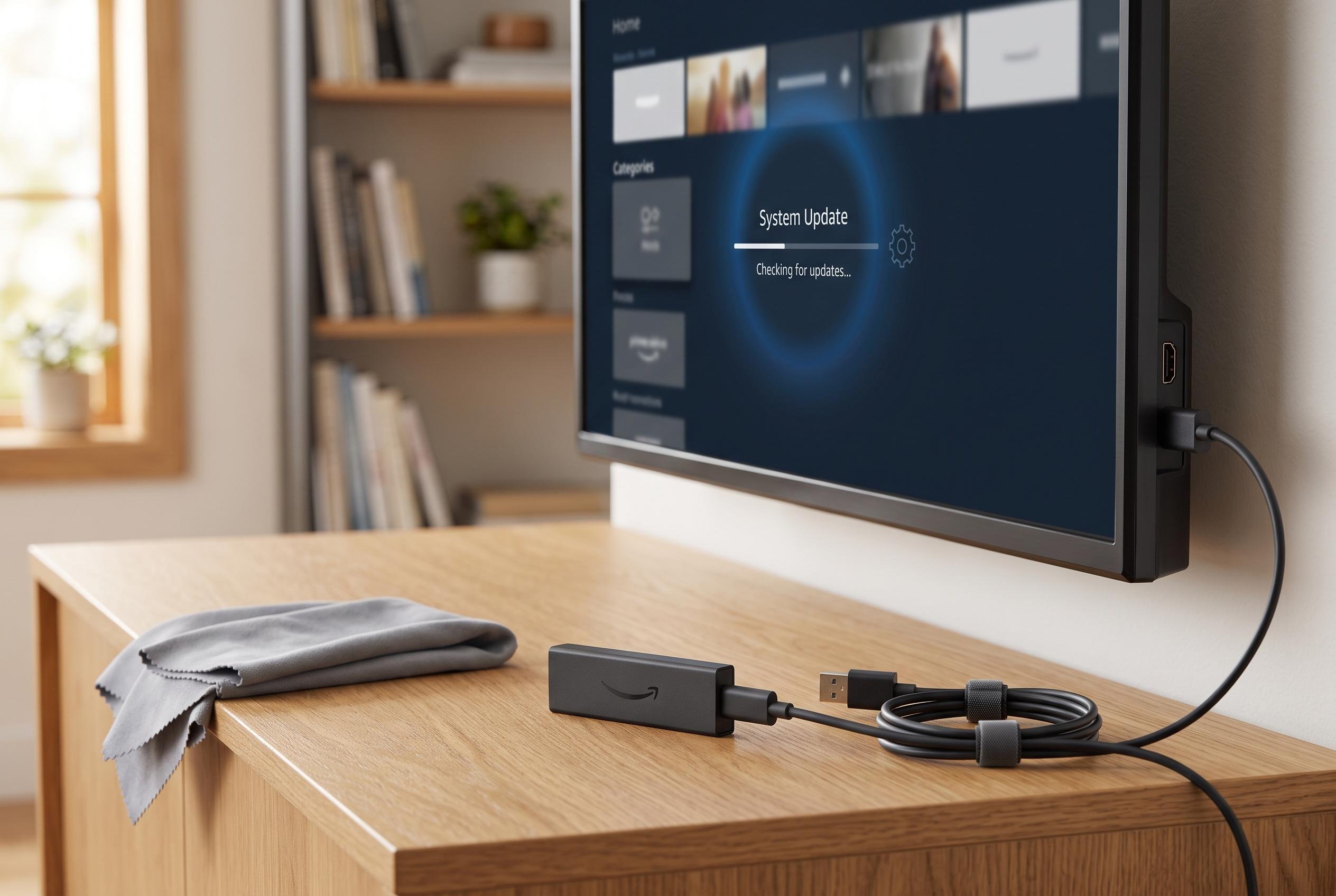

Simple software tweaks and maintenance routines can significantly improve the performance and extend the lifespan of your Fire TV Stick, avoiding premature replacements and enhancing streaming experience.
Fire TV Stick owners often discover that the device feels slower after months of use, even though the hardware itself has not changed. In practice, the most common causes are modest storage, limited memory and software clutter rather than age alone. Guides from Android Authority, Asurion, Tom’s Guide and XDA all point to the same basic conclusion: a sluggish Fire TV Stick can usually be improved with routine maintenance, not replacement.
One of the most effective steps is to remove apps that are no longer needed. Unused apps take up storage and can still contribute to background activity, which leaves fewer resources available for streaming and navigation. The same logic applies to force-stopping apps that remain active when they are not being used. Tom’s Guide and XDA both note that this can ease lag and reduce the kind of loading delays that make the device feel unresponsive.
Cache management is another important part of keeping the stick responsive. Temporary files are meant to speed up app loading, but they can become counterproductive when they build up across multiple services, especially on devices with limited storage. Android Authority and Asurion both recommend clearing cache through the Fire TV settings menu, while XDA suggests making it a regular habit rather than waiting for problems to appear. In some cases, the device will clear cache automatically, but only under certain storage conditions.
It also helps to disable features that consume resources in the background without improving playback. Among the options commonly mentioned are data monitoring, autoplay and usage tracking. XDA argues that switching these off can improve both performance and privacy, and Tom’s Guide similarly highlights data monitoring as a setting worth changing. Beyond software, heat can also affect performance, so checking ventilation and using an HDMI extender where needed may prevent avoidable slowdowns. Taken together, these small adjustments can extend the useful life of a Fire TV Stick by years.
Disclaimer: This content is intended for informational purposes only. Readers are advised to exercise their own judgement, conduct due diligence, or consult a qualified expert before acting on any information provided.