

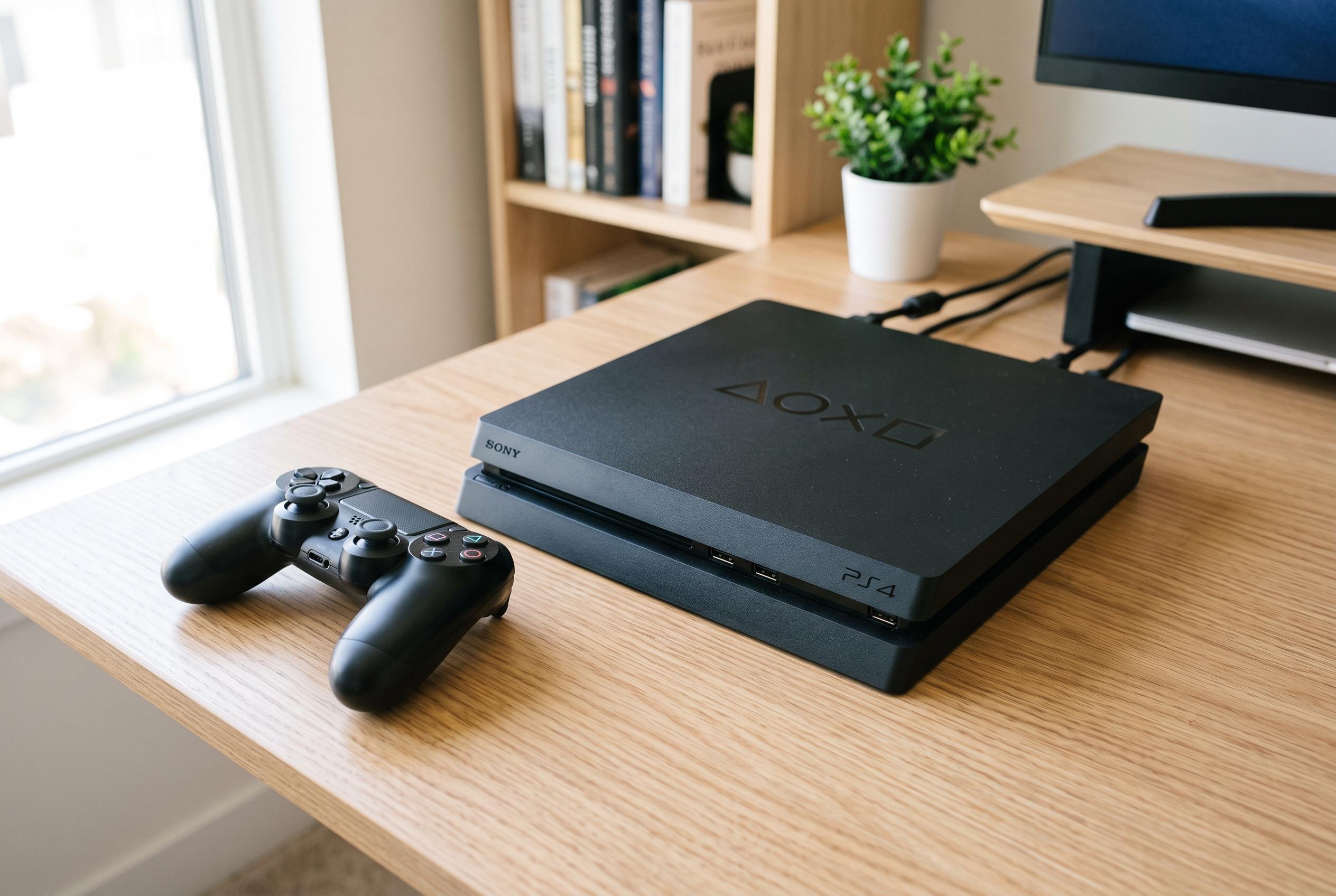

Regular maintenance and early diagnosis of common hardware and software faults can extend the lifespan and performance of your PlayStation 4, ensuring smoother gaming experiences.
After long use, a PlayStation 4 can begin to show faults that affect load times, image quality and overall stability. The console may freeze, shut down without warning, make unusual noises or fail to start at all. Dust build-up, failing components, overheating and software corruption are among the most common causes, and early diagnosis can prevent a minor fault from becoming a larger one.
Hardware problems often appear first in the storage drive, power supply, disc drive, controller connection or HDMI port. Professional repair services typically begin with inspection and testing before deciding whether a part needs repair, replacement or further diagnostics. That approach matters because several PS4 symptoms can look similar even when the underlying fault is different.
Software errors can also make the system seem worse than it is. According to PlayStation’s support guidance, problems with system software, corrupted data or storage issues can often be addressed through Safe Mode tools such as Rebuild Database and, in some cases, a full reinstall of system software. The company also recommends using its repairs diagnostic route when basic troubleshooting does not resolve the fault.
Overheating is another frequent cause of poor performance. When vents are blocked or internal dust restricts airflow, the console can run hotter than it should, which may trigger slowdowns, instability or sudden shutdowns. Cleaning internal parts properly, keeping the console in a well-ventilated place and checking the cooling system can all help it operate more consistently.
Disc-reading faults and storage problems can stop games from installing correctly or prevent saved data from loading. PlayStation’s support materials advise testing discs, cleaning media, trying Safe Mode options and, if needed, using manual ejection procedures for stuck discs. If those steps fail, the issue may lie with the drive mechanism or another internal component that needs professional attention.
For owners looking to keep a PS4 in service for longer, the basics still matter: keep the console clear of dust, avoid covering the vents, apply system updates and act quickly if it begins making strange noises or showing repeated performance problems. With careful maintenance and proper servicing, the console can often recover much of its original stability and remain usable for longer.
Disclaimer: This content is intended for informational purposes only. Readers are advised to exercise their own judgement, conduct due diligence, or consult a qualified expert before acting on any information provided.



