

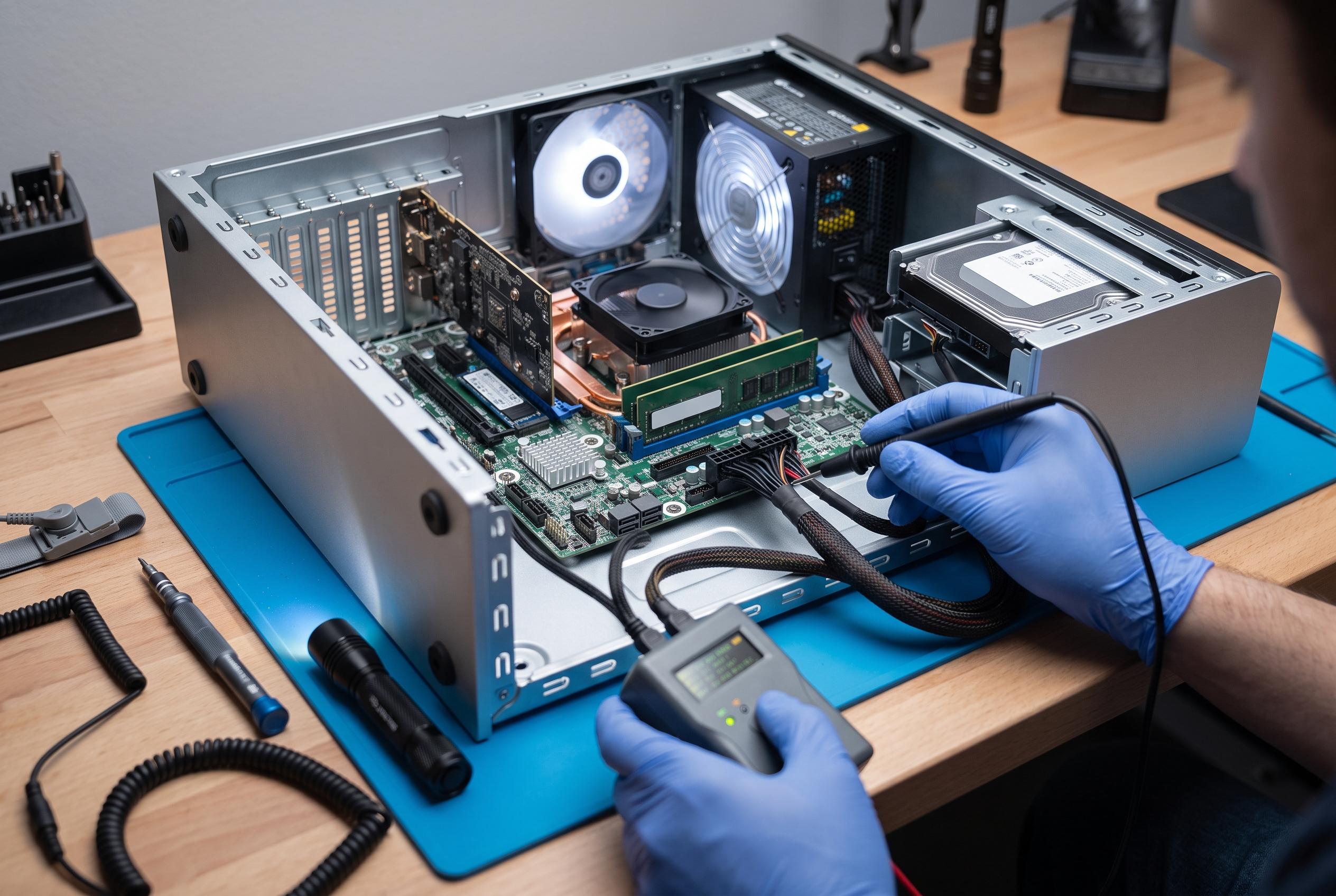

Unexpected computer restarts can stem from hidden hardware faults rather than software glitches. Learn the essential tools and methods to identify failing components like storage, RAM, and power supply before costly repairs.
When a PC begins to restart without warning, the obvious suspects are often the wrong ones. Windows updates, drivers and even a full reinstall can be red herrings if the fault lies in hardware that is failing quietly rather than dramatically. As Navigaweb notes, modern components do not always give mechanical warning signs before they fail, so the sensible approach is to check the parts that Windows diagnostics often overlook.
The first useful checks are already built into the operating system. The msinfo32 command opens a system summary that identifies the motherboard and the rest of the platform, which is useful when looking for BIOS updates or the right drivers from the manufacturer. The dxdiag tool is equally helpful for graphics problems, because it shows the video card configuration and the amount of dedicated VRAM, which should not be confused with shared memory borrowed from system RAM.
Storage is a common source of abrupt crashes, especially with SSDs and NVMe drives that can fail without much warning. The article recommends CrystalDiskInfo for checking the drive’s health data, including wear indicators such as TBW. For older mechanical drives, even a small number of reallocated sectors is a serious warning sign. The practical response is not to try to “repair” the disk in software, but to back up data immediately and plan replacement.
Memory faults are harder to spot because they can appear only under load, such as during gaming or heavy browser use. MemTest86 is designed for that job. According to the company, it is a free, stand-alone tester that boots from USB, supports current memory technologies including DDR5, and provides detailed reporting. Its value is that it tests RAM outside Windows, which means it can expose errors that ordinary in-system checks may miss.
Heat and power issues are the other major hidden causes. A machine that runs well for a few minutes and then slows down may be throttling itself to avoid overheating. The article recommends HWiNFO for monitoring sensors and Cinebench for creating sustained load. Sudden restarts under stress can point to the power supply, particularly if voltage dips appear only when the processor and graphics card are both pushed hard. In that case, the fault is usually hardware, not software.
The same principle applies when identifying components and avoiding misleading labels. CPU-Z can show the actual memory chips fitted to a module, which helps when matching replacement RAM. GPU-Z can help expose suspicious graphics cards sold under false descriptions. For people who want a lighter monitoring tool, the article points to LibreHardwareMonitor as a straightforward open-source alternative for temperatures, voltages and fan speeds without added clutter.
There are also a few important limits to keep in mind. Stress tests will make fans run loudly, which is normal. Software cannot truly repair physically damaged parts, whatever the marketing claims. And in very slim laptops, high temperatures and throttling may be a design constraint rather than a defect. The useful habit is to test a new PC early, record its normal temperatures and compare them later, because those baseline figures are often the clearest clue to whether a system is ageing normally or beginning to fail.
Disclaimer: This content is intended for informational purposes only. Readers are advised to exercise their own judgement, conduct due diligence, or consult a qualified expert before acting on any information provided.



