

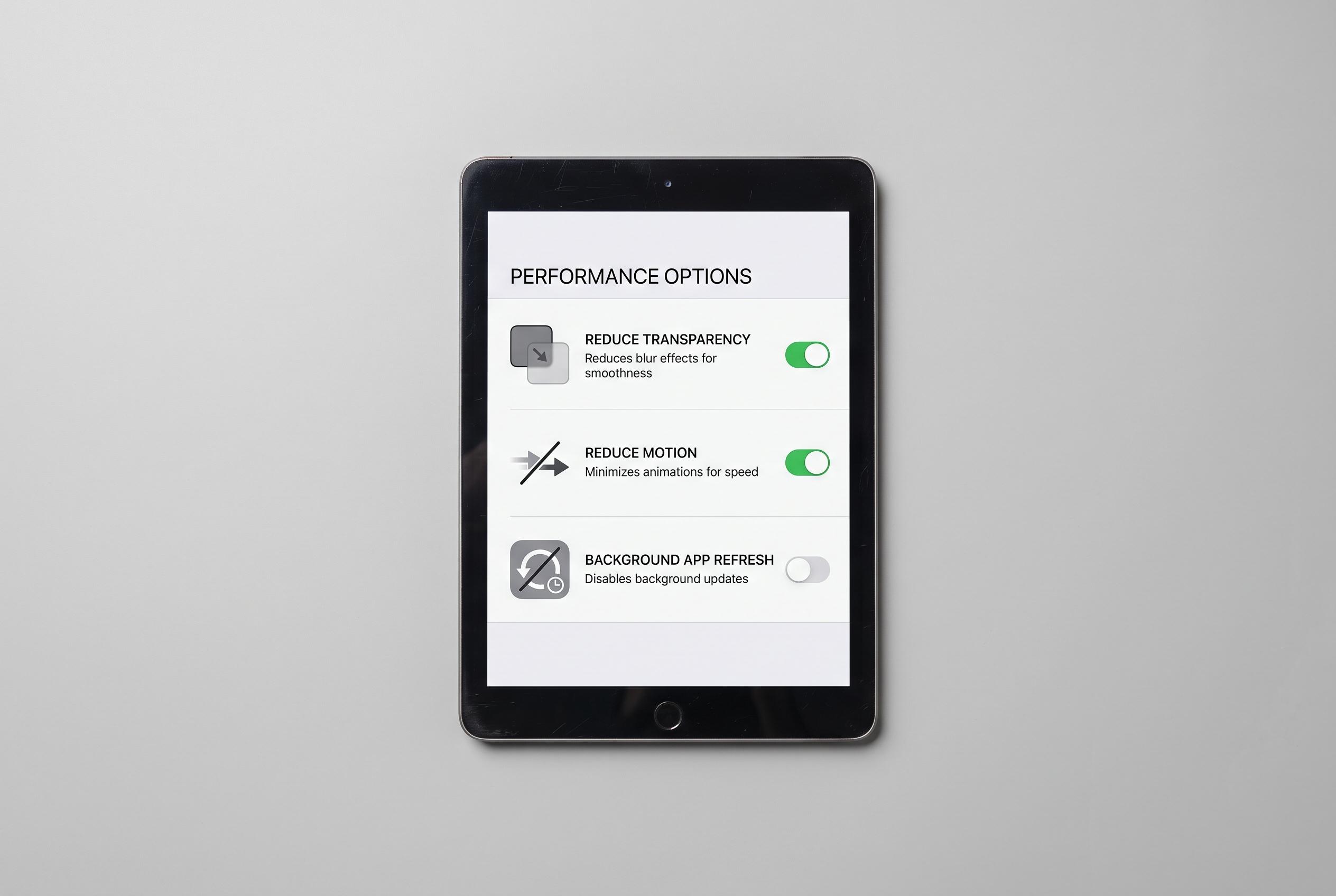

Adjusting visual and background settings on older iPads, such as reducing transparency, motion, and background app refresh, can significantly improve responsiveness and usability, prolonging the device’s lifespan.
An ageing iPad can remain usable for longer if some of iPadOS’s heavier visual and background features are pared back. In this case, the main problem is not just age, but also limited storage and Apple’s more graphics-intensive interface design, which can make older hardware feel less responsive. According to Apple Support, reducing motion and transparency can lower the amount of on-screen animation and visual processing the device has to handle.
One of the most effective changes is to turn on Reduce Transparency in Accessibility settings. Apple says this increases contrast by reducing translucency in parts of the interface, while MacRumors notes that the result is a more opaque look across elements such as Control Centre, app icons and folders. It does not remove the design entirely, but it can make the system feel less demanding and easier to read.
Reduce Motion is another useful adjustment. Apple explains that it cuts down the movement of screen transitions, parallax effects and certain animations, which can help reduce visual strain and lessen the load created by repeated graphical effects. On older tablets, that can make everyday navigation feel more direct, even if the change is initially noticeable.
The third setting worth changing is Background App Refresh. Apple’s broader guidance on motion and performance-related settings makes clear that trimming unnecessary system activity can improve responsiveness, and background fetching is a common source of that extra work. On a device with limited memory and storage, turning the feature off completely, or restricting it app by app, can help preserve battery life and reduce slowdowns when you are actually using the tablet.
Disclaimer: This content is intended for informational purposes only. Readers are advised to exercise their own judgement, conduct due diligence, or consult a qualified expert before acting on any information provided.



