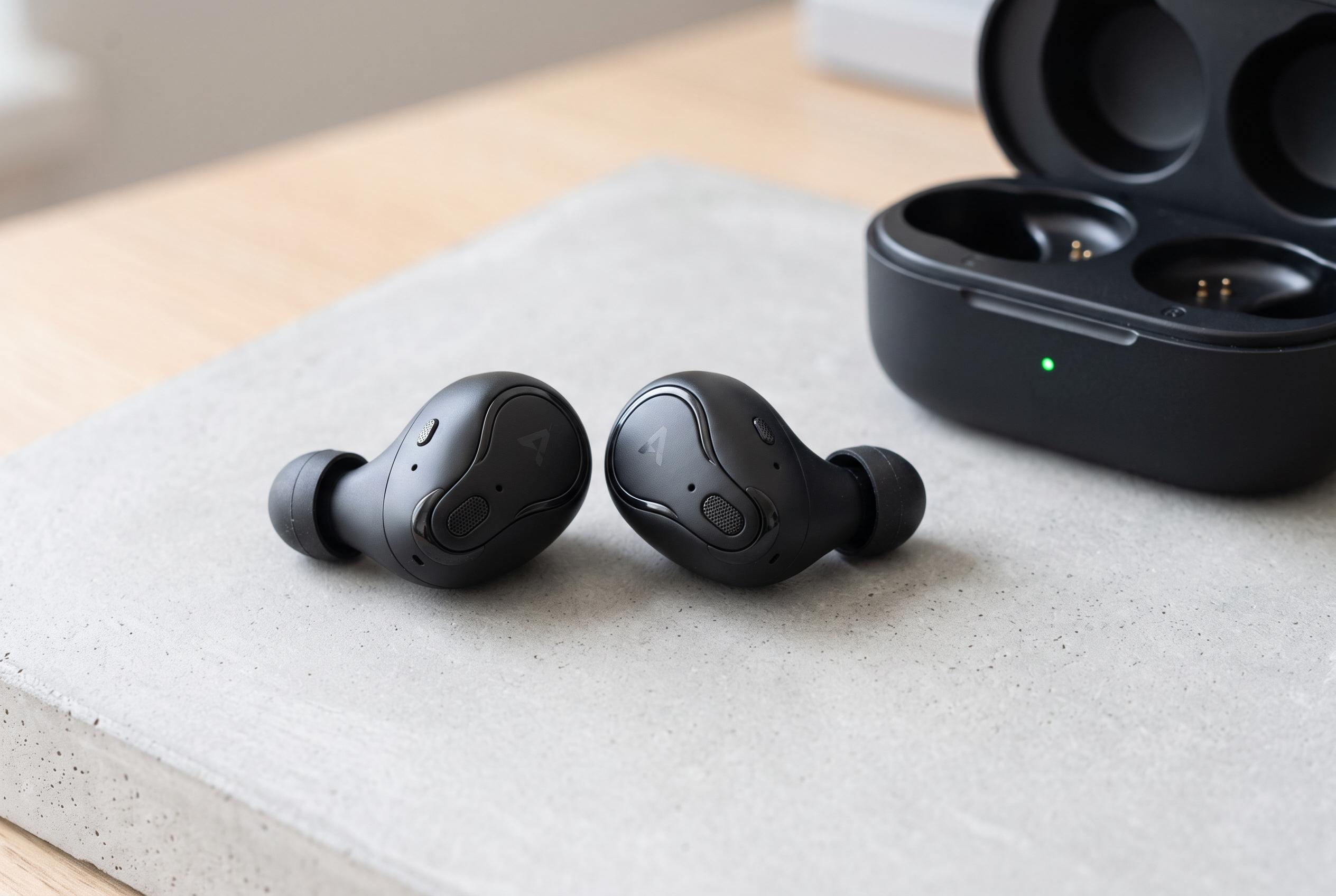

Despite advancements in sound quality and connectivity, users still face intermittent audio, noise cancellation problems, and battery drain. Experts recommend troubleshooting steps like re-pairing, firmware updates, cleaning, and setting adjustments to enhance performance.
Wireless earbuds have moved from novelty to default for many listeners, helped by the arrival of Apple’s AirPods and by the broad adoption of similar products from phone and audio makers. Yet even as sound quality, connection stability and latency have improved, common faults still frustrate users, from drop-outs and weak noise cancellation to faster-than-expected battery drain.
One of the most frequent complaints is intermittent audio. Thanh Nien says the first step is usually simple: disconnect the earbuds and pair them again. If that does not work, remove the device from Bluetooth settings and set it up afresh. Reviews from SoundGuys, SlashGear and TOZO also point to software updates and firmware fixes as a basic but often effective remedy, because manufacturers sometimes improve stability after release.
Interference is another likely cause. According to SoundGuys and Audionic, crowded wireless environments can disrupt performance, especially where there are many Wi-Fi signals or nearby Bluetooth devices. In practice, that means moving away from competing signals, checking the source device and making sure the earbuds are within a sensible range of the phone or laptop.
Poor active noise cancellation is often a fit problem rather than a hardware fault. Thanh Nien notes that dust can clog microphones and that the buds need a proper seal in the ear to work well. SoundGuys makes the same point and adds that changing ear-tip sizes can improve isolation. Tom’s Guide also warns that cleaning should be done carefully, because aggressive methods can damage the buds rather than restore them.
Battery complaints are equally common, but they do not always mean the earbuds are broken. Thanh Nien says users should switch off features such as active noise cancellation or spatial audio when they are not needed, while SlashGear and TOZO also highlight battery drain as a routine issue that can often be reduced through settings changes and firmware updates. If the earbuds are old, though, degraded cells may leave replacement or an upgrade as the only realistic option.
Latency, or the delay between picture and sound, can also make wireless listening feel unreliable. Thanh Nien says re-pairing the earbuds, checking for updates and selecting the best available audio codec can help. Some models also include a low-latency mode for gaming, which can narrow the gap between what users see and hear. In many cases, then, the answer is not to replace the earbuds immediately but to adjust settings, clean them properly and update the software first.
Disclaimer: This content is intended for informational purposes only. Readers are advised to exercise their own judgement, conduct due diligence, or consult a qualified expert before acting on any information provided.