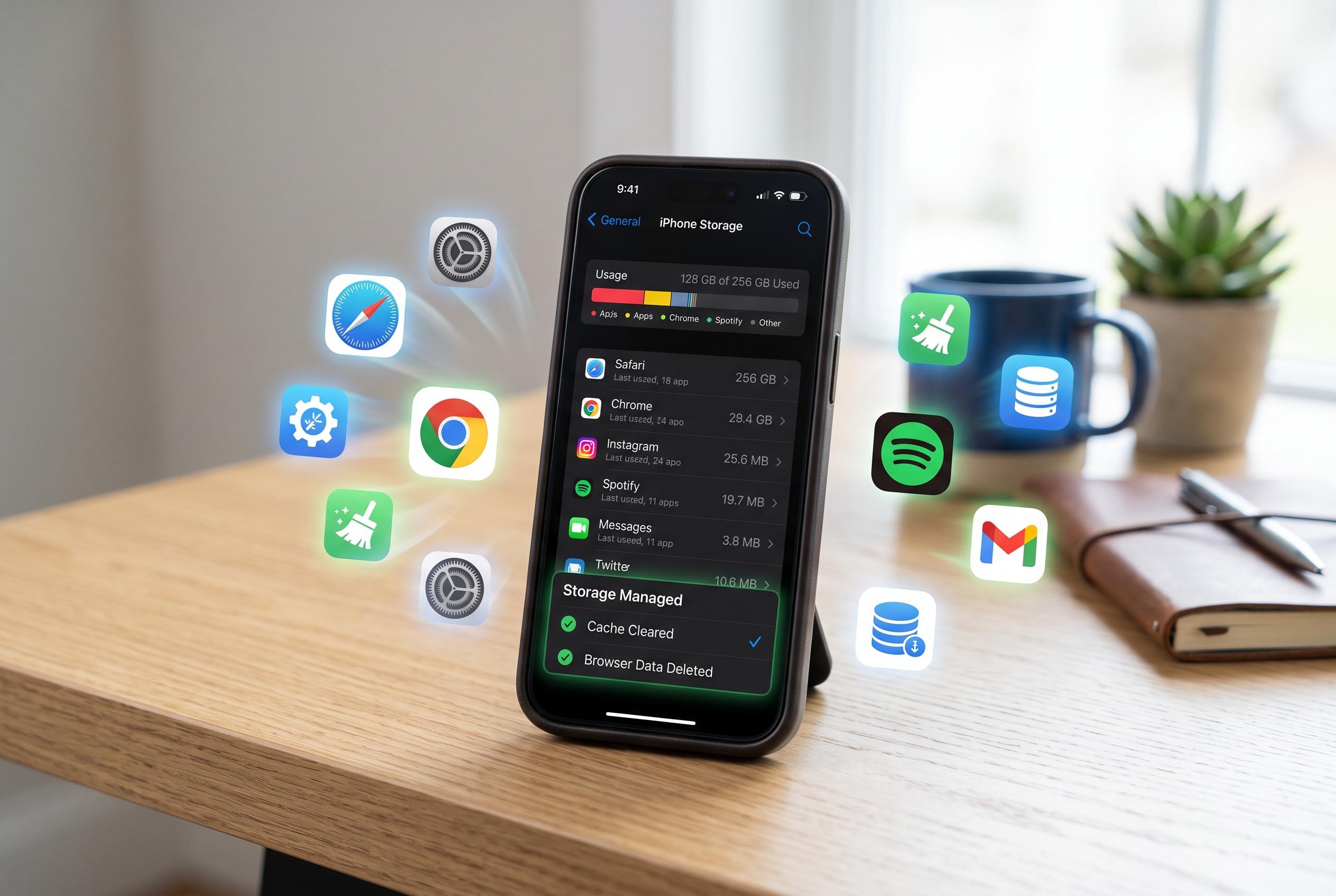

Regularly clearing cache on iPhone apps and browsers can reclaim space and improve responsiveness, with simple steps tailored to each app and browser setting.
Keeping an iPhone leaner and quicker often starts with the cache, the temporary files apps and browsers store so they can load familiar content faster. Over time, though, those files can pile up, taking up storage and sometimes making a device feel less responsive. Geeky Gadgets, drawing on a video from iReviews, says a regular clear-out can help reclaim space and keep everyday apps running more smoothly.
The practical advice is simple: different apps hide their cache controls in different places. Snapchat lets users clear cache from its privacy controls, Spotify offers a storage setting for removing cached music data, Reddit has a local history option in its settings and TikTok includes a free-up-space tool under its cache and cellular menu. Tech sites such as iDownloadBlog and DevX add that offloading apps and checking browser data can also be useful when storage is tight.
Browsers are another common source of clutter. Chrome users can clear browsing data through the history menu, while Safari users can remove history and website data from iPhone settings, with a more selective option under advanced website data. Firefox also provides a privacy menu for deleting cached files. According to guides from DevX and iDownloadBlog, these steps can be especially helpful when a browser becomes sluggish or starts holding on to too much site data.
Other guides go a step further, noting that clearing cache is not a cure-all but can be a useful maintenance habit. TechtideTV says the process may help with slow performance and app glitches, while Z Pro Studio highlights that users should distinguish between cache, downloads and other stored files so they do not remove data they still want to keep. In practice, that means clearing temporary files where they are bloated, while leaving offline music, saved media or essential login data untouched unless removal is intentional.
For iPhone owners trying to free up room without deleting personal content, the appeal of cache clearing is that it offers a relatively low-risk clean-up. The broad message across the guides is consistent: check which apps are using the most space, clear what is safe to remove and repeat the process when storage starts to run low. Used sensibly, it can be an easy way to keep the phone organised and avoid unnecessary slowdown.
Disclaimer: This content is intended for informational purposes only. Readers are advised to exercise their own judgement, conduct due diligence, or consult a qualified expert before acting on any information provided.