


Prebuilt desktops can hide limitations behind proprietary components, complicating future upgrades. Learn how to spot and avoid these traps to keep your options open.
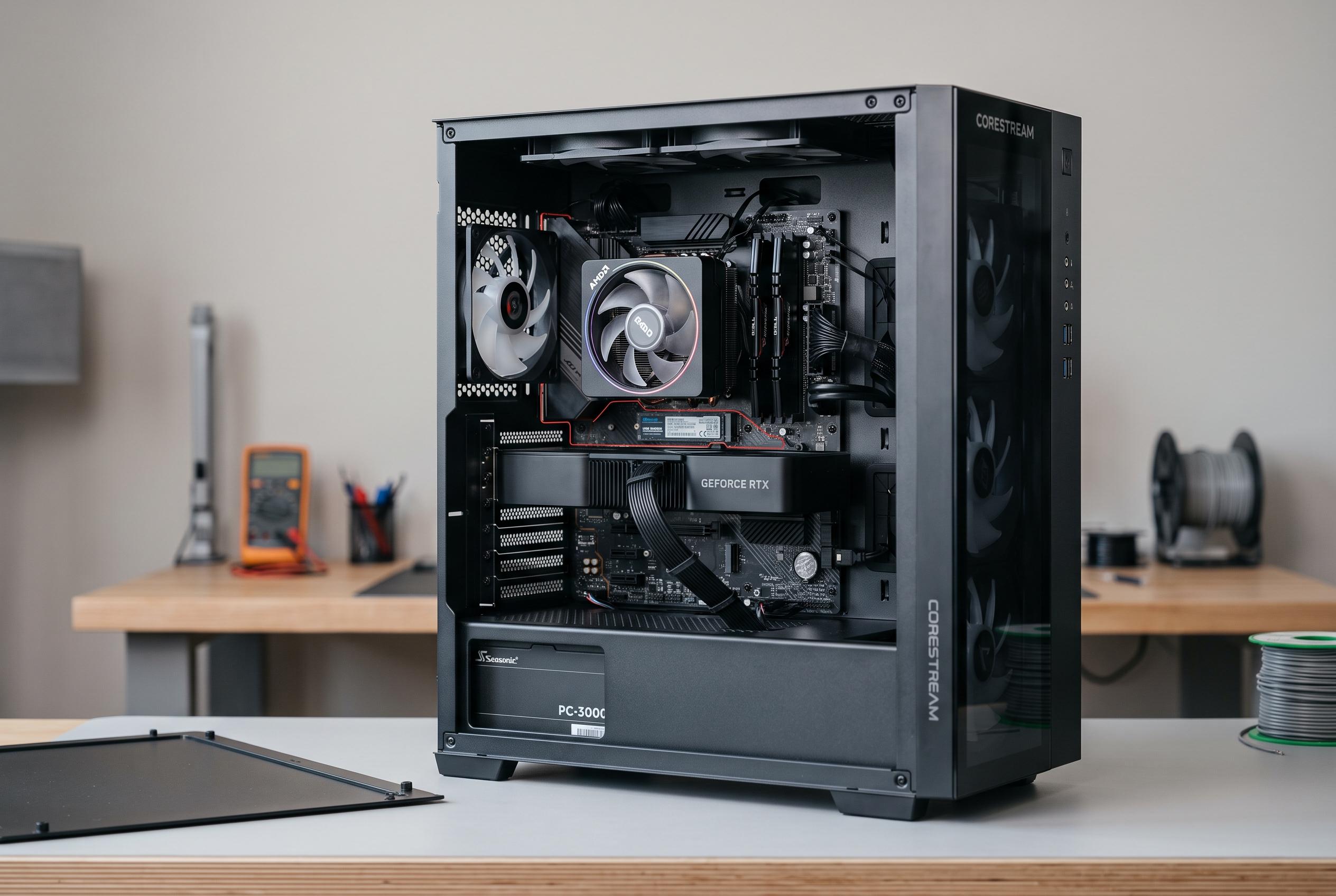
A prebuilt PC can look straightforward on the shop page and still hide awkward limitations once you open the case. The clearest clues are physical: the motherboard outline, the main power plug, the power-supply shape, the front-panel wiring and the CPU cooler mount. If those parts follow common ATX conventions, future repairs and upgrades are usually simpler. If they do not, the machine may work perfectly well but tie you to the original manufacturer for replacements. Tom’s Hardware notes that many desktops from Dell, HP, Lenovo and Acer use OEM-specific boards, which can complicate later upgrades.
The first thing to check is the motherboard itself. A standard micro-ATX or ATX board has a familiar rectangular layout, standard screw positions and a rear I/O area that lines up with a normal case opening. Warning signs include odd shapes, extensions for front ports, or ports built into an unusual section of the board. Windows Central says that if a prebuilt uses proprietary parts, upgrade options may narrow sharply, often leaving memory, storage and sometimes the graphics card as the only practical changes.
Power connections are just as important. A normal desktop motherboard should take a 24-pin main connector, with a separate 4-pin or 8-pin CPU power lead near the processor socket. Any smaller or unusual connector deserves caution, because matching the plug shape is not enough; the pinout still has to be correct. The practical advice from TechGuided and other teardown guides is to inspect the board, PSU label and cable ends together, rather than relying on wattage alone.
The power supply itself can be a second trap. A standard ATX unit has familiar dimensions and a rear mounting pattern, while SFX and SFX-L models are smaller but still standardised. Some OEM systems, however, use long, narrow or otherwise customised units that will not fit a retail replacement. Forum discussions on Dell’s community show that even when components are made by major suppliers, they may be altered for a specific chassis, which can leave owners struggling to find compatible substitutes.
Front-panel wiring and cooler hardware can also reveal how locked down a system is. In a conventional case, the power switch, reset switch, LEDs, USB ports and audio jacks usually connect through separate headers. Some manufacturers combine these into a single block or build them into the motherboard, which makes a board swap far more awkward. A similar problem can appear with CPU coolers if the mounting holes, backplate or fan signalling are non-standard. Bottleneck Calculator’s advice is to verify these details against manufacturer documentation and user photographs before buying.
The safest way to confirm all of this is through the exact model number and its service manual, not the sales listing. Service documents often reveal the board layout, supported processors, storage bays, replacement part numbers and connector types. TechYorker and Tom’s Hardware both stress that OEM systems often hide important details behind serial numbers or service tags, so the model revision matters. That is especially useful for refurbished desktops, where an older proprietary board or PSU may be hard to source later.
In practice, proprietary parts are not automatically a flaw. They can help a manufacturer build a compact, efficient machine. The drawback is flexibility: a future graphics-card upgrade may require a different power supply, which in turn may not fit or connect to the board, and that can force a larger rebuild than expected. That is why buyers should judge the whole upgrade path, not just the headline specifications.
Disclaimer: This content is intended for informational purposes only. Readers are advised to exercise their own judgement, conduct due diligence, or consult a qualified expert before acting on any information provided.



