

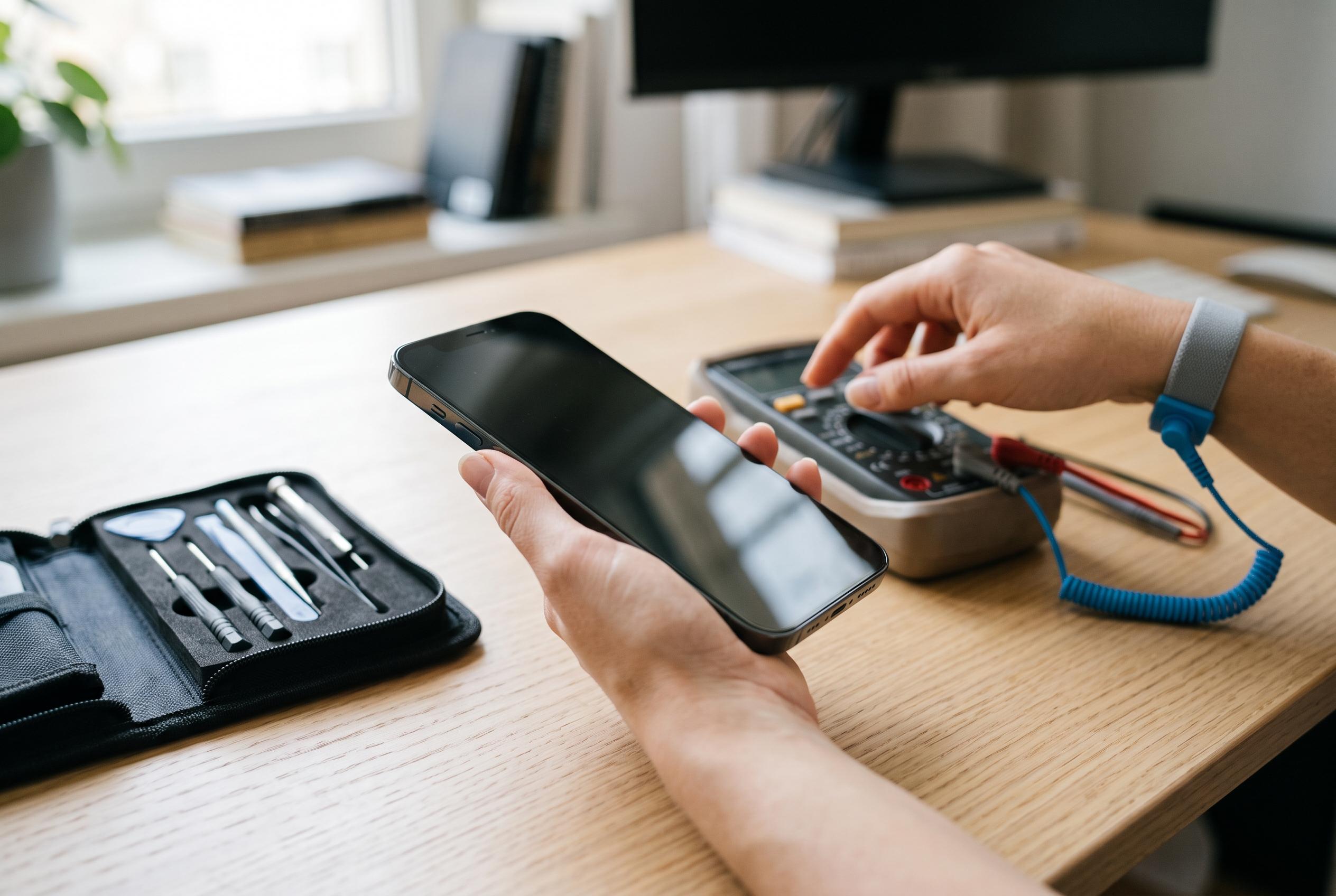

Understanding the signs of hardware failure in smartphones can help users avoid unnecessary replacements, with expert guidance on diagnosing display, battery, and performance issues before seeking repairs.
A phone that starts behaving oddly does not always need replacing. In many cases, the warning signs point to one part that is ageing or failing, rather than to the handset as a whole. That distinction matters, because display faults, battery wear and software trouble can look similar at first glance. According to Samsung’s support material and battery guidance, users should treat sudden glitches as a signal to test the device carefully before assuming the worst.
The screen is often the easiest place to spot trouble. Google’s Android guidance says common symptoms include an unresponsive touch panel, flickering, jumping, dead pixels or a completely blank display. Samsung adds that black spots, abnormal lines, cracked glass and other visible damage can also indicate a physical fault. Before booking a repair, it is sensible to clean the screen, remove any case or protector that may interfere, and restart the device, because temporary software problems can mimic hardware failure. If the problem remains after those checks, a professional inspection is the safer next step.
Battery wear tends to show up more gradually. The clearest warning sign is shorter running time than before, but unexpected shutdowns and poor charging behaviour are also typical. SamMobile notes that lithium-ion batteries naturally lose capacity over repeated charge cycles, which is why a phone can begin to die earlier in the day even when it once lasted much longer. Samsung’s support pages likewise advise checking battery condition through built-in settings or the Samsung Members app, since background apps and heavy system use can also make a healthy battery seem worse than it is. If the battery health reading is poor, replacement may be the most practical fix.
Sluggish performance does not automatically mean the processor has failed. On older devices, a slow interface can stem from software updates, app conflicts, too many background processes or storage pressure rather than a damaged main chip. That is why the best approach is to match the symptom to the part most likely responsible. If the display is visibly damaged, the battery drains too quickly, or the handset still misbehaves after basic checks and restarts, the issue is more likely to be hardware-related and worth a technician’s assessment.
Disclaimer: This content is intended for informational purposes only. Readers are advised to exercise their own judgement, conduct due diligence, or consult a qualified expert before acting on any information provided.



