

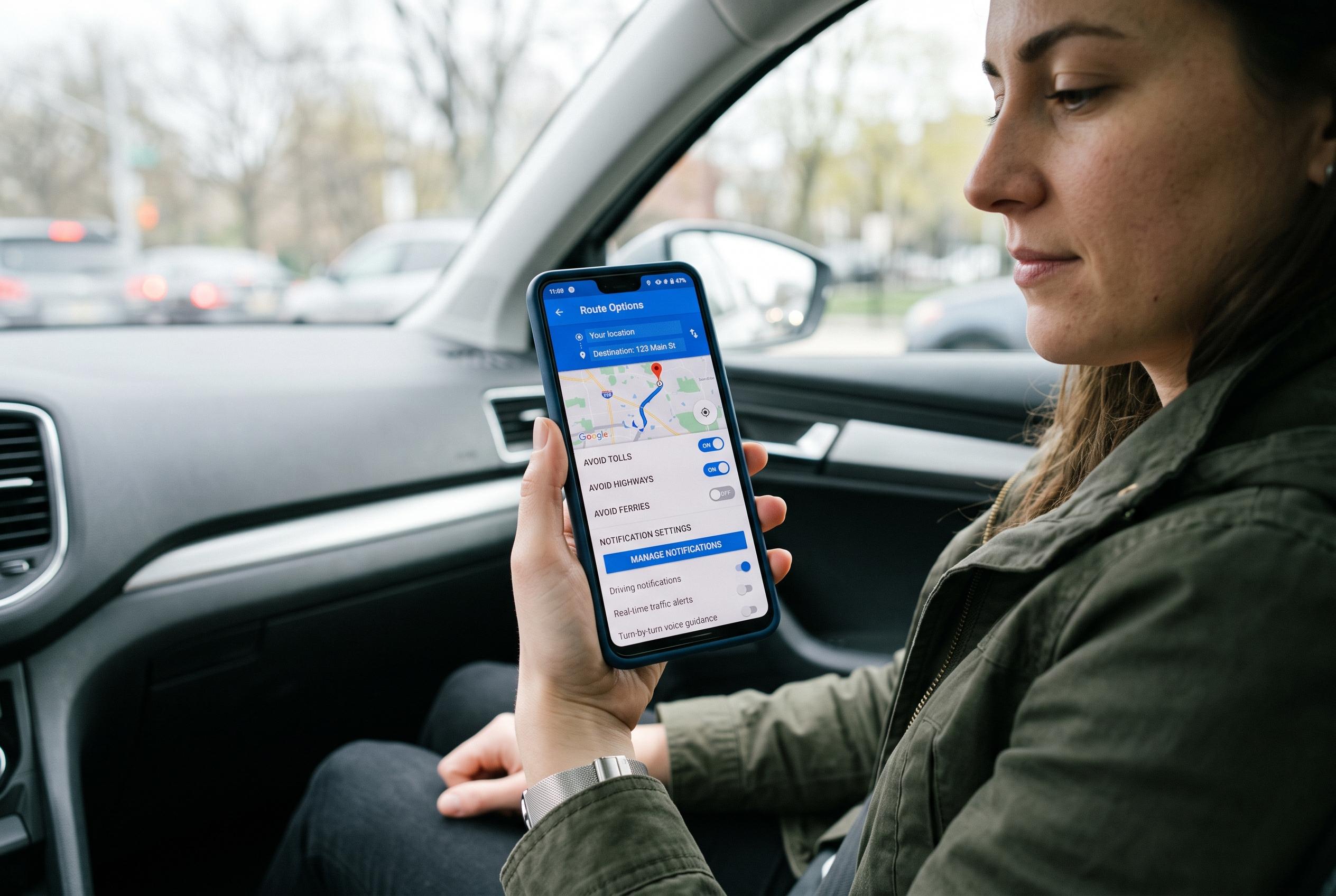

Drivers can enhance their Google Maps experience by fine-tuning settings such as route preferences, notification management, offline maps, and planning tools. These tweaks can lead to more accurate routes, fewer distractions, and better preparation for journeys, as the app evolves with new features like immersive navigation.
Google Maps is a dependable default for many drivers, but its out-of-the-box settings are not always the most useful. Several options buried in the app can reduce small annoyances, improve route quality and make navigation more accurate when conditions change. Google’s own help pages show where the core controls sit on Android and iPhone, while newer coverage points to a wider shift in how the app handles driving guidance.
One setting worth checking first is route preference. Google Maps can prioritise lower fuel use when the time difference is small, which may be helpful for some trips but less so when speed matters. Turning off the low-consumption preference in navigation settings keeps the app from pushing greener routes to the top, while still showing them as alternatives. That gives users more direct control over whether efficiency or speed takes priority.
Notification management is another area where the default can be too broad. Instead of disabling every alert, Android users can open the app’s notification categories and keep only the useful ones, such as traffic, turn-by-turn guidance and location sharing. Google’s help material also makes clear that Maps’ navigation tools include live traffic information, which supports the case for leaving certain alerts enabled and muting less important prompts like review reminders or place suggestions.
Offline maps deserve more attention as well. Downloaded maps can become outdated quickly as roads change, so automatic updates are useful if you rely on the same routes regularly. When the phone is connected to Wi‑Fi, Maps can refresh those files in the background, which helps keep detours, new junctions and bypasses accurate without requiring manual maintenance.
Planning features are also easy to overlook. The option to set a departure time uses historical traffic patterns to estimate travel more realistically than a live snapshot of current congestion. It cannot predict accidents or sudden closures, but it does provide a better starting point for airport runs, appointments and long journeys. Watching the traffic layer before setting off remains useful too, because the coloured roads give a quick view of where delays are building before navigation even begins. Recent reporting also notes that Google has been testing a more immersive navigation mode, underlining how quickly the app is evolving beyond simple route directions.
Disclaimer: This content is intended for informational purposes only. Readers are advised to exercise their own judgement, conduct due diligence, or consult a qualified expert before acting on any information provided.



