
A practical guide to assessing your software spend, distinguishing between ongoing services and tools with fixed utility, and making smarter purchasing decisions to reduce costs and avoid unnecessary subscriptions.
The simplest way to ease subscription fatigue is not to abandon every recurring payment, but to reserve subscriptions for services that genuinely need them and buy outright the software that does not. That distinction matters because many everyday apps are self-contained tools, not ongoing services, and the extra cost of a monthly plan can add up without adding much value. TechRadar notes that this is especially true for small businesses, where perpetual licences can mean ownership and no renewals, while subscriptions trade higher long-term cost for automatic updates, support and flexibility.
The problem is that “lifetime” and “buy once” do not always mean what users expect. A one-off payment may cover only the current version, a single platform or a limited update window, and some products still depend on the vendor’s servers for syncing, storage or processing. Niche Metric says the market has increasingly favoured subscriptions, especially in mobile app stores, but also points out that one-time purchases still make sense for bounded utility apps and creative tools with clear local value.
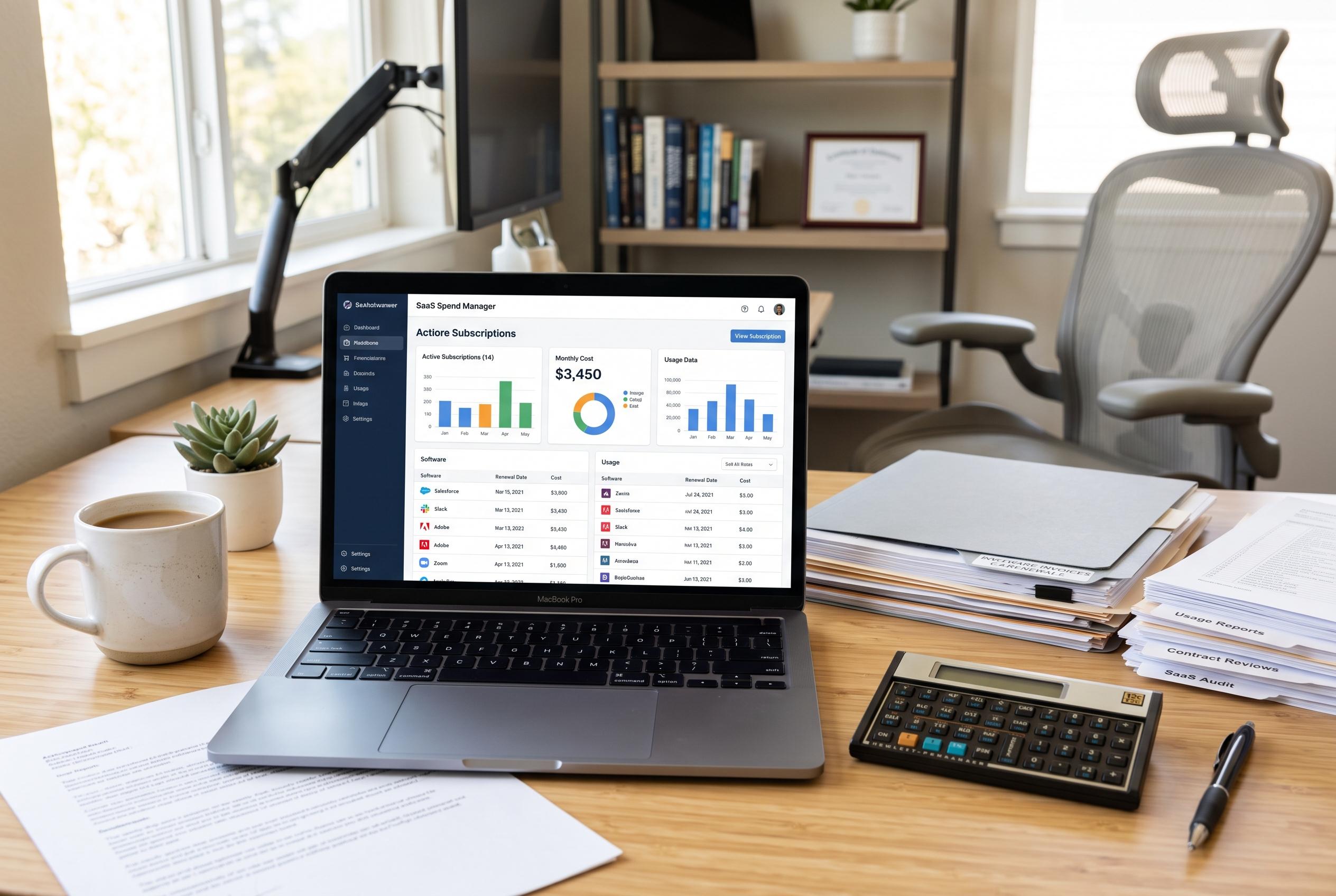
That is why the first step is a proper software audit. Review the last year of card statements, app store receipts, PayPal activity and direct vendor bills, then sort each app into keep, replace, pause or cancel. Look beyond price and ask when you last used it, what data it holds, and which features disappear the moment payment stops. Fera Tech and Airbridge both note that the right monetisation model depends on what the product is actually doing: subscriptions suit services that need ongoing infrastructure, while one-time purchases fit tools with fixed functionality.
It also helps to separate products from services. A local writing app, PDF editor or illustration tool can often be licensed once because most of the work happens on your device. Cloud backup, real-time collaboration, hosting, live data feeds and generative AI are different: they depend on continuing costs that make recurring charges easier to justify. In practice, the key question is whether the software remains useful if the vendor’s service disappears.
Before buying any so-called lifetime deal, read the licence carefully. Some purchases cover only the current major version, while later upgrades cost extra. Others are tied to one operating system, one device family or a specific maintenance period. A lifetime SaaS deal can be even more fragile, because it usually lasts only as long as the service itself. In other words, “forever” often means for as long as the product exists, not for as long as you do.
The most sensible one-time-purchase apps are usually those with clear boundaries and exportable files. Typical examples include writing tools such as Typora and Scrivener, note apps such as UpNote and Things, creative software such as Procreate and DaVinci Resolve Studio, and utilities such as CleanShot X, PDF-XChange Editor and eM Client. These tools can offer real savings, but they still come with trade-offs: platform limits, separate device licences, or extra costs for updates and add-ons.
Some of the best-known names in software show how mixed the market has become. TechRadar points out that Adobe and Salesforce are firmly subscription-led, while Microsoft, Intuit and Apple often mix perpetual and recurring models depending on the product. That hybrid reality is useful for consumers: it means you do not have to pick one philosophy and stick with it everywhere. You can subscribe where the service is ongoing and buy outright where the job is stable.
The financial case should be calculated properly. A £60 app that replaces a £10 monthly subscription looks like a six-month payback on paper, but the true break-even point is higher once you include migration time, plug-ins, extra device licences, maintenance renewals and the risk of losing a feature you still need. Airbridge and Fera Tech both stress that one-time purchases produce immediate revenue for developers, while subscriptions support continuous product development; for buyers, the same logic means the cheapest-looking option is not always the cheapest over time.
It is also worth resisting the temptation to collect lifetime deals just because they are discounted. Curated directories such as BuyOnce and App Atlas show how large this market has become, but a bargain is only useful if the software solves a real problem and still works a year later. A standalone app with offline files and good export options can outlast a vendor. A cloud-based tool that cannot function without the company’s infrastructure cannot.
The safest approach is to move your work before you cancel. Export files in standard formats, test them in the replacement app, and keep a separate backup. If the new tool claims to work offline, briefly disconnect from the internet and check that the important files are still accessible. Running both systems side by side for a short period is usually cheaper than discovering too late that a workflow, archive or archive search does not transfer cleanly.
Some subscriptions still earn their place. Shared workspaces, backup, hosting, licensed media, professional data feeds, security services and AI processing all involve costs that a one-off app fee cannot realistically cover. The better target is the software that charges repeatedly for a fixed local task. Replacing that kind of app can cut clutter, lower costs and make your digital setup easier to understand.
Disclaimer: This content is intended for informational purposes only. Readers are advised to exercise their own judgement, conduct due diligence, or consult a qualified expert before acting on any information provided.