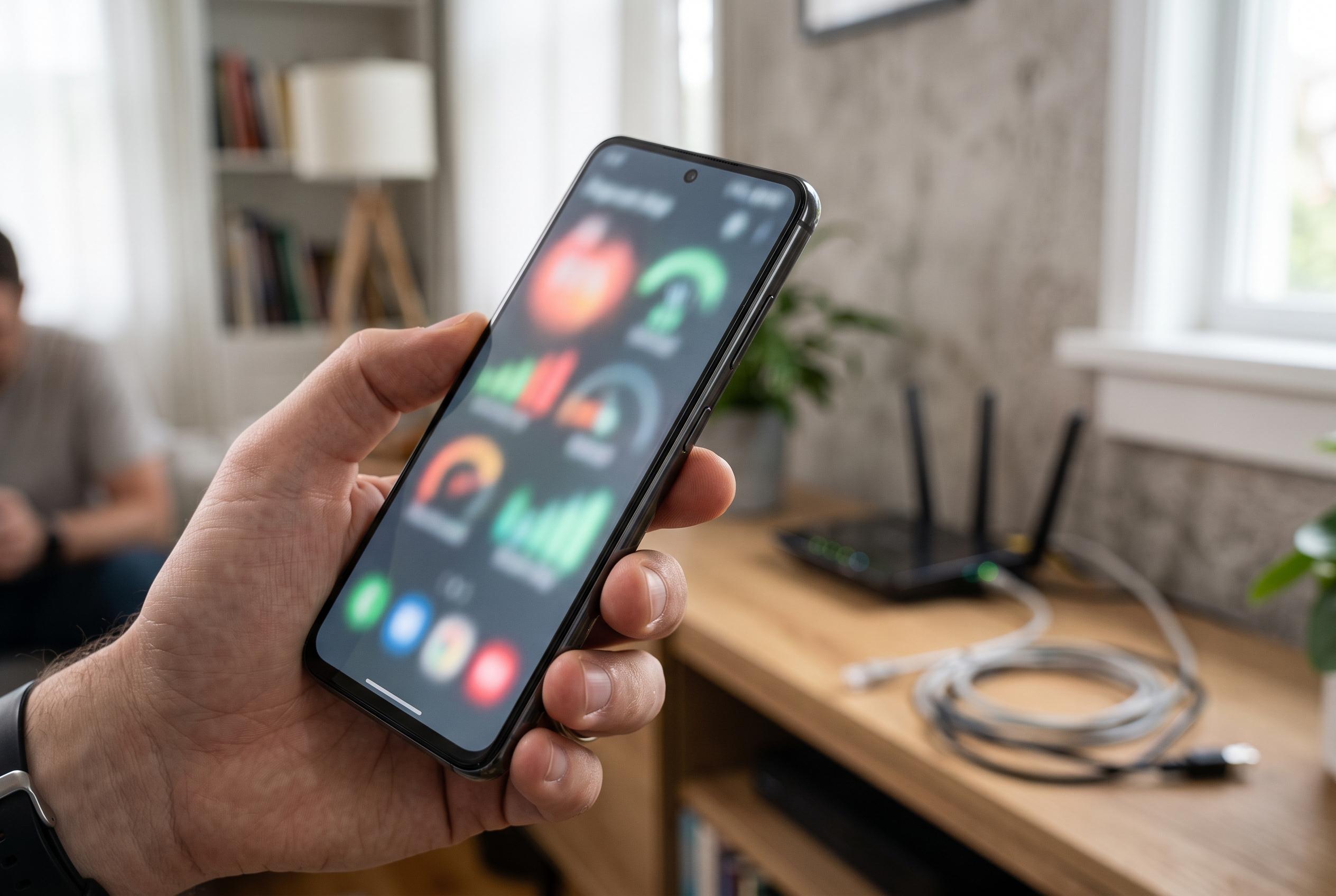

A step-by-step guide to help Android users identify whether WiFi connectivity problems originate from their device, home network, or carrier, avoiding unnecessary hardware replacements.
When an Android phone shows that it is connected to WiFi but nothing will load, the fault is not always on the handset itself. The quickest way to narrow it down is to test the same wireless network on another device, then switch WiFi off on the phone and see whether mobile data can reach the web. That simple split tells you whether the issue sits with the home network, the phone, or the carrier connection. According to Google’s Android support guidance, this kind of step-by-step checking is the most reliable way to isolate the cause.
If every device on the network fails, the modem, router or internet provider is the likeliest problem. A restart of the router can clear temporary faults, while an outage on the provider’s side may need time to resolve. If other devices connect normally, attention should stay on the Android phone, because the wireless network itself is probably functioning.
A common fix is to forget the saved WiFi network and join it again with the current password. This forces the phone to request a fresh connection and can clear stale configuration data. It is also worth checking for a captive portal, especially on public or guest networks, because some connections only open after a sign-in or terms page is completed in a browser.
VPNs, firewalls, ad-blockers and custom Private DNS settings can also interrupt name resolution even when the WiFi link appears healthy. Pausing those services temporarily is a useful test, provided they are restored afterwards. Incorrect date and time settings can cause secure websites to fail as well, so Android’s automatic clock setting should be enabled before moving on to broader checks.
If the phone works in some places but not others, the issue may be signal strength or wireless band choice rather than a true internet fault. Moving closer to the router or switching between 2.4GHz and 5GHz can make a difference, with the lower band usually offering better range and the higher band often performing better at short distance. Android’s network reset option remains a last resort, because it clears saved WiFi networks, Bluetooth pairings and some mobile settings.
The practical lesson is to avoid replacing hardware too early. A failed test on every device points to the router or service provider. A problem that follows only the Android phone points to the handset, its saved network data, or a setting such as VPN or DNS. If mobile data also fails when WiFi is off, the next checks should be signal strength, data limits and carrier service.
Disclaimer: This content is intended for informational purposes only. Readers are advised to exercise their own judgement, conduct due diligence, or consult a qualified expert before acting on any information provided.