

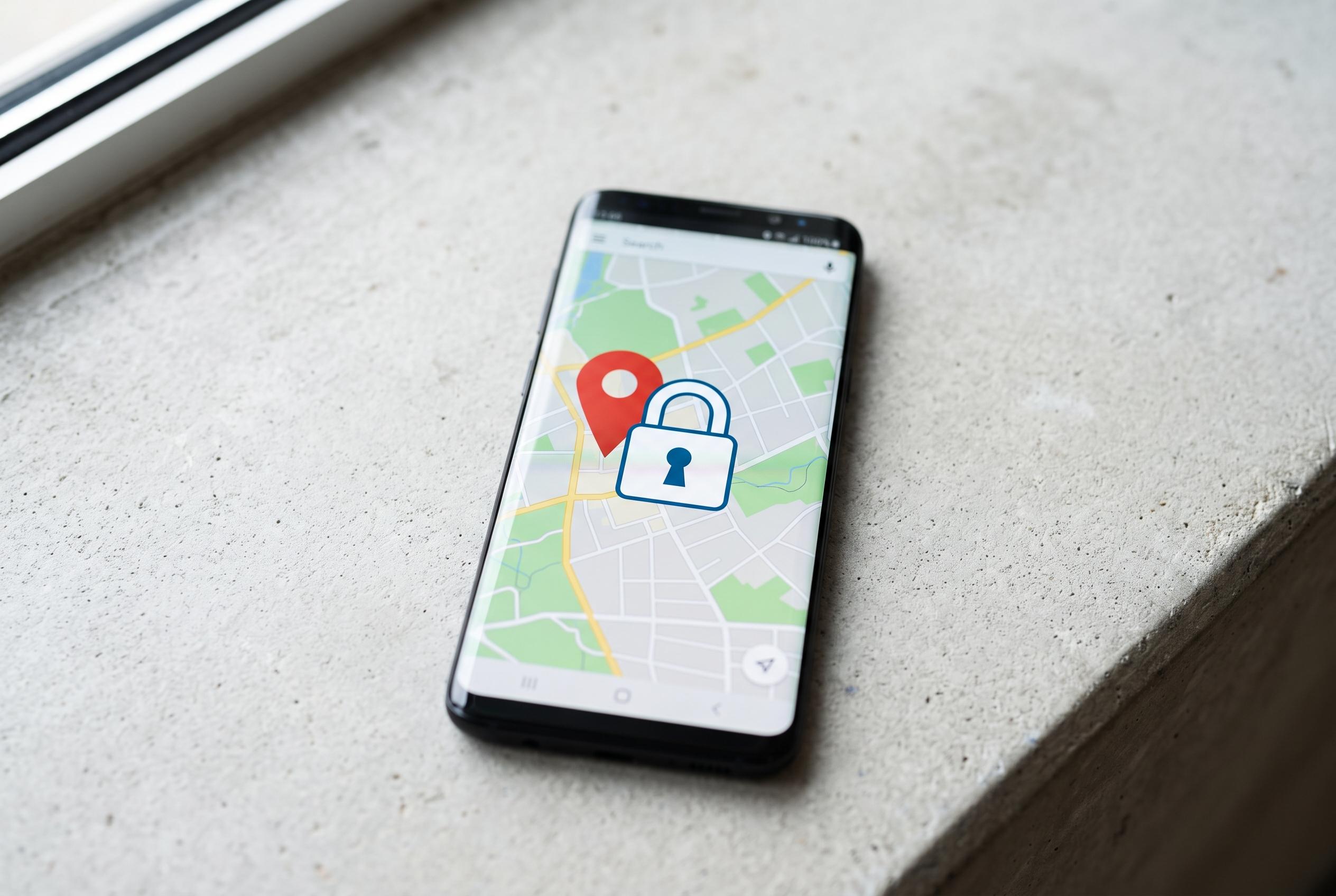

Experts advise immediate steps to locate, lock, or erase a missing smartphone, while emphasising the importance of preparation and security measures to prevent misuse or data loss.
When a smartphone goes missing, the first step is not panic but a quick check. Call the device, search the immediate area and, if that fails, use the built-in location tools from another device or a browser. Google says Android users can use Find Hub to locate, lock or erase a phone, while Apple’s Find My service can do the same for iPhones, including in some cases when the handset is switched off.
If the phone cannot be recovered, the priority becomes damage control. Google advises remotely locking or wiping the device, changing the password for the associated account and watching for suspicious activity. Security specialists also recommend alerting the mobile operator so the SIM can be blocked, which reduces the risk of misuse of SMS-based verification codes and unauthorised account resets.
A police report is advisable if theft is suspected. That process is easier if the owner has the phone’s IMEI number to hand, as LegalClarity notes, because the identifier helps law enforcement record the loss and may be needed for blocking. The code can usually be found in the device settings, on the box or by dialling *#06#.
The best protection is preparation. Google recommends keeping location services enabled, linking the device to an account and making sure backup is active so data can be restored if the phone is erased or never found. Strong screen protection also matters: a PIN, password or biometrics makes casual access far harder, while separately stored contact details remain useful if the handset disappears with the address book inside it.
Disclaimer: This content is intended for informational purposes only. Readers are advised to exercise their own judgement, conduct due diligence, or consult a qualified expert before acting on any information provided.



