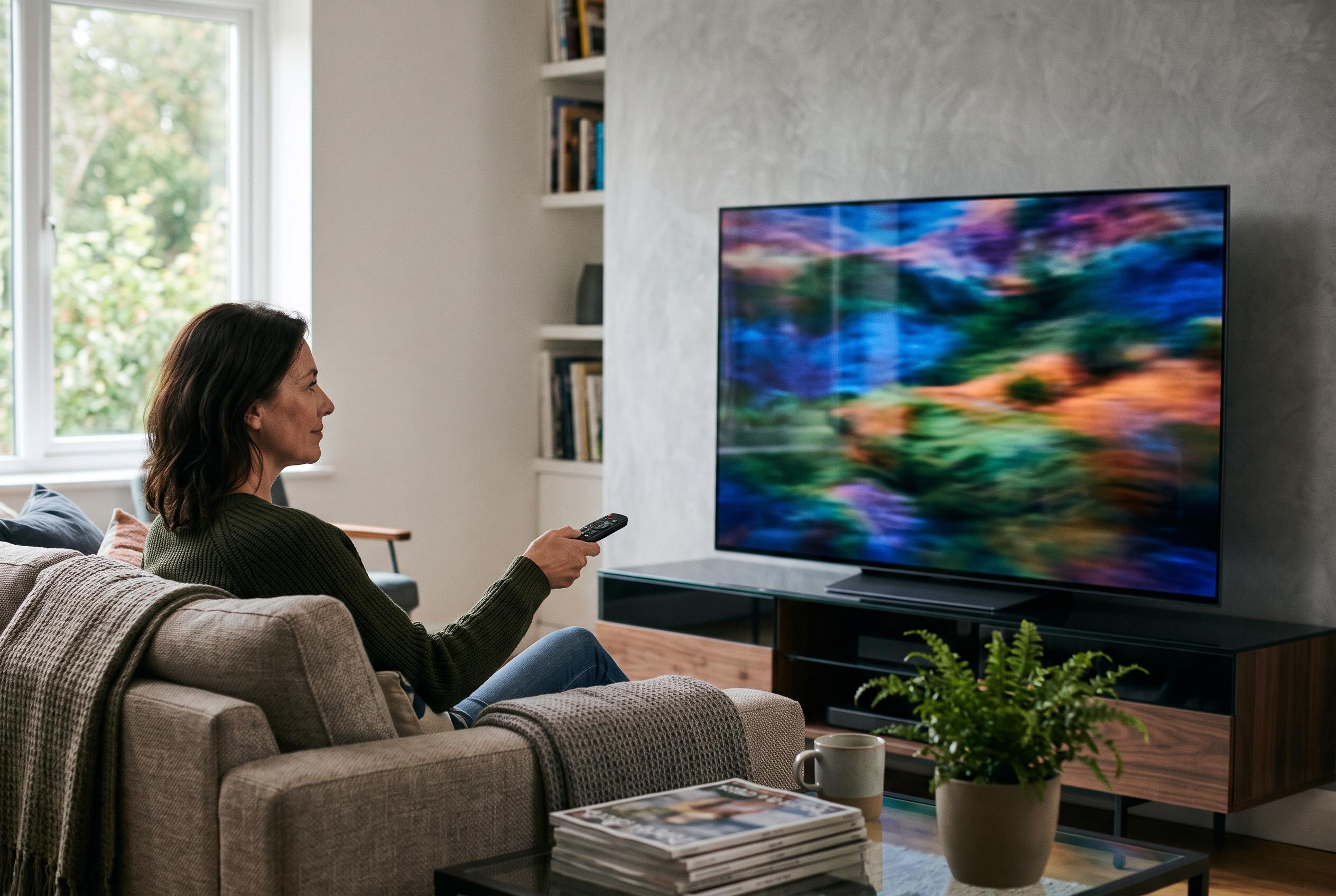

Keep built-in panel protections switched on, dim persistent logos and avoid leaving bright static images on screen. A few simple habits can reduce uneven wear without making everyday viewing uncomfortably dark.
For owners of OLED televisions, the practical aim is not to eliminate risk entirely, but to reduce the conditions that make uneven wear more likely. The most effective approach is simple: keep the panel’s built-in protections enabled, avoid leaving bright static graphics on screen for long periods, and use a lower comfortable brightness setting when the viewing pattern is dominated by fixed elements. Sony says Pixel Shift should remain switched on, Samsung recommends its panel-care tools for select OLED models, and LG’s own documentation points to logo dimming, pixel cleaning and lower OLED pixel brightness as the main first-line defences.
The reason these settings matter is that OLED pixels generate their own light, so the parts of the display that are asked to show the same bright image again and again tend to age faster than the rest. LG’s support material identifies channel logos, game icons, set-top-box menus and persistent bars from aspect-ratio mismatches as familiar sources of image retention risk. RTINGS’ long-running burn-in test reached the same broad conclusion in a more extreme setting: televisions exposed to prolonged static CNN content developed permanent burn-in, while sets shown varied material were less affected under ordinary mixed viewing.
Among the automatic protections, Pixel Shift is one of the easiest to leave alone. Sony describes it as a periodic movement of the image designed to help reduce image retention, while Samsung says its equivalent panel-care feature shifts pixels at intervals and may cause a slight border to seem to disappear on some sets. That is normal behaviour, not a fault. The feature cannot save a screen from every fixed graphic, but it does reduce the pressure on the same subpixels being driven in exactly the same place for hours at a time.
Logo dimming is the next control worth enabling. On LG sets, the manual identifies an Adjust Logo Brightness setting with High, Low and Off options, with High providing the strongest reduction. Samsung’s guidance for select OLED televisions makes the same basic point: its logo-brightness control is meant to lower the luminance of static elements such as banners, channel badges and news captions. The cost is that logos and fixed interface elements may become less bright during use, but that is the intended trade-off. These features do not erase permanent wear, and they should not be treated as a cure once a pattern has already formed.
Brightness remains a practical variable, especially for long sessions with news, sports or desktop use. LG’s B3-series manual recommends a lower OLED Pixel Brightness setting for extended viewing, and its broader support material links that advice with Eco-style picture modes and automatic power-saving behaviour. Sony similarly advises using an ambient-appropriate picture mode. The point is not to force every OLED source into a dim setting. HDR content, for example, may need different handling from SDR television or a computer desktop. The more defensible rule is to use the lowest brightness that still looks comfortable in the room, rather than leaving the panel at maximum output for static-heavy material.
What the television does after you switch it off matters as well. LG says its automatic pixel-cleaning cycle runs after accumulated use once the set has been powered down, provided it remains connected to electricity. The company also notes that a screen saver can activate after a short period of inactivity on a no-signal screen or paused video. Samsung and Sony both describe similar maintenance logic: let the set handle its own routine protection, and reserve manual refresh or panel refresh for cases where retention is actually visible or the manufacturer specifically advises it. Sony, in particular, warns against using manual panel refresh too often, because repeated use may shorten usable panel life.
If a faint image is already visible, the first step is to identify whether it is temporary retention or something more persistent. The sensible test is to show varied full-screen content, stop using the static source that created the mark, and allow the television to complete any automatic care cycle while it is still plugged in. A temporary afterimage may fade once the panel has had time to settle; a pattern that remains across different content is more concerning and should be handled according to the model maker’s guidance. For households that expect hours of fixed dashboards, security feeds or computer-desktop use every day, an LED-backlit LCD remains a reasonable alternative. For most mixed-viewing living-room use, however, OLED remains suitable provided its protective settings are enabled and static screens are not left in place for long periods.
Disclaimer: This content is intended for informational purposes only. Readers are advised to exercise their own judgement, conduct due diligence, or consult a qualified expert before acting on any information provided.