

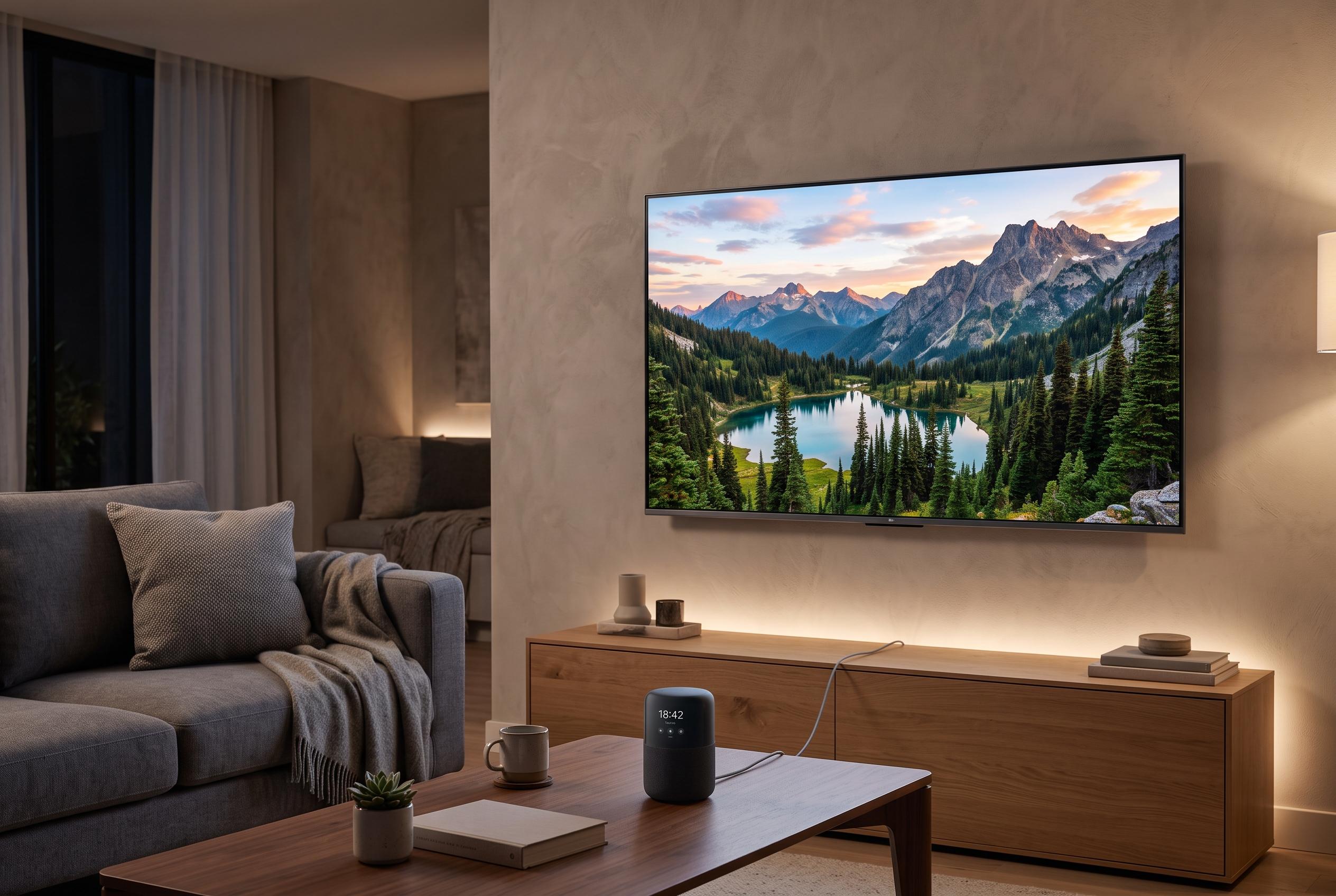

Many unexpected TV power and input problems stem from settings, connected devices, or smart home routines, not hardware faults. Learn how to identify and address the common causes with simple steps.
When a television starts switching itself on, shutting down unexpectedly or lagging behind the remote, the fault is not always the handset. In many cases, the cause lies in the TV’s own settings or in other connected devices, which can send commands the user never intended. That is why the first step is to check the television before assuming there is a hardware fault.
One of the most common causes is HDMI-CEC, the control system that lets a TV, soundbar, set-top box, games console or media player communicate through HDMI. Sony says the feature can create problems if device settings are not aligned, while other manufacturers note that unstable HDMI-CEC behaviour can trigger unwanted input changes, power events or audio issues. The function is known by different brand names, including Anynet+, SimpLink and Bravia Sync, which can make it harder to identify in menus. A useful test is to switch it off temporarily and then reconnect devices one by one to see which one is sending the wrong signal.
Timers and power-saving functions are also worth checking. Many televisions include on and off schedules, and these can be activated accidentally. Eco or quick-start modes may leave the set in a light standby state, ready to wake when it receives a signal from an app, a cast device or another accessory. In homes with multiple smart devices, that can make the television seem as if it is reacting on its own when it is simply following an automated command.
If the TV is connected to Wi-Fi, the source of the problem may be software rather than the remote. Voice assistants, smart-home platforms and casting tools can all turn a television on or off through routines and permissions. A simple way to test this is to disconnect the set from the network for a few days. If the fault disappears, the issue is likely to be in the connected services. The remote itself should still be checked, too: weak batteries, stuck buttons and signal interference from another room can all create misleading behaviour.
If the problem continues, a full power reset is the next sensible step. Sony recommends disconnecting HDMI devices and resetting power when troubleshooting CEC faults, while other support guides advise checking cables, ports and the order in which devices are switched on. A firmware update may also help if the manufacturer has corrected a known bug. If none of these steps works, a factory reset is the final home test before calling technical support, which can check for faults in the power board or infrared receiver.
Disclaimer: This content is intended for informational purposes only. Readers are advised to exercise their own judgement, conduct due diligence, or consult a qualified expert before acting on any information provided.



