

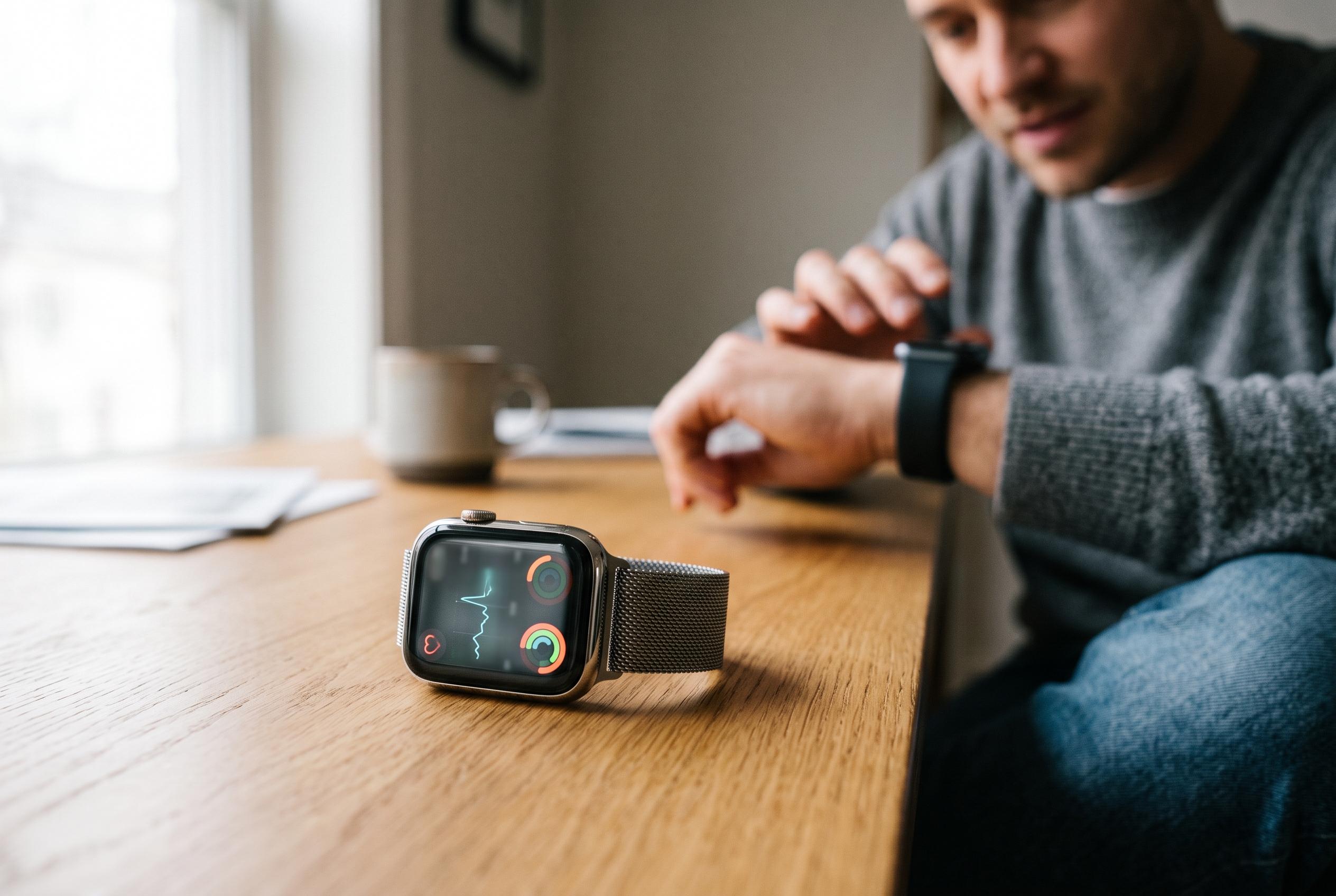

After three months of use, many Apple Watch owners discover how to customise their device beyond the novelty phase, optimising its face, sensors, and shortcuts to make it an essential part of daily health monitoring and convenience routines.
After three months with Apple Watch, it can stop feeling like a novelty and start behaving like a daily tool. The difference is not in wearing it, but in configuring it so the screen, sensors and shortcuts do real work. That means choosing a face that surfaces the right information, using the Fitness tools properly, and trimming away noise.
The watch face is the most valuable space on the device, because it is the first thing you see all day. A useful setup can combine the time, date, weather, sunrise and sunset, a second time zone, activity rings and battery level at a glance. Apple allows this through its complication system, which lets users add small data blocks to compatible faces. Guides to Apple Watch faces suggest Modular and Infograph as strong options for information-heavy layouts, while Apple’s own customisation flow lets users press and hold the current face, swipe between options and edit the complications either on the watch or in the Watch app on iPhone.
For exercise, the Workout app remains one of the watch’s most practical features. Apple says it supports a wide range of training types, from outdoor runs and elliptical sessions to strength work, HIIT and kickboxing, with users able to set goals by time, distance or calories. The watch tracks progress during the session and provides a summary afterwards in the Fitness app on iPhone. Apple also expanded the experience in watchOS 7 with new workout types, and MacRumors reported that watchOS 26 brought a redesigned Workout interface with quicker access to custom controls and built-in music and podcast setup.
The easiest convenience feature is still the one that helps recover a missing iPhone. From the Control Centre on the watch, a tap on the ping iPhone button makes the handset play a sound, which is often faster than searching under cushions or in coat pockets. It is a small function, but for many users it becomes one of the most frequently used.
It also makes sense to silence the watch by default if notifications do not need audio. The Apple Watch can vibrate discreetly while keeping alert sounds off, which preserves the benefit of incoming calls and messages without adding unnecessary noise. For users who wear the device all day, that balance is often more comfortable than leaving the speaker active.
Health monitoring is another area where the watch becomes more useful with regular use. The heart-rate app can be opened directly or added as a complication, allowing the wearer to check pulse at rest, after a climb upstairs or during recovery after exercise. Over time, those readings provide a rough but useful picture of fitness and exertion. Siri also remains a practical shortcut for reminders and brief notes, especially when a task comes up and there is no time to reach for the phone.
Disclaimer: This content is intended for informational purposes only. Readers are advised to exercise their own judgement, conduct due diligence, or consult a qualified expert before acting on any information provided.



