

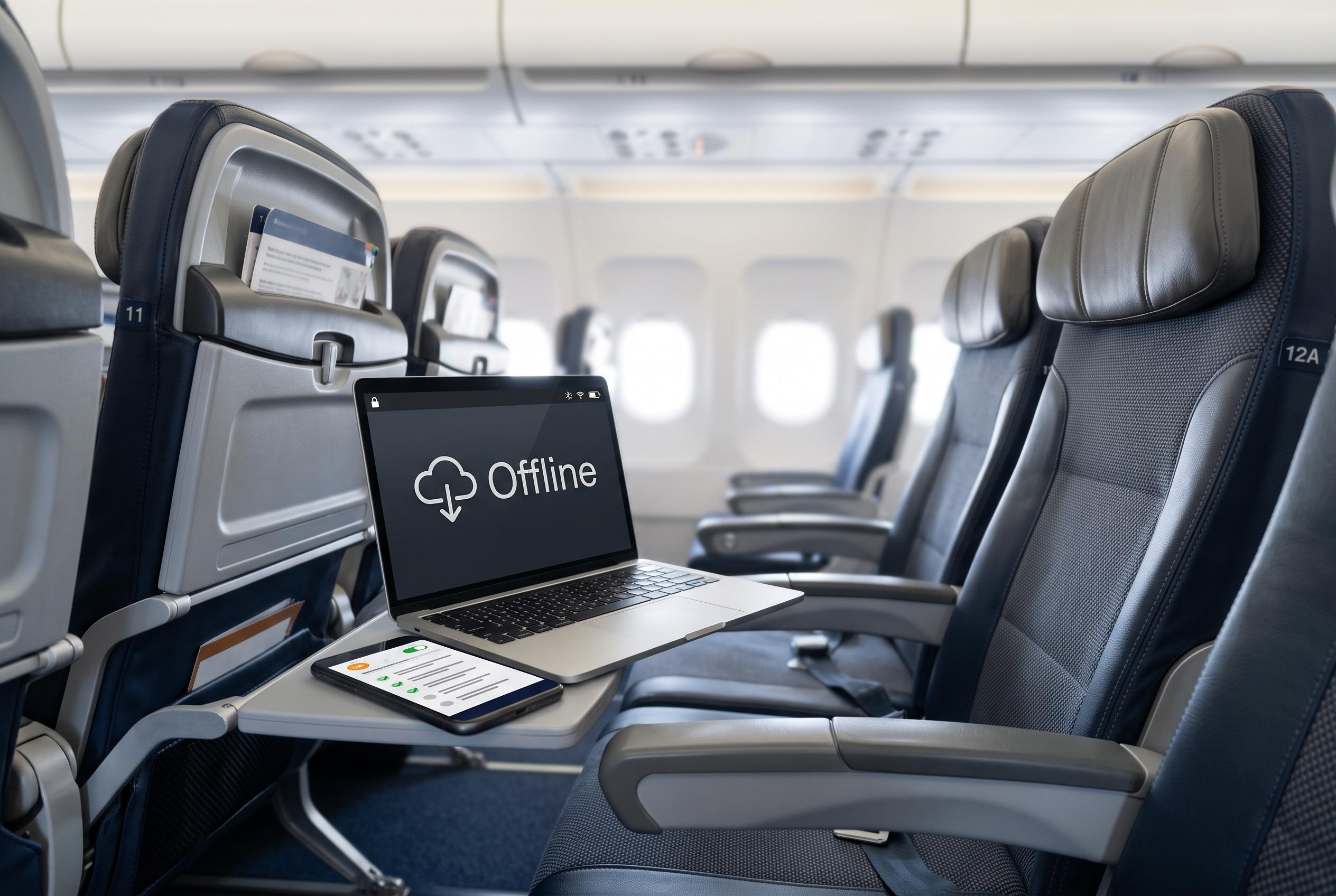

While inflight Wi-Fi has become increasingly usable, travellers are advised to download content, plan offline work, and prioritise security measures to navigate its limitations and threats effectively.
Inflight Wi-Fi has improved enough to make working or browsing in the air practical, but it remains a constrained service built for a pressurised metal tube moving at speed, not for the habits most people bring to a home broadband connection. That limits what works well and makes preparation more important than ever. The most reliable approach is to assume the link will be slow, variable and occasionally unavailable, then plan around that reality rather than fight it.
The easiest win is to load anything important before departure. Lifehacker advises downloading films, music and shows in advance, which avoids putting extra strain on a shared connection and helps sidestep buffering altogether. T-Mobile’s explainer on airplane Wi-Fi notes that performance depends on factors such as altitude, location, weather and congestion, so even a paid connection can change quickly during a flight. In practice, that means offline access is often the difference between a usable trip and a frustrating one.
The same logic applies to work. Documents, notes and other files should be stored locally wherever possible, and cloud-based tools should be configured for offline use before the plane leaves the gate. Google Docs, for example, can be enabled for offline editing through Drive settings, but the specific steps vary by service. The point is to identify ahead of time which files and apps must remain available if the network drops out.
For travellers trying to stay productive, timing matters almost as much as access. Lifehacker recommends scheduling emails, chat messages and social posts to go out during the flight, which can reduce the pressure to remain constantly connected. That can be especially useful for people who only need to appear responsive rather than actively working in real time. It is a simple workaround, but it helps preserve battery life and bandwidth for tasks that genuinely require an internet connection.
Price is another part of the equation. Some airlines now bundle Wi-Fi into loyalty programmes or provide it through sponsorship deals, while others offer credits or reimbursements through premium credit cards. NerdWallet reports that free access is increasingly common on certain routes and with some elite or co-branded cards, making it worth checking membership and card benefits before booking. In some cases, what looks like a paid extra may already be covered.
Even when the network is free, it is usually restricted. Some airlines limit access to messaging or other narrow services, and users sometimes look for workarounds such as browser-level compression or app-based access. A guide from Alibaba’s Lifetips suggests that reducing data use at the browser and device level can help on slow satellite links, while also warning against tools that add unnecessary latency. More aggressive tricks, including using a VPN on a restricted network, are mentioned by some users but will not work consistently across airlines and may conflict with carrier terms.
Security remains the part travellers should take most seriously. Kaspersky and Norton both warn that airplane and airport Wi-Fi can be exposed to fake hotspots, interception and other attacks, especially if passengers connect without checking the network name or entering details on suspicious login pages. A VPN is still one of the best defences for sensitive work, and passengers should avoid assuming that HTTPS alone solves every risk. The safest mindset is to treat inflight Wi-Fi as public Wi-Fi with all the usual limits, only more fragile.
Disclaimer: This content is intended for informational purposes only. Readers are advised to exercise their own judgement, conduct due diligence, or consult a qualified expert before acting on any information provided.



