

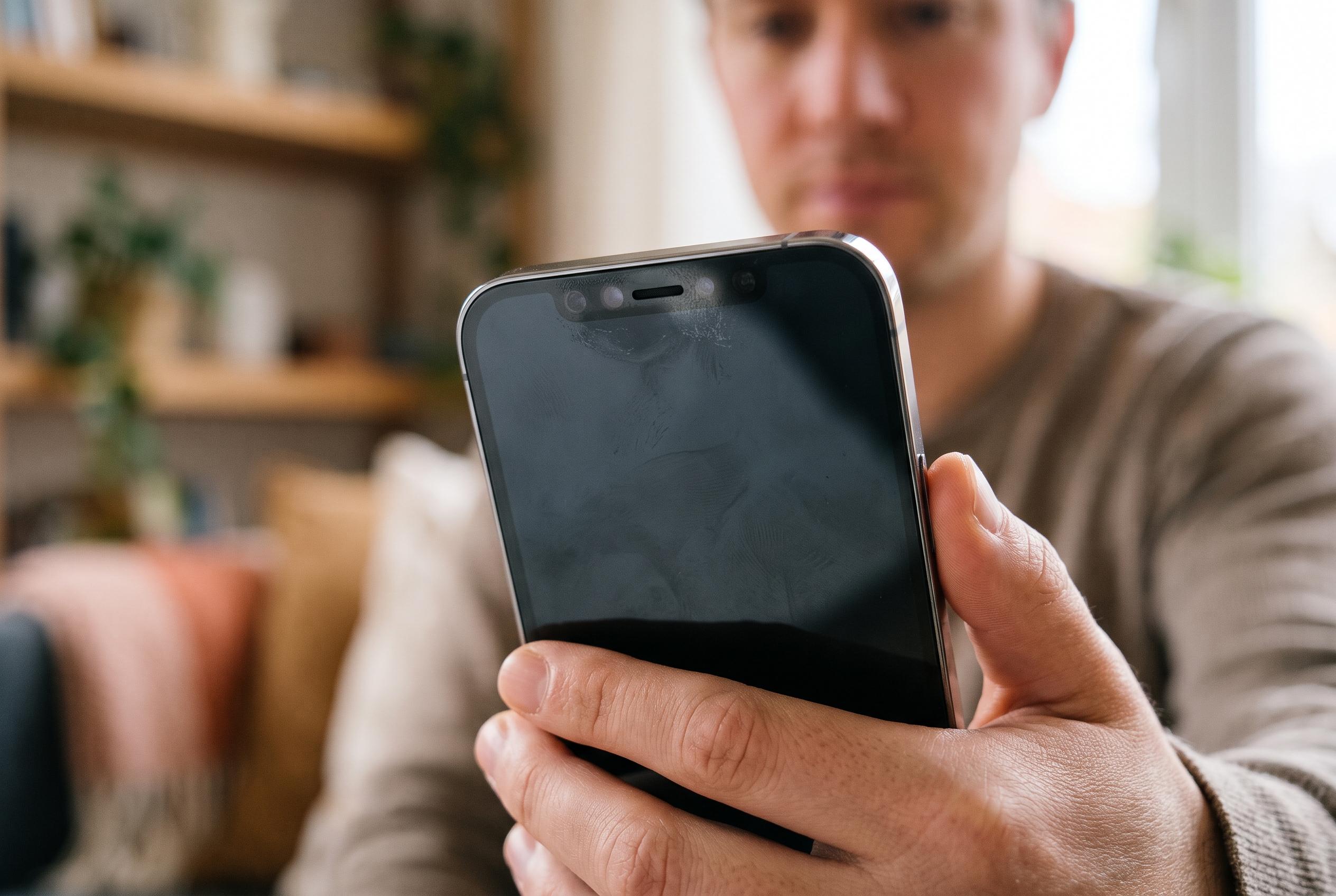

Apple has issued iOS 27.0.1 after reports of Face ID failures on iPhone 18 Pro models, but sensor obstructions and the new under-display system may also be responsible.
Face ID problems on the iPhone 18 Pro Max appear to stem from a mix of software glitches and hardware sensitivity, with some users reporting authentication failures, intermittent freezes and a return to passcode entry. MacRumors reported in late September that Apple had acknowledged the issue and pushed out iOS 27.0.1 as a remedy, making a software update the first step for anyone affected. Other coverage has suggested that the new under-display infrared system in the iPhone 18 Pro models may be contributing to the fault, which helps explain why the problem can surface even on devices that are otherwise functioning normally.
For users trying to restore Face ID, the most useful checks remain the basics. Apple’s settings menu should confirm whether Face ID is already enrolled and whether it is enabled for unlocking the phone, approving purchases, autofilling passwords and allowing access to third-party apps. If an app has been denied Face ID permission, it will continue to ask for the device passcode instead, so it is worth checking both the Face ID & Passcode menu and the app’s own settings entry.
Physical obstructions are another common cause. A dirty TrueDepth sensor array, a bulky case or a screen protector that overlaps the camera area can interfere with recognition, particularly on the iPhone 18 Pro Max’s new sensor layout. Notebookcheck reported that matte screen protectors may be especially problematic with the under-display Face ID system. Apple also advises users to keep the face visible, avoid masks or other coverings where possible, and hold the device at a sensible distance so the sensors have a clear view of the eyes, nose and mouth.
If those steps do not help, a restart and a software update are the next most practical measures. Apple’s own guidance for Face ID issues typically includes restarting the device, checking for the latest iOS release and, if necessary, setting up an alternate appearance for changes such as glasses or facial hair. The feature can also stop working temporarily after repeated failed scans, after a restart or when the phone has been locked for an extended period, which can make a temporary passcode prompt look like a broader fault when it is actually expected behaviour.
Where Face ID still refuses to work after these checks, resetting the system and enrolling again is the final software-side option before seeking service. That is consistent with the advice published by Apple-focused guides and with the wider reporting around iPhone 18 Pro Face ID complaints, which points to a problem that may be fixed for many users by software but could still require more careful troubleshooting for others.
Disclaimer: This content is intended for informational purposes only. Readers are advised to exercise their own judgement, conduct due diligence, or consult a qualified expert before acting on any information provided.



