

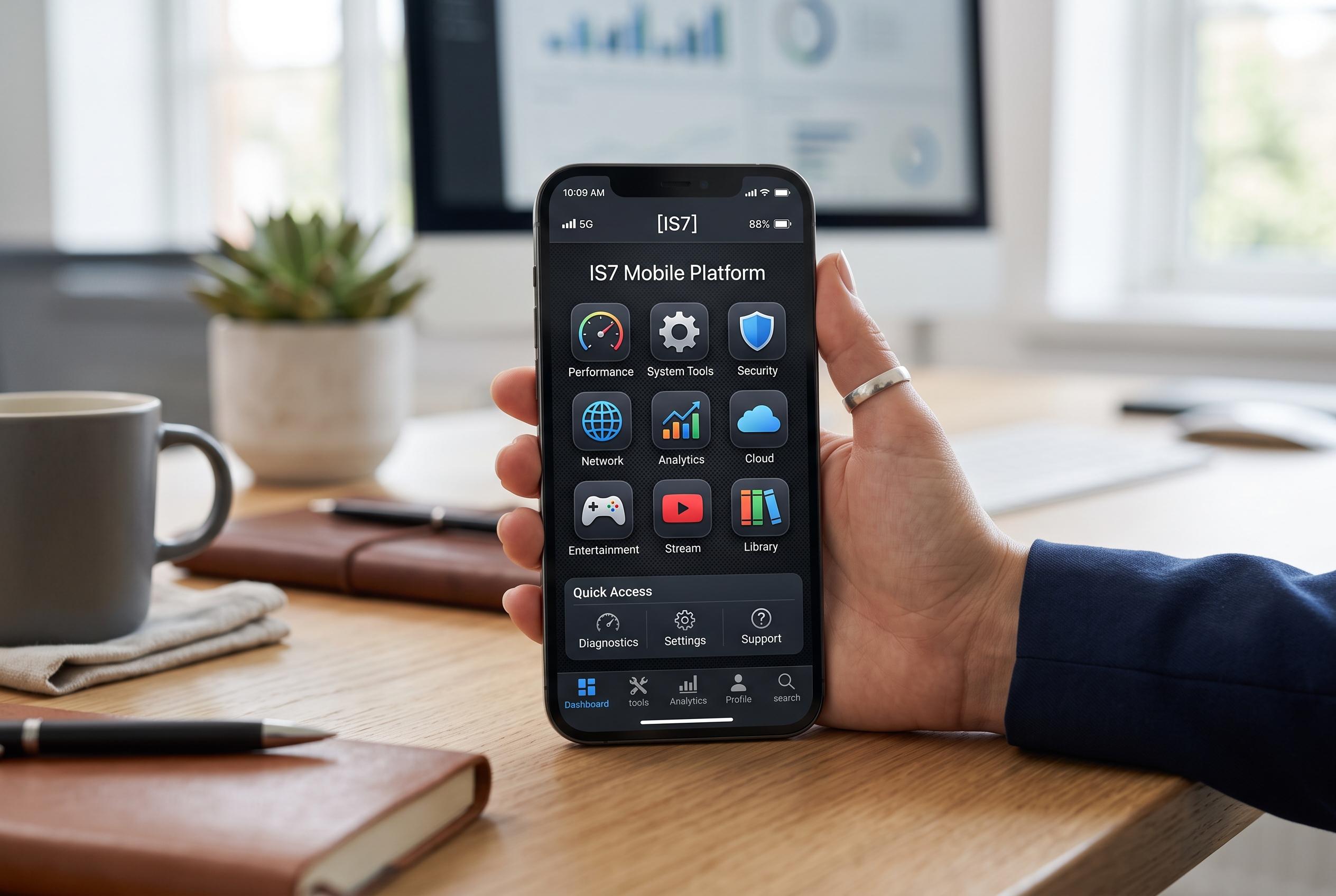

A new mobile platform, IS7, promises a simplified and responsive app experience by combining performance tools and entertainment functions, but raises questions over security and source verification for sideloading.
A recent Medium post by Sakriyasunilss describes IS7 as a mobile platform aimed at Android users who want a lighter, more orderly app experience. The pitch is straightforward: combine performance tools and entertainment functions in one place, reduce clutter on the handset and keep the interface simple enough to feel responsive rather than re
According to the platform’s own site, IS7 is presented as an Android-only mobile engine with an emphasis on optimisation and interface support. The official material also urges users to check where downloads come from before installing anything, a standard warning for software distributed outside mainstream app stores. That matters because the appeal of a single, all-in-one platform is also its main risk: users are asked to trade the familiarity of established stores for convenience and direct installation.
The description published by Sakriyasunilss highlights several claimed strengths, including fast response times, a clean design, regular updates and a lightweight footprint. In practical terms, those claims point to software designed to avoid the sluggishness that can come from feature-heavy applications. The article also says IS7 is intended for people comfortable installing apps from trusted third-party sources, which places it in the broader category of sideloaded Android software.
There is also a separate iS7 listing in Apple’s App Store, which suggests the name is being used in more than one mobile context. That listing says recent updates have improved compatibility with newer iPhone models and iOS releases. By contrast, the main IS7 material frames the platform as Android-focused. For readers, that split is important: the brand name alone does not guarantee the same product, the same operating system support or the same security expectations. As with any mobile app outside the dominant app stores, the safest approach is to verify the publisher, confirm the download source and review the permissions before installation.
Disclaimer: This content is intended for informational purposes only. Readers are advised to exercise their own judgement, conduct due diligence, or consult a qualified expert before acting on any information provided.



