

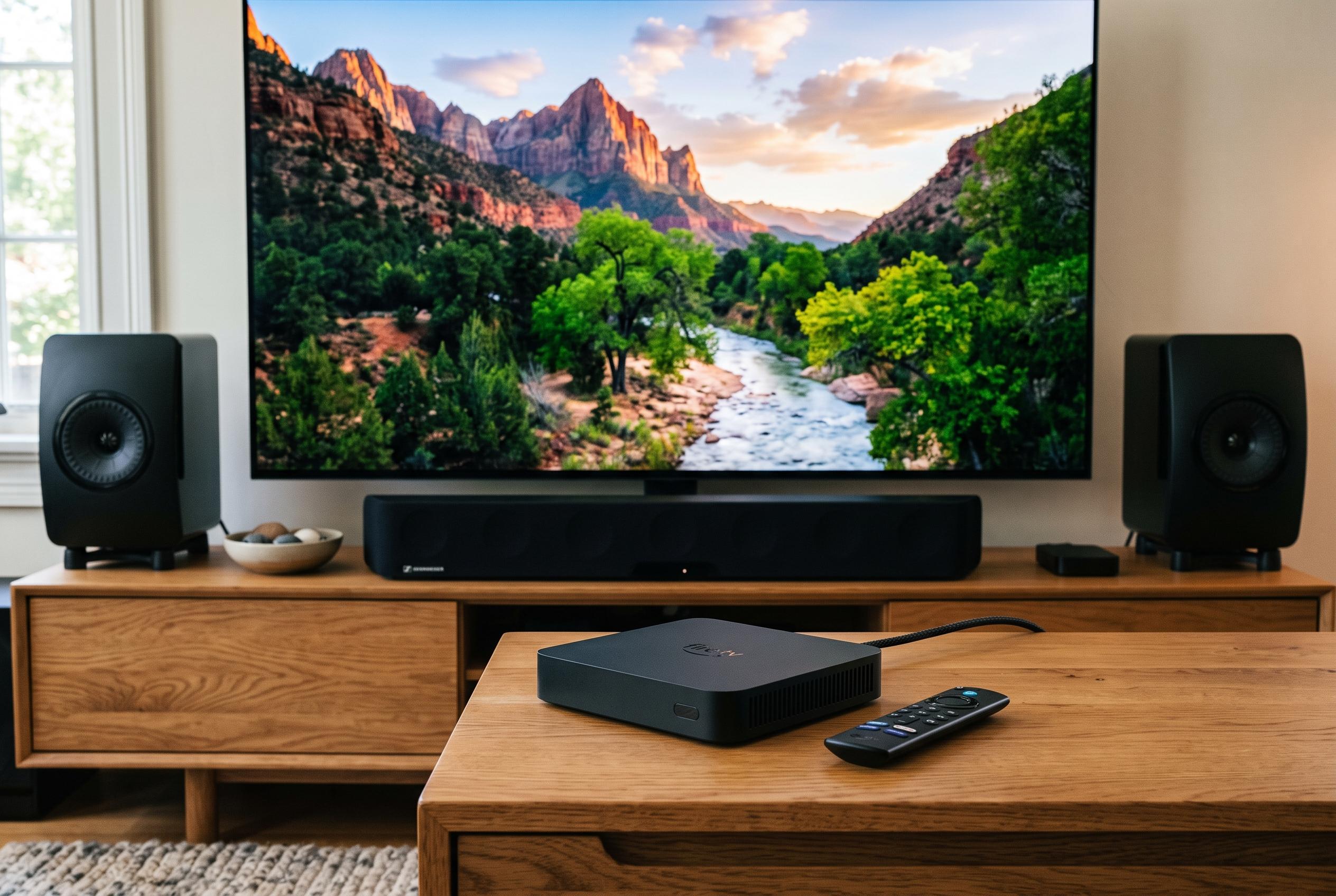

As Amazon updates its Fire TV line with speed-boosting software, owners are advised to maintain device care through thermal management and regular housekeeping to ensure longevity and optimal performance.
Amazon’s Fire TV remains one of the most familiar names in streaming hardware, even if it is not the market leader. Its appeal is simple: it is cheap for manufacturers to adopt, it ships on Amazon’s own devices at aggressive prices, and it gets most streaming jobs done without much fuss. But as Pocket-lint notes, the same devices can become noticeably less pleasant to use over time if owners ignore heat, dust and storage pressure. Amazon’s recent software refresh may help with responsiveness, but it does not remove the need for basic maintenance.
One of the biggest threats is brightness. Running a television at maximum or near-maximum output raises internal temperatures, which can shorten component life. On LCD sets, that increases the strain on the backlight. On OLED panels, it can worsen image retention and related wear issues. Pocket-lint argues that brightness should be kept below the top end and that sets should not be left running for hours when nobody is watching. That advice is broadly consistent with wider guidance on TV care, which also stresses ventilation and sensible thermal management.
Placement matters almost as much as settings. Fire TV devices and the sets they sit in or on need room to breathe, especially in homes where air conditioning is limited. Blocking vents, pushing a TV too close to a wall, placing it in direct sunlight or exposing it to humidity can all accelerate wear. Dust is another slow enemy, because it traps heat and can interfere with ports and connections. Regular cleaning, plus occasional inspection of inputs, reduces the risk of faults that are often mistaken for software problems.
Software load is the other major issue. Pocket-lint says Fire OS can become sluggish as app installs, caches and limited storage begin to crowd the system, particularly on devices with 8GB or less. That can lead to stuttering, slow menu response and general instability. The practical fix is straightforward: clear caches, uninstall unused apps and keep the device updated. That chimes with other Fire TV troubleshooting guides, which also point to background downloads, old software and low storage as common causes of slowdown. Amazon is now attempting to improve the experience more directly, with a Fire TV OS update that Tom’s Guide says promises speed gains of up to 20% to 30% on selected devices, alongside a cleaner interface and quicker access to settings. Even so, the hardware still benefits from regular housekeeping.
The broader market gives Amazon little room for complacency. Recent Parks Associates research, cited by MacTech, shows Roku OS and Samsung’s Tizen leading US connected TV platform share, with Fire TV in a mid-tier position alongside LG’s webOS and Vizio’s SmartCast. In that environment, longevity is a selling point as much as low price. A Fire TV that stays cool, stays clean and does not carry a cluttered app library is more likely to remain usable for years, rather than becoming another lagging screen that owners replace early.
Disclaimer: This content is intended for informational purposes only. Readers are advised to exercise their own judgement, conduct due diligence, or consult a qualified expert before acting on any information provided.



