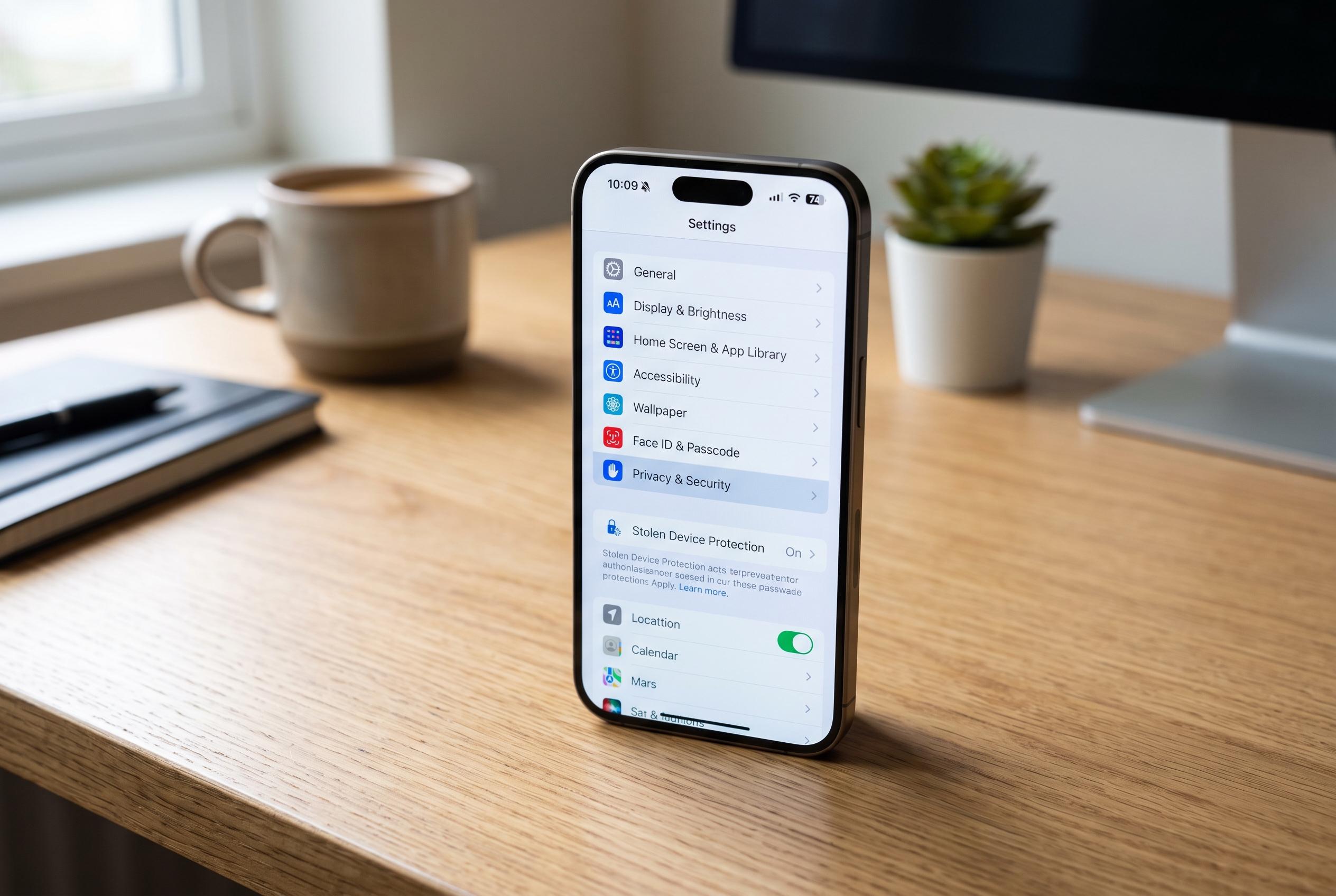

Simple adjustments to your new iPhone can significantly enhance its security, privacy, and personalisation , from enabling Stolen Device Protection to remapping the Action button and fine-tuning privacy settings.
Setting up a new iPhone is about more than moving over contacts and installing familiar apps. Security and privacy settings are often left at defaults that are convenient for Apple, not necessarily for the user. For anyone who has just bought a handset, picked up a second-hand device or erased an existing phone, a few quick changes can make a noticeable difference.
One of the most important is Stolen Device Protection, which Apple introduced with iOS 17.3. According to Tom’s Guide, the feature adds a delay to sensitive actions such as changing the passcode or Apple ID when the phone is away from familiar locations, giving the owner time to use Find My to lock or erase the device. It can be switched on in Settings under Face ID and Passcode, with options for protection only when the phone is away from trusted places or all the time.
Another worthwhile adjustment is the Action button on iPhone 15 Pro models and later. Apple says the button can be remapped in Settings to launch the camera, switch on the torch, open Voice Memos, trigger Translate or run accessibility tools such as Magnifier. Guides from MacRumors and iDownloadBlog note that the button can also be tied to Shortcuts, making it possible to turn a single press into a custom routine rather than just a silent mode toggle.
Apple has also expanded the range of default apps that users can change. In the Settings app, owners can now replace Apple’s built-in browser, email app, calling app, messaging app and translator with third-party alternatives. That is useful for people who already rely on services such as Chrome, Gmail or password managers like Bitwarden and want the phone to reflect the tools they already use.
Privacy settings are another area worth checking straight away. Apple collects some diagnostic and usage data, but users can reduce that flow by turning off analytics and improvement options, disabling personalised ads and limiting search-related data sharing. The changes should have little impact on everyday use while cutting back on information sent to the company.
Finally, some of the most useful tools are buried in Accessibility. Features such as Back Tap, sound recognition and Voice Control can be enabled even by people who do not need assistive technology. Back Tap can trigger actions with a double or triple tap on the rear of the phone, sound recognition can alert users to a doorbell or a baby crying, and Voice Control can launch pre-set actions with a spoken phrase. Taken together, the adjustments take only a few minutes but can make an iPhone safer, more personal and easier to live with.
Disclaimer: This content is intended for informational purposes only. Readers are advised to exercise their own judgement, conduct due diligence, or consult a qualified expert before acting on any information provided.