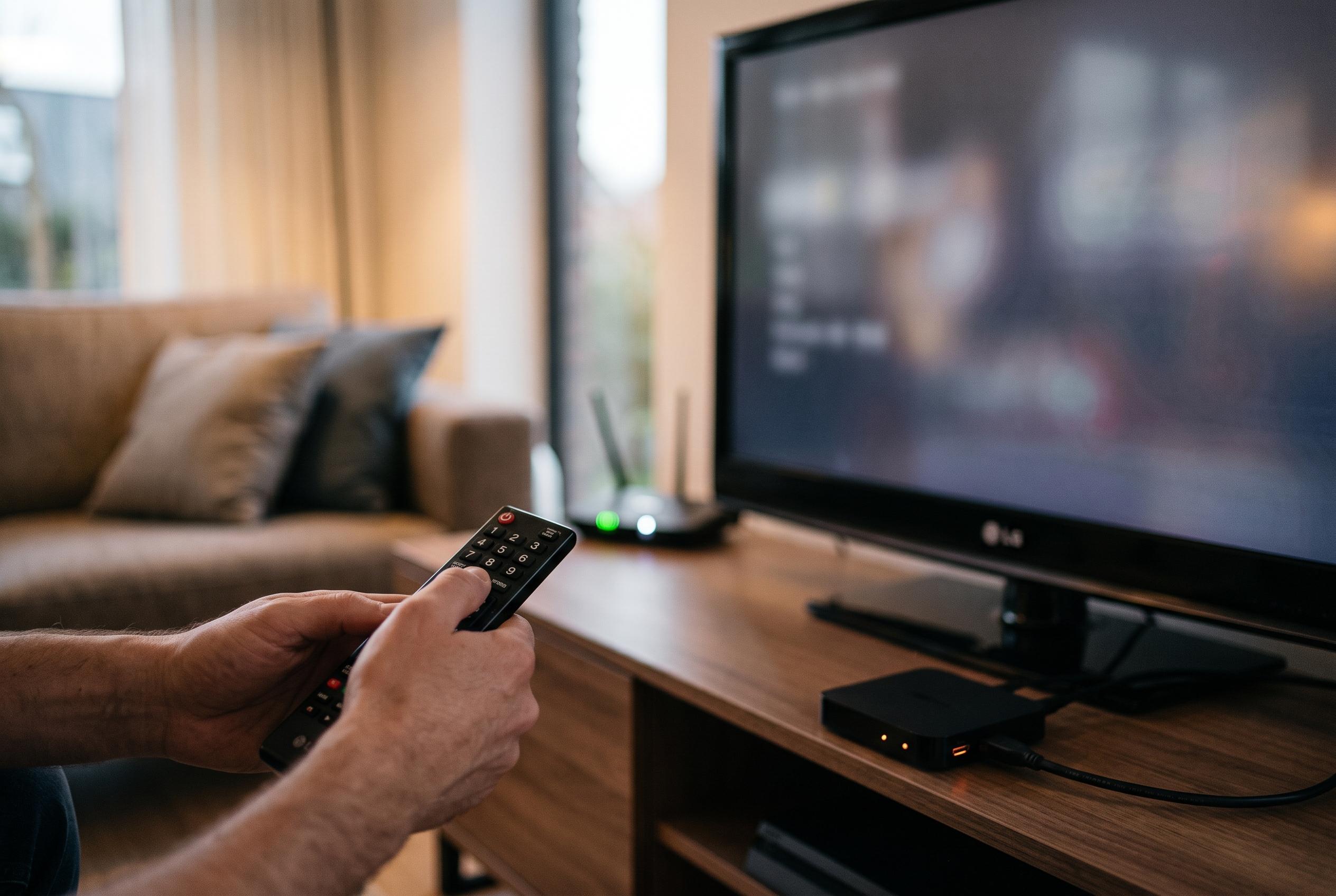

A simple long press on the number 9 on certain LG televisions opens a built-in support screen, providing a quick way for users to diagnose connectivity, performance, and app issues, potentially speeding up troubleshooting processes.
On some LG televisions, a simple long press on the number 9 can open a built-in support screen that is designed to speed up basic fault-finding. The feature is tied to webOS models that use the Magic Remote and, according to LG support material, is available on recent software versions as a shortcut into Quick Help, a self-diagnosis area rather than a repair tool. On some sets, the same function may sit behind the 0 key instead, which underlines how much the behaviour depends on the model, firmware and remote supplied with the television.
The Quick Help screen brings together a set of checks that would otherwise be buried across several menus. LG says users can launch optimisation routines, inspect problem items and reach remote service options from the same place. In practice, that can help isolate whether a slowdown is being caused by the television itself, a temporary software hang or an external issue such as a weak network connection.
The most useful tests are usually the simplest ones. According to LG’s support guidance, the menu can be used to examine network status, screen behaviour and audio output, giving owners a quick way to see whether the set is connected properly, whether the picture panel is responding as expected and whether the speakers are working. It is not a substitute for repair, but it can narrow the fault before a call to support. If the issue is caused by a crowded memory state or a stuck app process, the optimisation tools may make the television more responsive.
That makes the shortcut particularly relevant when streaming apps misbehave. A service such as Netflix, Prime Video, YouTube or Disney+ may freeze on the opening screen, fail to load content or become sluggish for reasons that are not immediately obvious. Infobae recently described the same LG shortcut as a quick route to diagnosing common problems, including connectivity faults, and the underlying logic is straightforward: confirm the link to the router, repeat the check after a full restart if necessary, and note the software version if the problem persists.
Other television brands use different and often more delicate access methods. Guides cited by technology sites say Samsung, for example, relies on other button combinations for deeper menus, while Hisense and some Android TV or Google TV devices route advanced functions through their own settings or developer options. Those menus can be useful for technicians, but they can also expose settings that are not intended for casual use. If a television keeps freezing, the safest course is still a full power cycle, followed by official support if the fault continues, especially where the panel, mainboard or power system may be involved.
Disclaimer: This content is intended for informational purposes only. Readers are advised to exercise their own judgement, conduct due diligence, or consult a qualified expert before acting on any information provided.