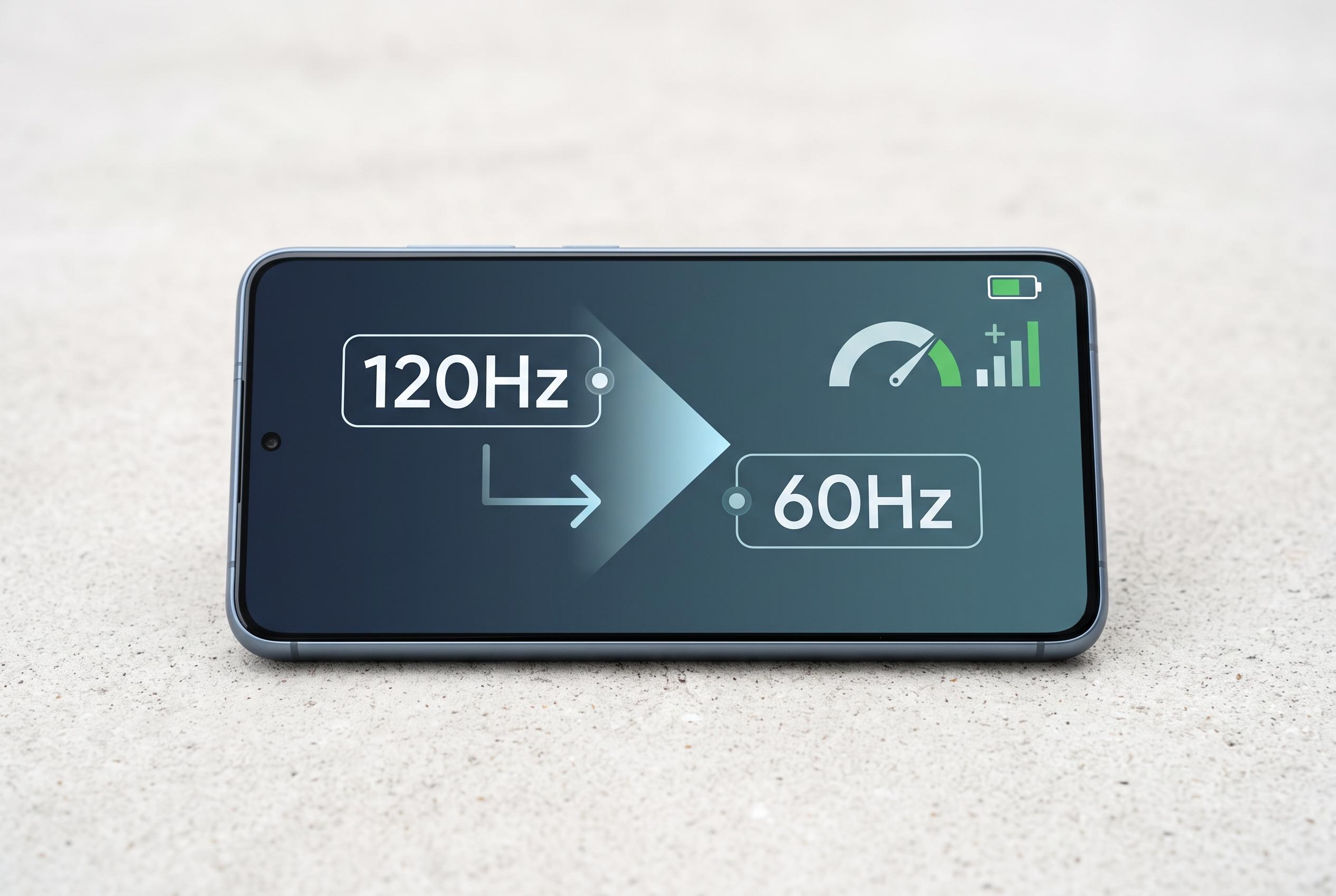

Adjusting a smartphone’s refresh rate from 120Hz to 60Hz offers a straightforward way to boost battery longevity, making it a crucial consideration for users seeking longer device usage without compromising essential features.
Reducing a phone’s screen refresh rate is one of the simplest ways to extend battery life without cutting core functions. In practice, the display is often the biggest drain on a handset, even when users blame apps, background activity or heat. A recent test cited by MakeUseOf found that dropping a panel from 120Hz to 60Hz added roughly two hours of use, with no need to uninstall software or switch off features.
Refresh rate is the number of times a screen redraws each second. At 60Hz, the image refreshes 60 times a second; at 120Hz, it doubles to 120. According to Tom’s Guide, Android Authority, Digital Trends and TechRadar, higher rates make scrolling, animations and app switching look smoother, but they also increase power demand and can reduce endurance, particularly on devices used heavily throughout the day.
The trade-off is not usually dramatic in raw terms, but it is meaningful. Tom’s Guide and Android Authority note that moving from 60Hz to 120Hz does not simply halve battery life, yet the extra work required from the display can still cut runtime noticeably. PhoneArena’s battery comparison of the Samsung Galaxy S20 Ultra also showed that the 120Hz setting consumed more power than 60Hz, reinforcing the practical cost of a faster panel.
That is why 60Hz remains the default on many budget and mid-range phones, while premium models often offer 90Hz or 120Hz. For many everyday tasks, the difference is modest. Messaging, email, video playback and social feeds remain perfectly usable at 60Hz, even if games and rapid scrolling feel less fluid. For users who regularly reach the evening with a flat battery, lowering the refresh rate is a sensible first step before changing habits or replacing hardware.
Modern Android phones usually place the setting under Display, often labelled as refresh rate, motion smoothness or a similar term. Some devices also offer adaptive modes that raise the refresh rate only when needed. Google’s Pixel 10 Pro, for example, can scale from 120Hz during scrolling or gaming down to as little as 1Hz on static content, combining smoother interaction with lower power use.
Refresh rate is only one part of the equation. Brightness has a major effect on consumption, and owners of AMOLED screens can also benefit from dark mode because black pixels use very little power. Shortening the screen timeout is another easy gain: a handset that locks after 30 seconds of inactivity wastes less energy than one left active for several minutes. In short, users with battery concerns should consider the screen settings first, because they often deliver the fastest improvement with the least disruption.
Disclaimer: This content is intended for informational purposes only. Readers are advised to exercise their own judgement, conduct due diligence, or consult a qualified expert before acting on any information provided.