

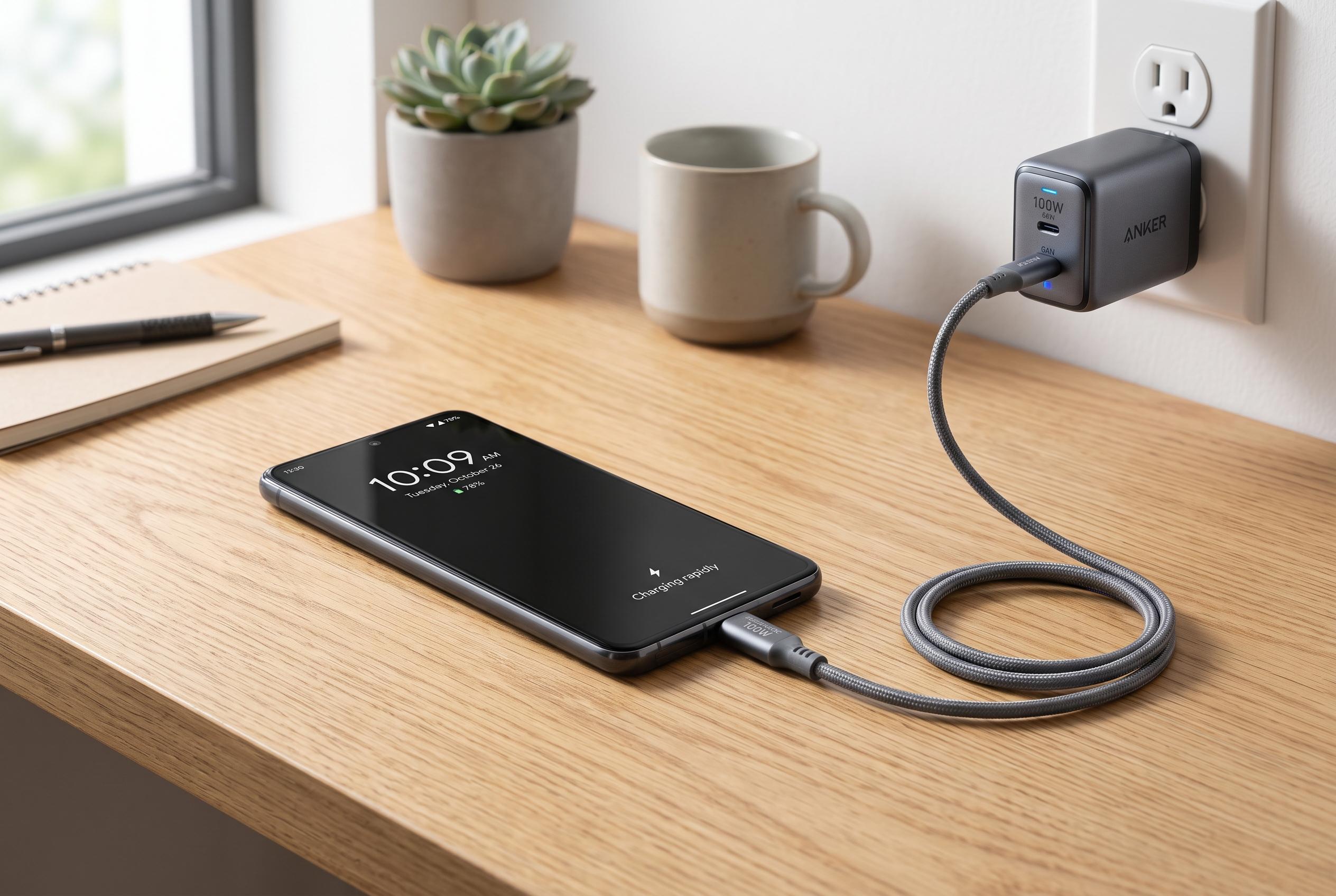

Optimising your Android device’s charging speed hinges on ensuring compatibility between the phone, charger, and cable, with proper care and matching protocols providing the best results rather than new batteries.
Slow charging on an Android phone is usually not a battery fault. More often, it is a mismatch between the handset, the charger, the cable and the charging protocol. A phone will only accept the power it is designed to take, and if any part of the setup is underspecified, charging will fall back to a slower rate. That is why the most effective fix is usually not a new battery but a better-matched charging chain, as Techlicious and Android Authority both note.
The first step is to check the phone’s real wired charging limit, then choose a charger that can meet it. A more powerful brick will not force extra current into a handset that cannot accept it, but an underpowered adapter will hold the whole setup back. For Samsung devices, the charging protocol matters as much as the wattage. The company’s faster modes rely on Programmable Power Supply, or PPS, which lets the charger adjust voltage in small steps. Without PPS support, a charger may look capable on paper but still fail to deliver Samsung’s full speed.
The cable is just as important as the charger. A weak or poor-quality cable can become the bottleneck even when the adapter is strong enough. USB-C cables have their own power limits, and once charging moves above the standard ceiling, the cable needs the right rating to stay safe and efficient. That is why a certified cable from a reputable maker is preferable to an unbranded one that happened to come in a box. Anker and Batteries Plus both stress that cheap knock-offs can undermine both performance and safety.
Wireless charging can also feel slow for reasons that are easy to miss. Google’s newer Qi2 and Qi2.2 implementations improve alignment with magnets, which helps keep the phone and charging coil properly lined up. Even so, wireless charging still trails a matched wired setup because it is less efficient and produces more heat. Small misalignments on a charging pad can reduce real-world speed sharply, which is why a phone placed slightly off centre often appears to charge far more slowly than the specification suggests.
Heat is another common cause of charging slowdown. Phones reduce charging current when temperatures rise, which is a built-in safety response rather than a defect. Thick cases, direct sunlight, gaming, video streaming and navigation all add heat while the battery is trying to fill. Android Authority and SlashGear both point out that the simplest way to improve speed is to let the phone charge in a cool, open space, ideally with the screen off and background activity reduced.
It can also help to clean the charging port, since dust and lint can interfere with the connection and reduce charging efficiency. Tom’s Guide recommends switching the handset off completely during charging if speed matters more than convenience, while Batteries Plus suggests airplane mode or low-power mode to reduce background drain. These steps do not change the phone’s maximum charging limit, but they can help more of the incoming power go directly into the battery.
There is one limit no charger can remove: charging slows as the battery fills. Phones typically take power fastest at lower charge levels and then deliberately taper off near the top to protect battery health. That is why the last 20% often takes much longer than the first 50%. It is normal behaviour, not a fault in the charger. In practice, the best results come from a matched charger, a proper cable, a clean port and a cool phone with minimal activity while it charges.
Disclaimer: This content is intended for informational purposes only. Readers are advised to exercise their own judgement, conduct due diligence, or consult a qualified expert before acting on any information provided.



