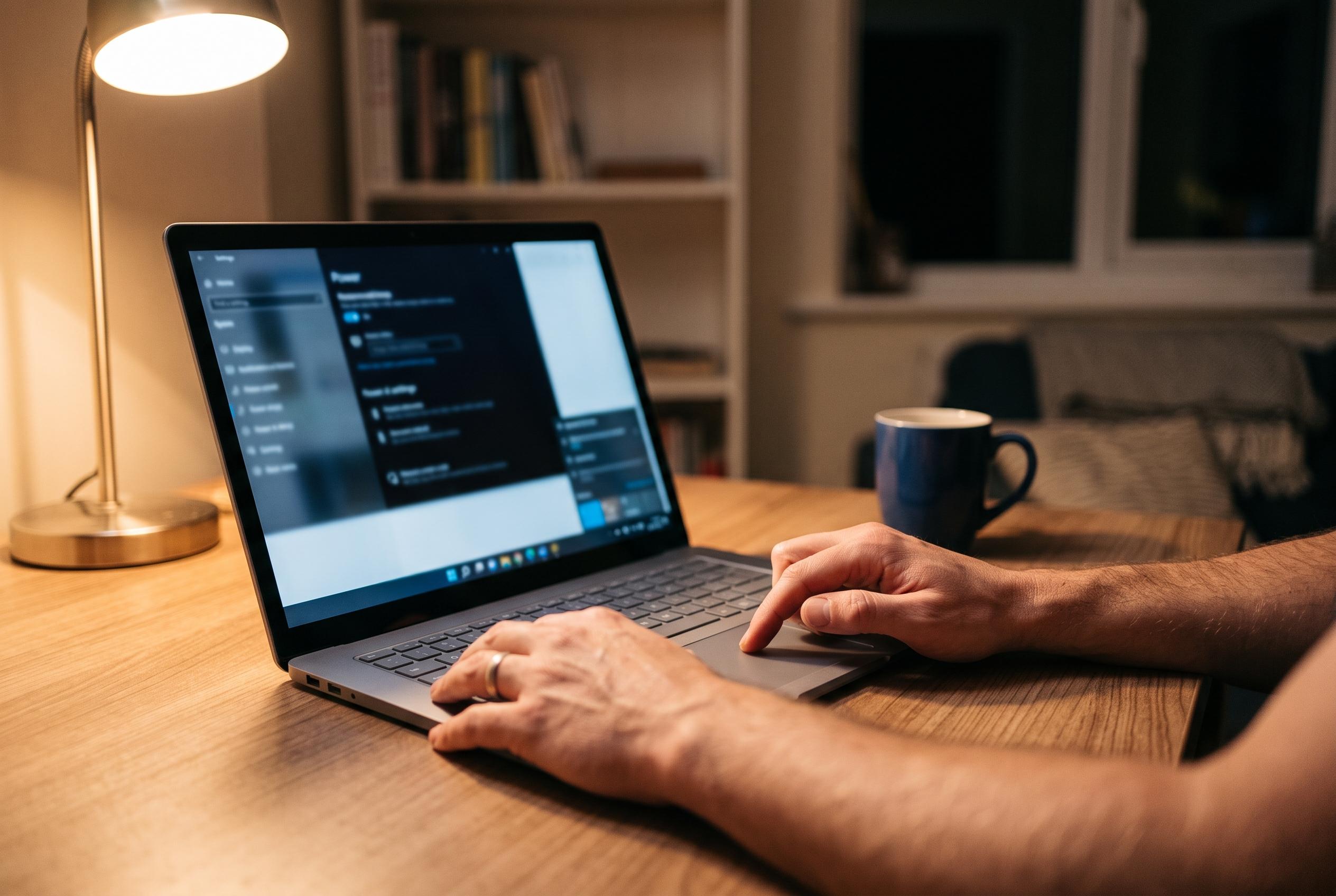

Microsoft simplifies battery saving with a new ‘Energy recommendations’ panel in Windows Settings, allowing users to implement multiple power-saving tweaks at once for noticeable gains in unplugged usage.
Windows users looking for a quick way to squeeze more time from a laptop battery do not need to hunt through a maze of settings. Microsoft now bundles a set of power-saving changes into a single “Energy recommendations” panel inside Windows Settings, with an “Apply all” button that turns the lot on at once. According to PCWorld, the result can be a noticeable extension of battery life with very little effort.
The menu sits under System and then Power & battery, where Windows groups several adjustments that affect consumption. Microsoft’s support pages say the feature is designed to simplify changes that matter most, including display brightness, sleep timing, screen timeout and power mode. The company also places emphasis on lowering energy use rather than presenting the feature purely as a battery tool, but the practical effect is the same: less power draw and longer unplugged use.
Several of the recommendations are straightforward. Windows can switch to a more efficient power mode, reduce brightness, enable Dark Mode, and shorten the delay before the screen switches off or the device sleeps. Microsoft says those settings are especially effective because the display is often one of the largest drains on portable computers. On OLED panels, Dark Mode can help because black pixels are effectively turned off, while lower brightness and faster sleep settings can produce immediate savings when a machine is idle.
There are limits, however. Some of the changes will make little difference if a laptop already sleeps quickly or if the user works in a bright environment and needs a high display level. The gains also vary by hardware, since different panels and processors draw power differently. Even so, Microsoft’s documentation for Windows 11 and Surface devices presents Energy recommendations as a practical first step for anyone who wants to reduce consumption without learning every individual power setting. Windows Central has also reported that Microsoft is testing a more advanced adaptive energy-saver feature that could enable battery-saving behaviour dynamically based on workload, which suggests the company is continuing to push battery management deeper into Windows rather than leaving it to manual adjustment.
Disclaimer: This content is intended for informational purposes only. Readers are advised to exercise their own judgement, conduct due diligence, or consult a qualified expert before acting on any information provided.