

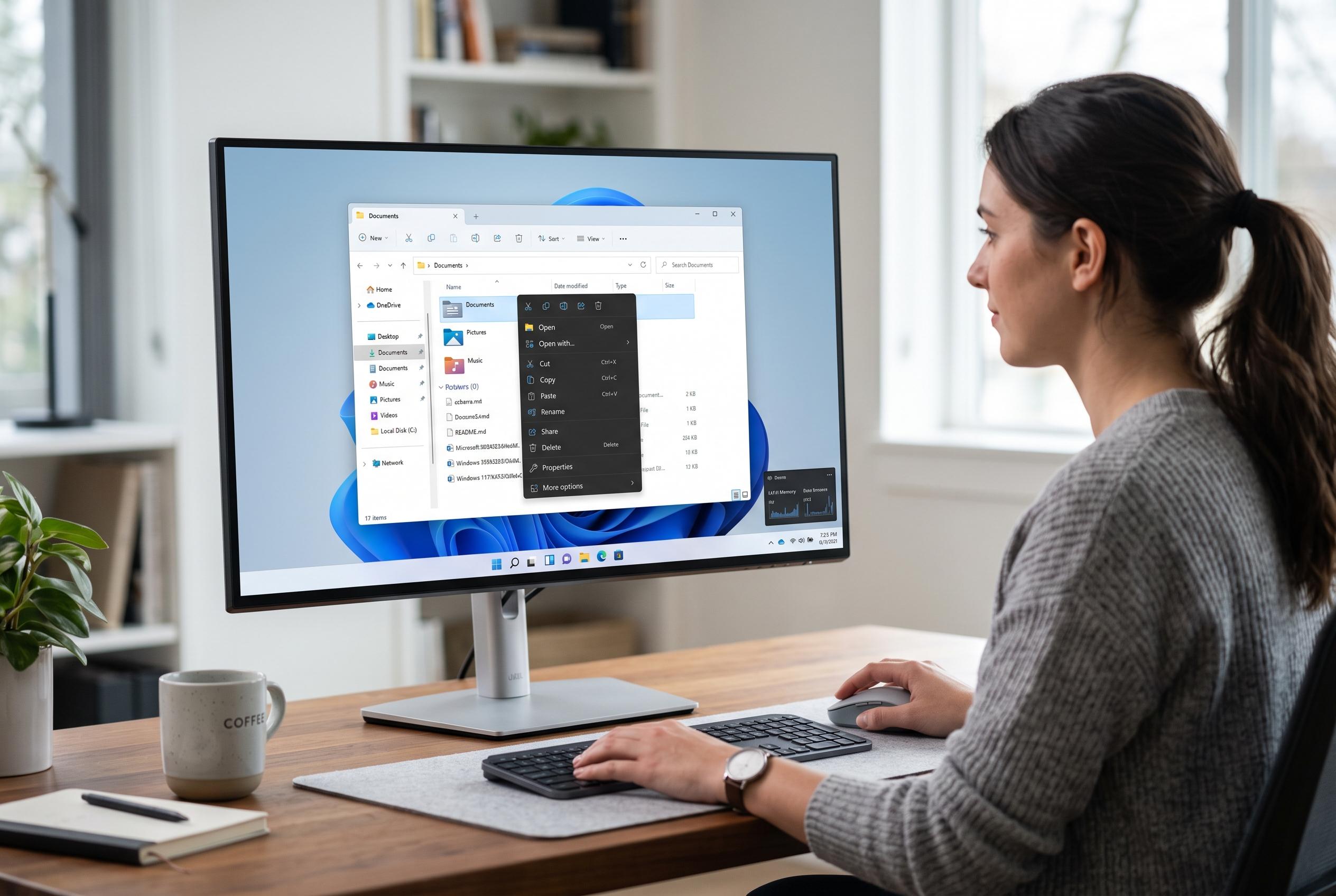

Microsoft is rolling out significant updates to File Explorer in Windows 11, introducing a redesigned context menu and performance improvements aimed at simplifying user experience and boosting efficiency.
Microsoft is updating File Explorer in Windows 11 with a redesigned right-click menu and a wider set of usability fixes, in a move that reflects its broader effort to make the file manager faster, calmer and less intrusive to use. The Windows Insider Blog said the changes are rolling out first to Insider builds and are intended to reduce clutter while making common actions easier to reach.
The company says it has also been working on performance and reliability across File Explorer itself. According to Microsoft, the app now opens more quickly, while a range of stalls, hangs and visual interruptions have been reduced. That matters because File Explorer remains central to everyday Windows work, from organising local folders to handling files stored in OneDrive and other cloud services, as Microsoft’s own support guidance makes clear.
Several of the smaller changes are aimed at removing friction from routine tasks. Microsoft says file renames are no longer interrupted by background sync activity, and name changes that only alter capitalisation now appear immediately. The Address Bar now accepts a wider range of inputs, including quoted paths and double backslashes, while middle-click support has been extended to folders in the Address Bar and on the Home page. Microsoft has also adjusted the Details pane, improved size labelling, and made Home remember whether sections were expanded or collapsed.
The redesigned context menu is the most visible part of the update. Microsoft says it opens faster because the default view is cleaner and the full set of options sits behind a Settings page labelled “Customize menu”. Users can switch some built-in commands on or off, control which app extensions appear, and choose whether the menu shows common actions inline or as icons. The company has also added options that echo Windows 10’s layout, including moving Properties to the bottom, signalling that customisation is now part of the product’s design rather than an afterthought.
Disclaimer: This content is intended for informational purposes only. Readers are advised to exercise their own judgement, conduct due diligence, or consult a qualified expert before acting on any information provided.



