

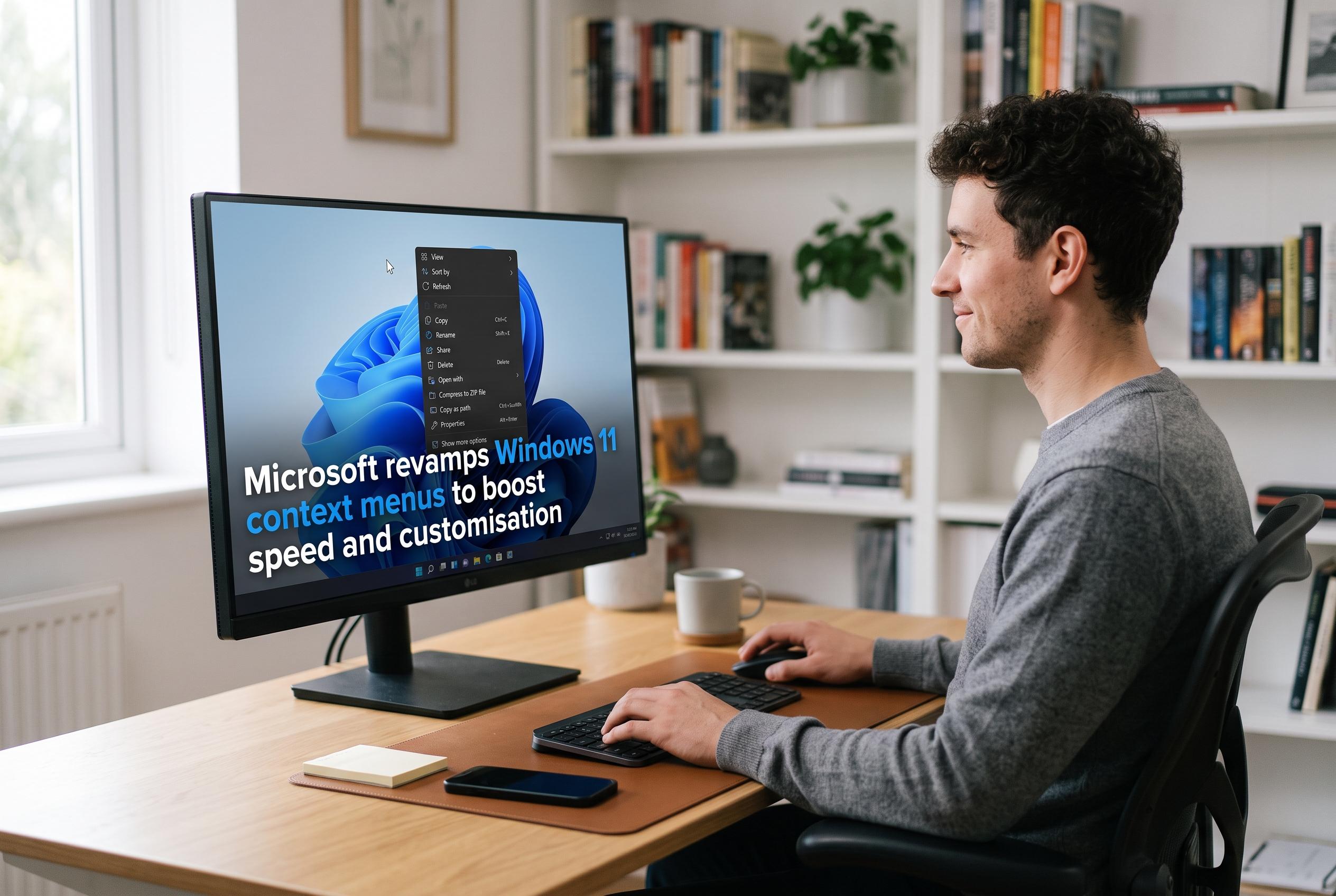

Microsoft is rolling out a major overhaul of Windows 11’s right-click menus, streamlining options, reducing clutter, and offering greater user control, as part of a wider series of system enhancements.
Microsoft is preparing a substantial redesign of Windows 11’s right-click menus, a change aimed at cutting clutter, improving responsiveness and giving users more control over what appears in File Explorer and on the desktop. According to Windows Central, the company has now confirmed a project that had been under development for several weeks, and preview builds with the new system are already reaching Windows Insiders. Microsoft engineer Michael Novak said the company recognised that the current menu had become “cluttered and sluggish” and wanted to reduce the delay between clicking and getting a usable menu. Windows Central reported that the updated design is intended to keep common actions within easy reach while simplifying the rest.
The most important change is not just cosmetic. The new menu reduces the number of items shown at the top level, which should make the interface feel faster on launch and less crowded in daily use. Windows Central said it found the new layout noticeably more immediate in hands-on testing, with fewer actions exposed by default in exchange for better speed. That approach reflects a wider shift in Windows 11, where Microsoft has been trying to refine the system rather than merely restyle it.
Microsoft is also adding a Settings-linked customisation layer that lets people decide which actions remain visible. According to Windows Central, users will be able to switch individual commands on and off, and hide third-party app extensions that often appear in context menus without much control from the user. That could be particularly useful for people who install several utilities that all add their own right-click entries, as it allows the menu to be trimmed back to essentials.
The company is also acknowledging that some users still prefer the older Windows 10 approach. Windows Central reported that Microsoft will let people restore a more traditional layout for primary actions such as Cut, Copy, Paste, Rename, Delete and Share, including an option to display those commands inline instead of as a row of icons. It also said Properties can be moved to the bottom of the menu, giving users more flexibility over how familiar or compact the interface feels.
The changes arrive alongside a broader series of Windows 11 refinements that Microsoft has been rolling out through 2026. Windows Central has reported recent work on the Taskbar, the Start menu, File Explorer and Windows Search, as well as a more configurable operating system overall. In that context, the context-menu overhaul looks less like an isolated fix and more like part of Microsoft’s attempt to make Windows 11 feel more consistent, faster and easier to adapt to different habits. Windows Insiders can test the new menus now, although broader availability is expected later.
Disclaimer: This content is intended for informational purposes only. Readers are advised to exercise their own judgement, conduct due diligence, or consult a qualified expert before acting on any information provided.



