

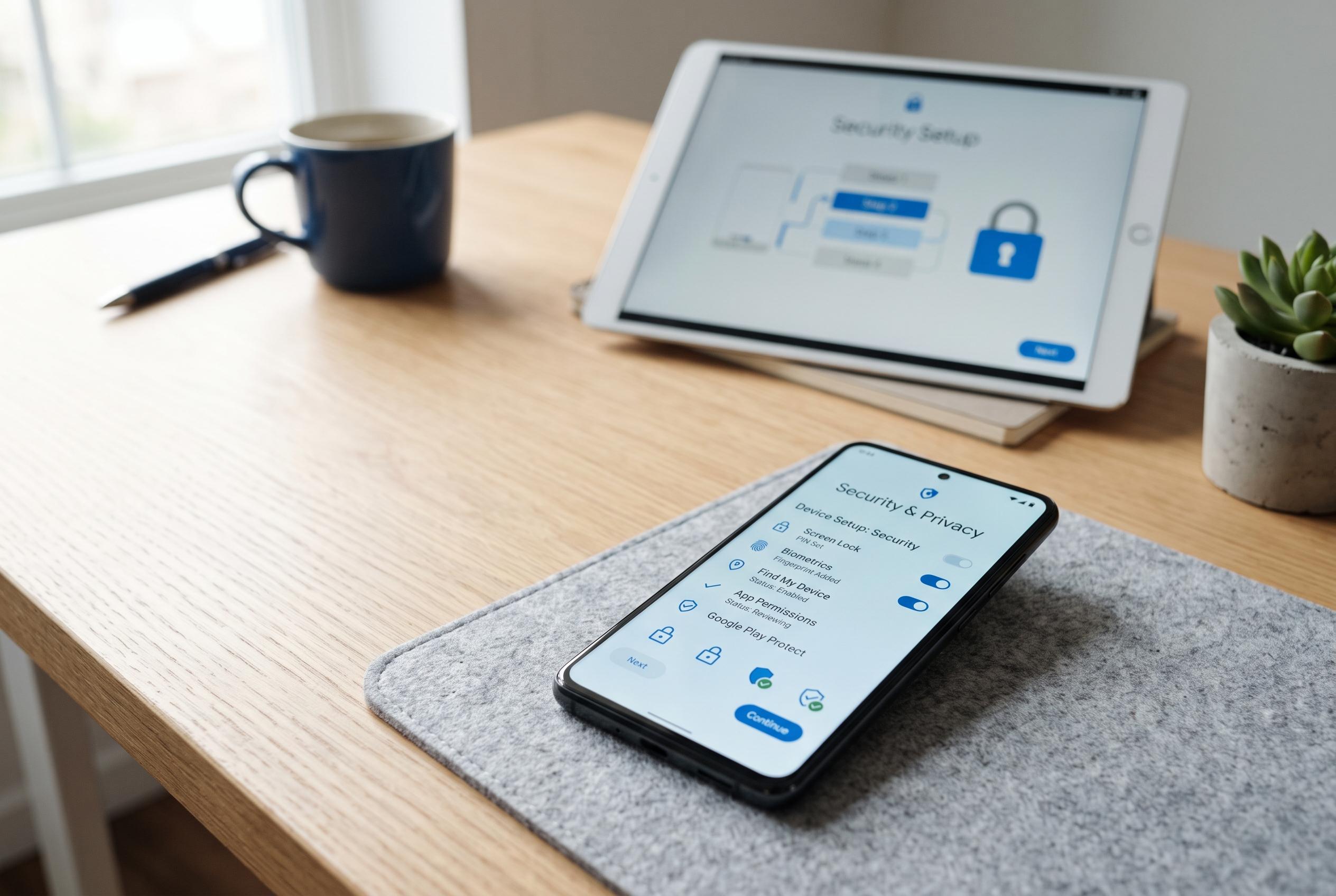

Experts recommend prioritising device security and privacy controls before signing into Google or adding personal data, enhancing both security and user experience from the outset.
A new Android phone does not need to be signed into Google immediately to become usable. In practice, the first sensible step is to treat it as a device that should be secured, trimmed and tested before any cloud services are added. Google’s own support material underlines the value of setting a screen lock early, while newer Android security features have made the lock screen even more central to device protection.
The first priority is a proper lock screen. Google advises users to set a PIN, pattern or password as soon as possible, and a PIN remains the practical baseline for both security and recovery. Biometrics such as fingerprint unlock or facial recognition can then be added for convenience, but they should sit on top of a strong lock method rather than replace it. On current Android builds, theft-protection features and stricter lockout rules make that initial choice more important than ever.
It is also sensible to review privacy and service settings before signing in. That makes it easier to switch off features you do not want active from the start, such as location history, cloud backups and voice assistants. Android Central has also documented how Google’s Gemini and other AI functions can be disabled in some apps and on some devices, although the exact controls vary by handset and software version.
Cleaning up pre-installed software is the next practical step. Google explains that some system apps on Pixel phones can be disabled even when they cannot be removed, which helps stop unwanted software from running in the background. That matters because Android phones often arrive with extra apps and services that many users will never need. Removing or disabling them early keeps the interface simpler and reduces clutter before accounts and data are synced.
A phone can also be tested properly while still offline. The camera, display, basic settings and many built-in apps should all be checked before any personal account is added. That approach is especially useful on a second-hand device, because it lets the buyer confirm that the handset works as expected before committing to a full setup. Only after that should Wi-Fi, software updates, SIM activation and APN settings be dealt with, followed by Google sign-in and data sync.
For users who want to go further, Android can still be used without a Google account, although the experience is more limited. Apps can be installed through alternative channels such as F-Droid, and more advanced users may choose a custom ROM for tighter control. But for most people, the sensible sequence is simple: secure the phone, remove what is unnecessary, verify that it works, then connect it to the wider ecosystem.
Disclaimer: This content is intended for informational purposes only. Readers are advised to exercise their own judgement, conduct due diligence, or consult a qualified expert before acting on any information provided.



