

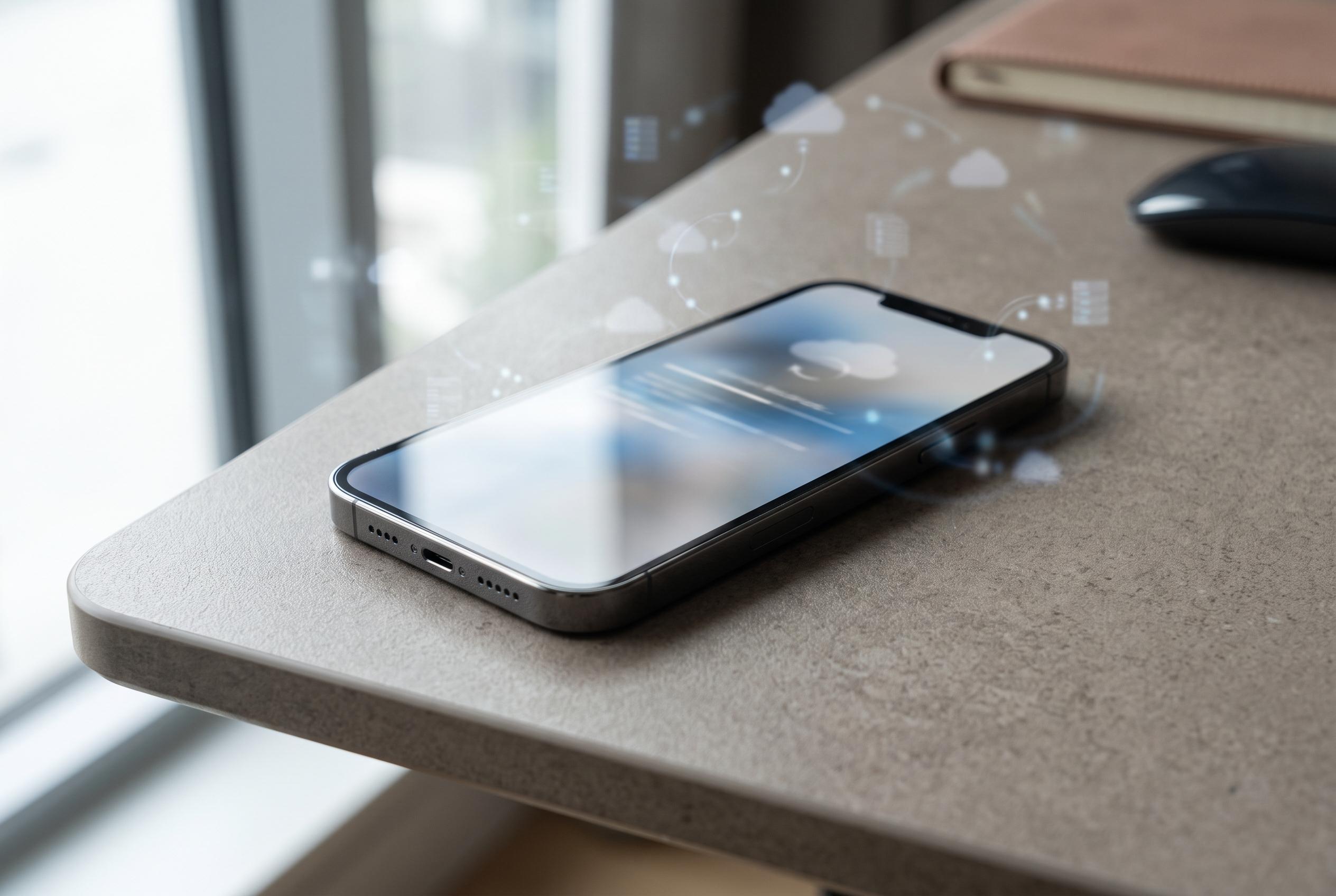

A comprehensive guide updated in August 2026 emphasises the critical steps for backing up data before performing a factory reset on Android and iPhone devices, helping users prevent data loss and secure their information during device restores.
Formatting a phone is the most decisive way to clear its local data and return it to factory settings. The Canaltech guide, tested and updated in August 2026, stresses that the process should begin with a complete backup, because once the wipe is done the device is designed to start again as if it were new. Google’s Android support pages and Apple’s iPhone documentation both confirm that backups are central to any reset plan, whether the device is being refurbished, sold or simply fixed after persistent software problems.
Before starting, users should make sure the battery is sufficiently charged, ideally with the phone connected to power, and that a stable internet connection is available. That matters because both the backup and the later reconfiguration stages often depend on cloud services. Google says Android backups can include apps, call history, contacts, device settings and SMS or MMS messages, while Apple says iCloud backups can be created manually or automatically and restored later if needed.
The Canaltech guide says a full reset removes locally stored apps, photos, videos, calendar data, contacts saved on the device, WhatsApp chats, linked accounts, saved passwords and personal settings. It does not, however, erase data already stored in the cloud, contacts kept on the SIM, or files that were never copied into the phone’s internal memory. Apple’s guidance on iCloud backups and Google’s backup documentation both reinforce that cloud-synchronised material sits outside the scope of a factory reset.
Backup steps differ by platform. On Android, the guide recommends using Google’s backup menu and then checking Google Photos for media folders that may need separate synchronisation; some manufacturers also offer their own backup tools. On iPhone, Apple directs users to iCloud Backup in Settings, along with the Photos settings needed to ensure images and videos are synchronised. Both companies also note that storage capacity can become a limiting factor, so users may need to manage cloud space before proceeding.
WhatsApp requires its own backup routine. Canaltech advises Android users to save chats to Google Drive and iPhone users to iCloud, with an option to include videos. The article also flags a common blind spot: authenticator apps, note-taking tools, health records and other services may keep critical information only on the device unless they are synchronised separately. That is an important point for anyone relying on two-factor authentication codes or offline records.
The reset itself varies by brand but follows the same broad logic: open system settings, find the reset or restore menu, confirm the erase and enter the device passcode. Canaltech gives separate paths for Samsung, Motorola, Xiaomi and iPhone, while also describing remote wipe options through Google’s Find My Device service and Apple’s Find My network for lost or stolen phones. After the wipe, the guide recommends removing the old handset from Google and Apple account lists, both for security and to avoid leaving the device tied to the previous owner’s credentials. Google and Apple both document these account-management steps in their respective account and security sections.
A factory reset can resolve software-related lag and crashes, but it is not a cure for weak hardware. It also does not work without the device passcode, and it can take only a few minutes or longer depending on how much data was stored. The Canaltech guide says an eSIM may be removed during the reset if that option is selected, while a memory card is not necessarily wiped unless the user chooses to erase it. In practice, the safest approach is simple: back up first, verify what is saved in the cloud, and only then erase the phone.
Disclaimer: This content is intended for informational purposes only. Readers are advised to exercise their own judgement, conduct due diligence, or consult a qualified expert before acting on any information provided.



