

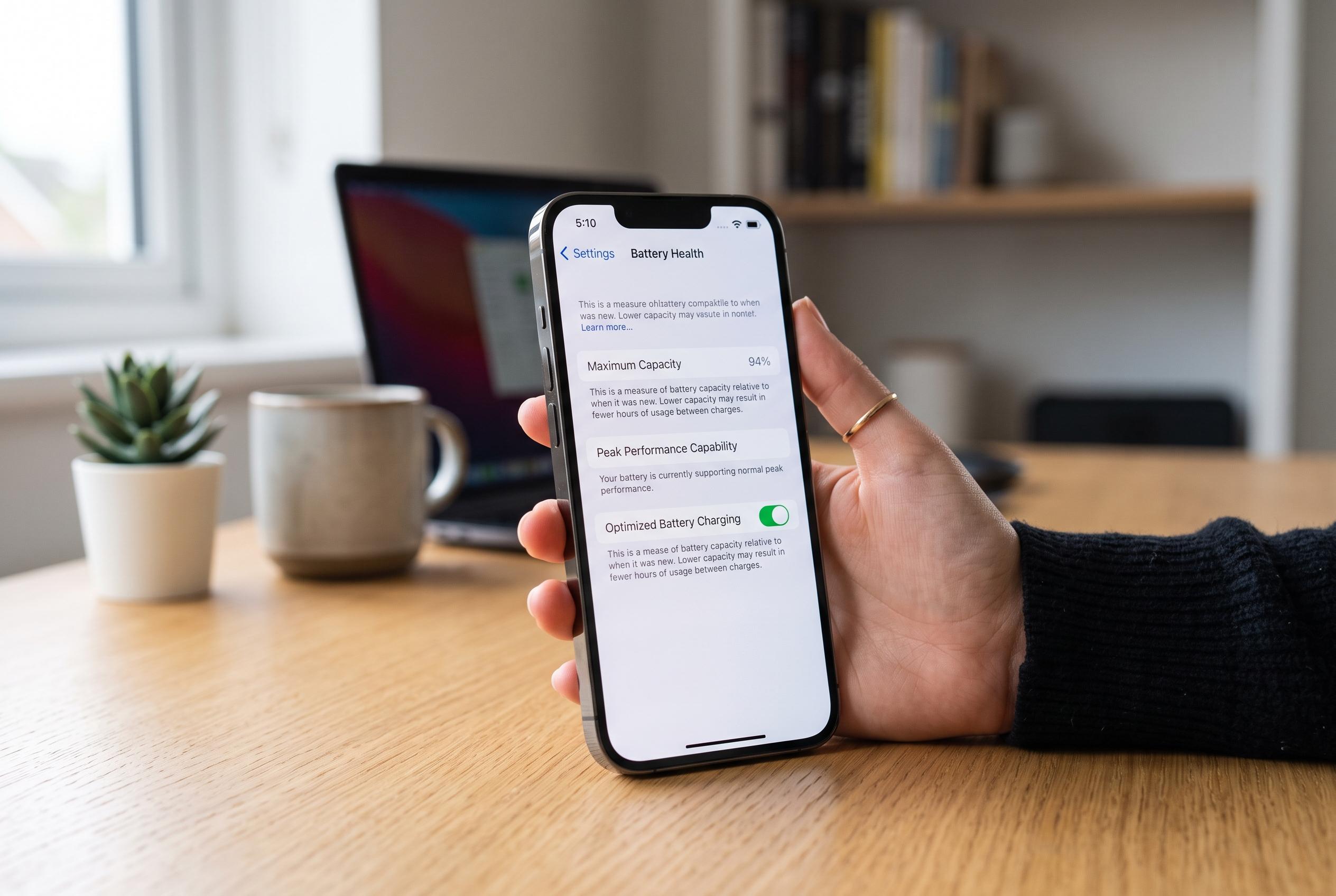

Apple unveils detailed tips and controls for users to monitor battery wear, optimise usage, and prolong device performance amid growing concerns over battery ageing and replacement costs.
The iPhone’s battery is designed to age gradually, but Apple provides several built-in controls to help users track wear, reduce unnecessary drain and delay replacement. In practical terms, the most useful checks are buried in Settings, where the handset can show battery health, usage patterns and, on newer models, cycle count information. Apple’s own support material says the battery screen is also the place to review whether the device is being taxed by individual apps and background activity.
The key figure to watch is Maximum Capacity, which compares the battery’s present capacity with its state when new. Apple explains that this number falls over time as normal chemical ageing progresses, so lower capacity means less running time between charges. Once that figure drops below about 80%, users may start to notice weaker performance under heavy load, and iOS may begin warning that the battery needs servicing.
Apple also exposes cycle-count data on iPhone 15 models and later, reflecting how often the equivalent of a full 100% discharge has been used, even if the energy was consumed in several partial charges. The company says newer iPhones are built to retain 80% of their original capacity after 1,000 cycles, while iPhone 14 and earlier models were designed to reach that point after 500 cycles. That difference matters for buyers evaluating a used device as well as for owners trying to judge when ageing is becoming significant.
Day-to-day battery life can be improved with a few simple settings. Apple recommends Low Power Mode, lower screen brightness, shorter auto-lock times, reduced background refresh, tighter location access and fewer push alerts from rarely used apps. Its support pages also stress that heat is one of the battery’s biggest enemies: the ideal operating range is roughly 16C to 22C, and sustained exposure above 35C can permanently reduce capacity.
Charging habits matter just as much. Apple’s Optimised Battery Charging feature studies daily charging routines and delays the final stretch to 100% until close to the time the phone is usually unplugged. The company says this helps limit time spent at full charge, which reduces chemical wear. Contrary to common belief, leaving the phone plugged in overnight is not inherently harmful if the feature is enabled, and users do not need to drain the battery fully before recharging.
If the handset runs hot while charging, Apple advises removing thick or heat-retaining cases, avoiding direct sunlight and using certified cables and chargers. Battery replacement becomes a sensible option when capacity falls below 80%, performance dips during demanding tasks, or the phone starts shutting down unexpectedly. Apple’s service channels can arrange repairs through authorised locations, and the company publishes model-based pricing for battery replacement.
Disclaimer: This content is intended for informational purposes only. Readers are advised to exercise their own judgement, conduct due diligence, or consult a qualified expert before acting on any information provided.



