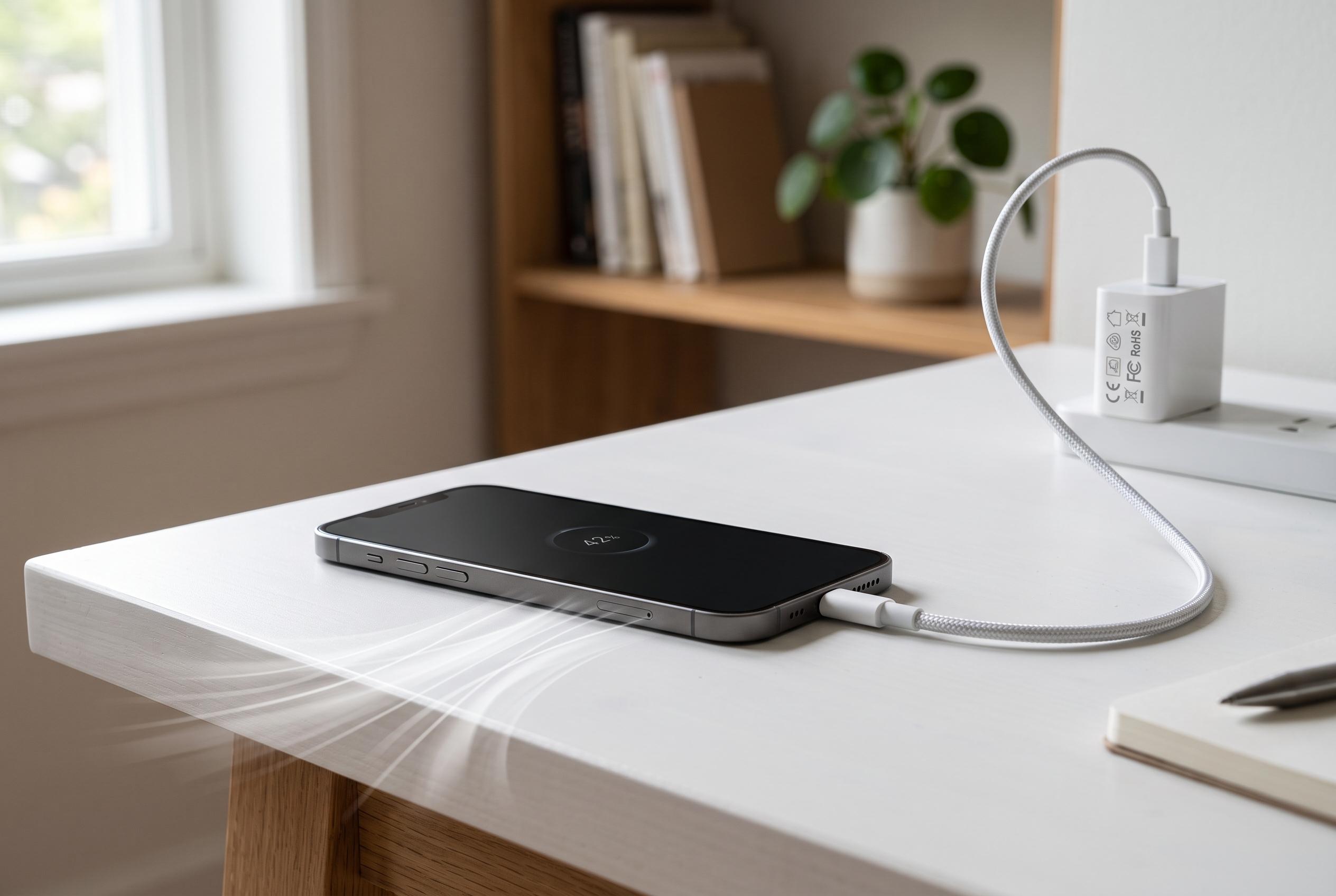

While warmth during charging is common, experts stress the importance of using certified accessories, maintaining ventilation, and avoiding intensive background tasks to prevent damage and ensure safety.
A smartphone that grows warm while charging is usually not failing. In most cases, the heat comes from a combination of fast charging, limited airflow and background tasks running at the same time. That said, when the device becomes very hot, slows down, stops charging or displays a temperature warning, it should be disconnected at once and checked.
The main reason is simple physics. Energy lost during charging turns into heat, and the effect becomes more noticeable as charging power rises. Huawei’s support guidance says higher current and voltage naturally increase temperature on devices that support fast charging. Other technical explanations point to the same issue: the battery, cable and charging circuitry all generate heat under load, especially in compact phones with little room to dissipate it.
Accessories often make the difference between mild warmth and a serious problem. Third-party chargers, damaged cables, loose USB-C ports and cheap leads can all worsen heat build-up. Several support and repair guides also note that dirty charging ports, thick cases and soft surfaces trap warmth around the handset. Charging on a bed, under cushions or in a tightly enclosed space is particularly unhelpful.
The way the phone is used during charging matters as well. Running maps, games, video calls or heavy background processes adds more strain at the same time as the battery is filling. Many modern phones also carry out backups, photo syncing, updates and on-device AI tasks overnight, which can raise temperature even with the screen off. Manufacturers increasingly recommend battery optimisation or optimised charging features, which slow the final part of the charge and reduce long-term stress on the battery.
Where possible, the safest approach is straightforward: use a certified charger, keep the device in a cool and ventilated place, remove the case if heat is building, and avoid charging under direct sun or inside a hot car. Wireless charging can also create more heat than a cable if alignment is poor. If a phone repeatedly overheats, or if the battery appears swollen, professional servicing is the right next step.
Disclaimer: This content is intended for informational purposes only. Readers are advised to exercise their own judgement, conduct due diligence, or consult a qualified expert before acting on any information provided.