

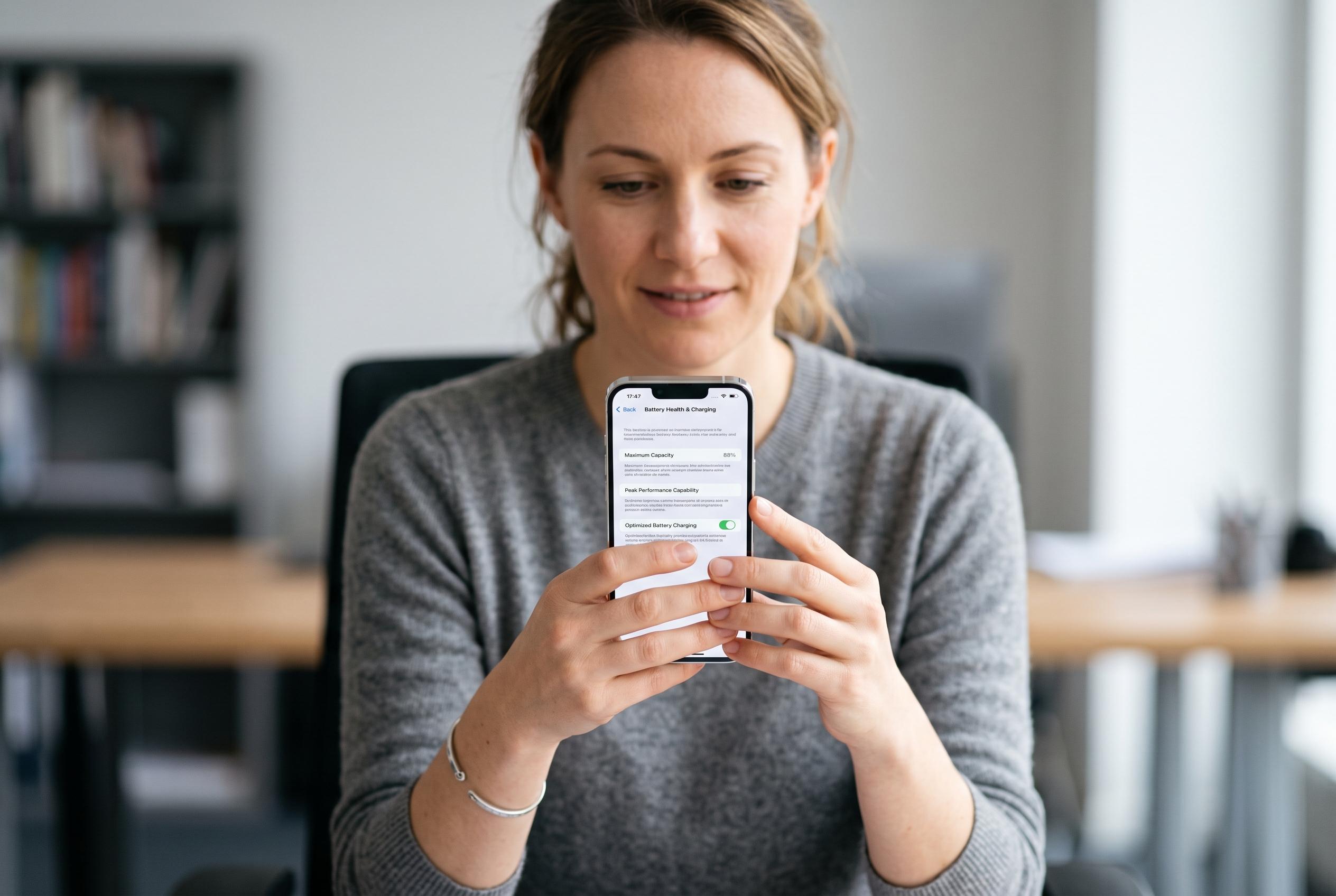

Even as hardware advances, a handful of recurring factors remain central to extending smartphone battery life. Experts suggest simple adjustments in display, connectivity, and background activity can make significant differences, though device health and charging habits are equally crucial for long-term endurance.
Smartphone battery life is still shaped by a small number of recurring factors, even as hardware has improved. The display remains the largest power draw, followed by wireless radios and background app activity, which means the most effective fixes usually come from adjusting those three areas rather than chasing obscure workarounds. Recent guidance from iPhoneGlance, Tech Times and Nophlix all points to the same conclusion: brightness, refresh behaviour, connectivity and app activity do most of the damage.
The screen is the first place to look. Auto-brightness can save far more power than leaving the panel at a high manual setting, and lowering refresh rates from 90Hz or 120Hz to 60Hz can also reduce drain. Dark mode matters most on OLED and AMOLED screens, where black pixels are effectively switched off. Shortening the display timeout is another simple change that prevents the phone from staying awake when it is not being used.
Connectivity settings deserve the same attention. Wi-Fi generally uses less power than mobile data, and features such as Wi-Fi Calling can reduce strain in weak-signal areas. On modern iPhones and Android phones, automatic network switching is preferable to forcing the device onto its fastest radio all the time. Older advice about switching to 3G or 2G no longer applies in the United States, where those networks have been retired, so there is nothing useful to fall back to. Turning off Bluetooth, GPS and NFC when they are not needed can also trim background power use.
Background activity is the other major lever. Battery Saver or Low Power Mode cuts non-essential processes, while app-level battery menus show which software is consuming power in the background. Android’s Adaptive Battery and iPhone background refresh controls are designed to limit power use from apps that are opened rarely. Keeping the operating system updated matters too, because battery fixes are often bundled into routine software releases.
For longer-term battery health, charging habits matter as much as daily settings. Many phones now offer an 80% charge limit or adaptive charging, both of which help reduce time spent at full charge. Heat is one of the most damaging conditions for lithium-ion batteries, so leaving a phone in a hot car or direct sun can do more harm than ordinary charging cycles. Using a certified charger is also important, since poorly matched fast chargers can accelerate wear over time.
There are limits to what software can fix. Tom’s Guide’s battery testing, updated in March 2026, shows that the longest-lasting phones now can run for well over 20 hours in web-browsing tests, but weaker devices still trail far behind even when the settings are carefully tuned. If a handset still drains quickly after battery-saving controls have been applied, the battery itself may be degraded. Once capacity falls materially below its original level, no setting can fully restore the lost endurance, and a replacement battery may be the practical answer.
Disclaimer: This content is intended for informational purposes only. Readers are advised to exercise their own judgement, conduct due diligence, or consult a qualified expert before acting on any information provided.



