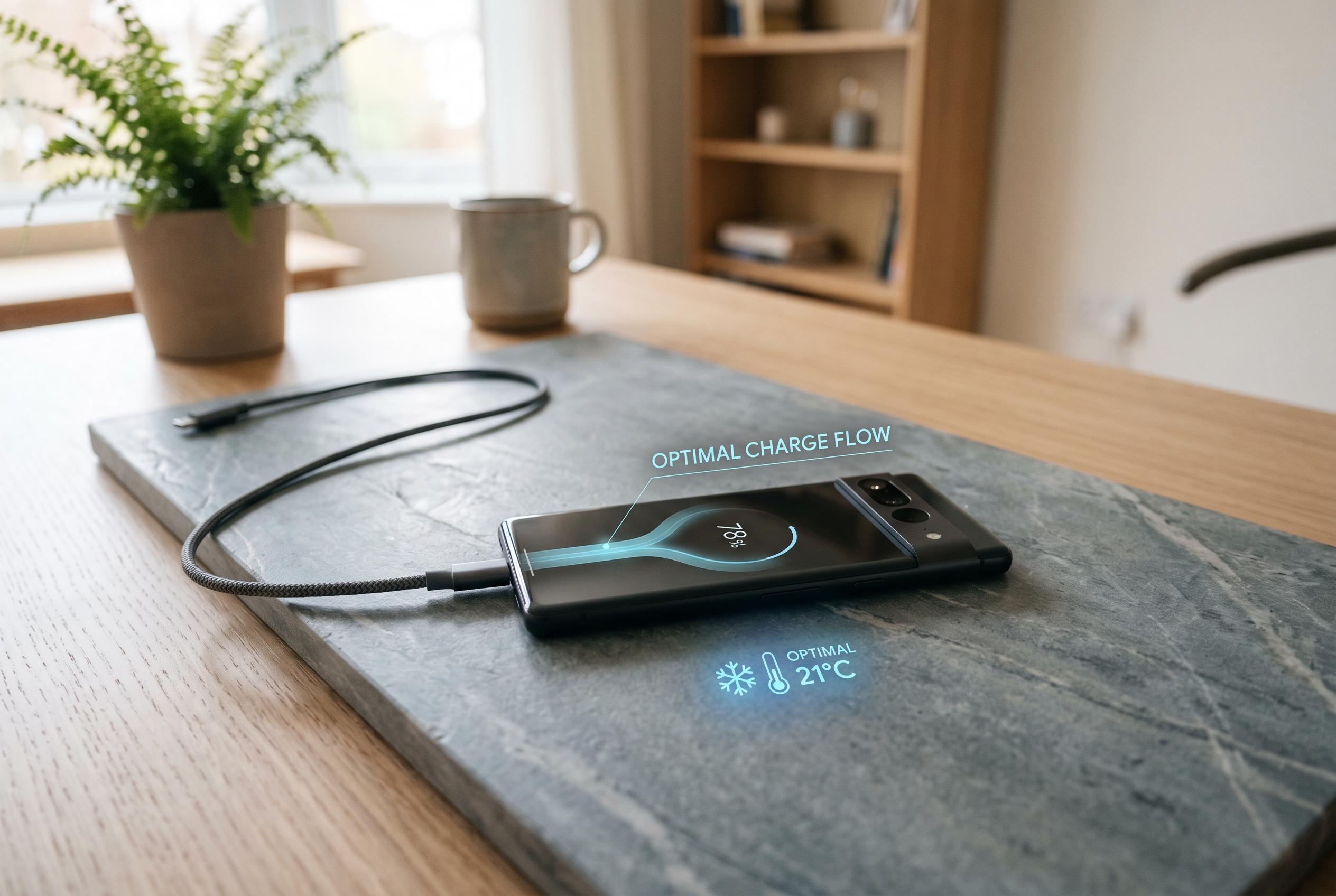

Experts and Apple recommend managing charging habits and avoiding heat to prevent long-term battery degradation, shifting focus from charging to temperature and usage patterns.
Charging an iPhone to 100% is not, by itself, a fast route to a dead battery. What matters more, battery experts and Apple’s own guidance suggest, is how often the phone sits at full charge for long stretches, particularly in warm conditions. Apple says iPhones use lithium-ion batteries that naturally wear down over time and are designed to retain up to 80% of their original capacity after 1,000 charge cycles on recent models, with older iPhones built around a 500-cycle target. That does not mean a phone fails after hitting 1,000 charges, but it does explain why battery health gradually slips after years of daily use.
The key issue is not the final 100% top-up but the time spent there. According to Apple’s support pages, Optimised Battery Charging is designed to reduce that stress by learning a user’s charging routine and pausing around 80% until shortly before the device is usually unplugged. On iPhone 15 models and later, Apple also offers a charge limit option that can cap charging between 80% and 100%, giving users more control over battery wear.
Heat is a bigger enemy than the percentage on the battery icon. Apple says iPhones perform best between 32F and 95F, and charging in hot places such as a parked car or direct sunlight can shorten battery life. The same is true when a phone is used heavily while plugged in, since gaming, fast charging and wireless charging all create extra heat. In practical terms, a cool phone that reaches 100% briefly is far less of a concern than one that stays hot and full all night.
Battery degradation also becomes more noticeable once health falls to around 80%. At that point, Apple considers the battery worn enough that it may no longer deliver peak power in sudden demand spikes, which is why older iPhones could slow down or, in some cases, shut off unexpectedly. The company later faced legal action over that behaviour, but the underlying issue was battery ageing rather than a software flaw. For most users, the concern is not an occasional full charge but the long-term pattern of repeated stress.
For everyday use, the simplest advice is to leave Optimised Battery Charging switched on, avoid extreme temperatures and try to keep the battery in the middle range when convenient. Apple’s guidance makes clear that charging to 100% now and then is normal and safe. The greater risk comes from making full charge the default state for hours on end, day after day.
Disclaimer: This content is intended for informational purposes only. Readers are advised to exercise their own judgement, conduct due diligence, or consult a qualified expert before acting on any information provided.