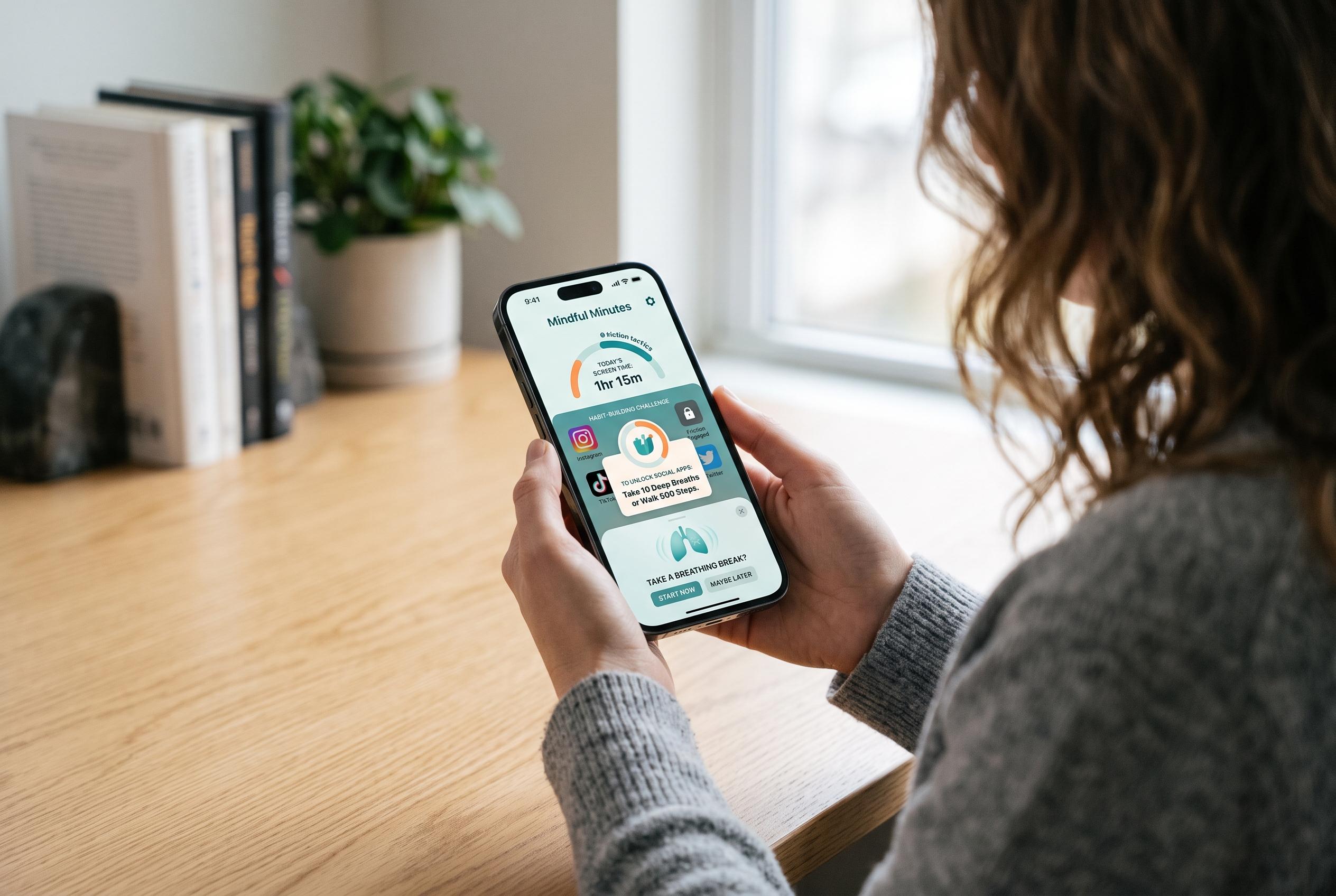

A growing number of apps on the Apple App Store employ inventive ways, from physical tasks to habit-building tools, to help users reduce their iPhone addiction without sacrificing essential functions, signalling a shift in digital self-control strategies.
Too much iPhone use is often less a failure of willpower than a design choice. Many of the most popular apps are engineered to keep people engaged, with infinite feeds, autoplay and a steady stream of alerts that pull users back in before they have really chosen to return. Apple’s own App Store also now carries a growing crop of tools built to push back against that behaviour.
One of the simplest options is ClearSpace, which is designed to block distracting services during set hours while leaving essential functions intact, according to its App Store listing. Friction takes a more deliberately awkward approach: instead of opening a distracting app straight away, users must complete a brief physical task, such as squats or push-ups, before getting through. The idea, as the app is presented on Apple’s store, is to turn reflexive scrolling into a more conscious decision.
Other apps focus on broader habit-building. Jolt combines app blocking with daily focus streaks and an Attention Score that folds together focus, sleep and discipline into a single metric, according to its listing. Reduce offers scheduled focus sessions and a “Dumb Phone Mode” that strips the device back to core utilities, while Refocus can block both apps and websites and adds a Strict Mode meant to make bypassing restrictions harder.
AppsHunter, which recently compiled a wider screen-time roundup, said there are more than 238 iOS apps in this category, with a mixture of free and paid tools and an average rating of 4.7 stars across the group it highlighted. That broader market includes names such as ScreenZen, Opal, BePresent and Unpluq, suggesting that the best answer for many users may not be a single app but a combination of blockers, timers and friction points that fit their habits. Apple’s ecosystem now gives users enough choice to make an iPhone easier to put down without stripping out the functions they still need.
Disclaimer: This content is intended for informational purposes only. Readers are advised to exercise their own judgement, conduct due diligence, or consult a qualified expert before acting on any information provided.