

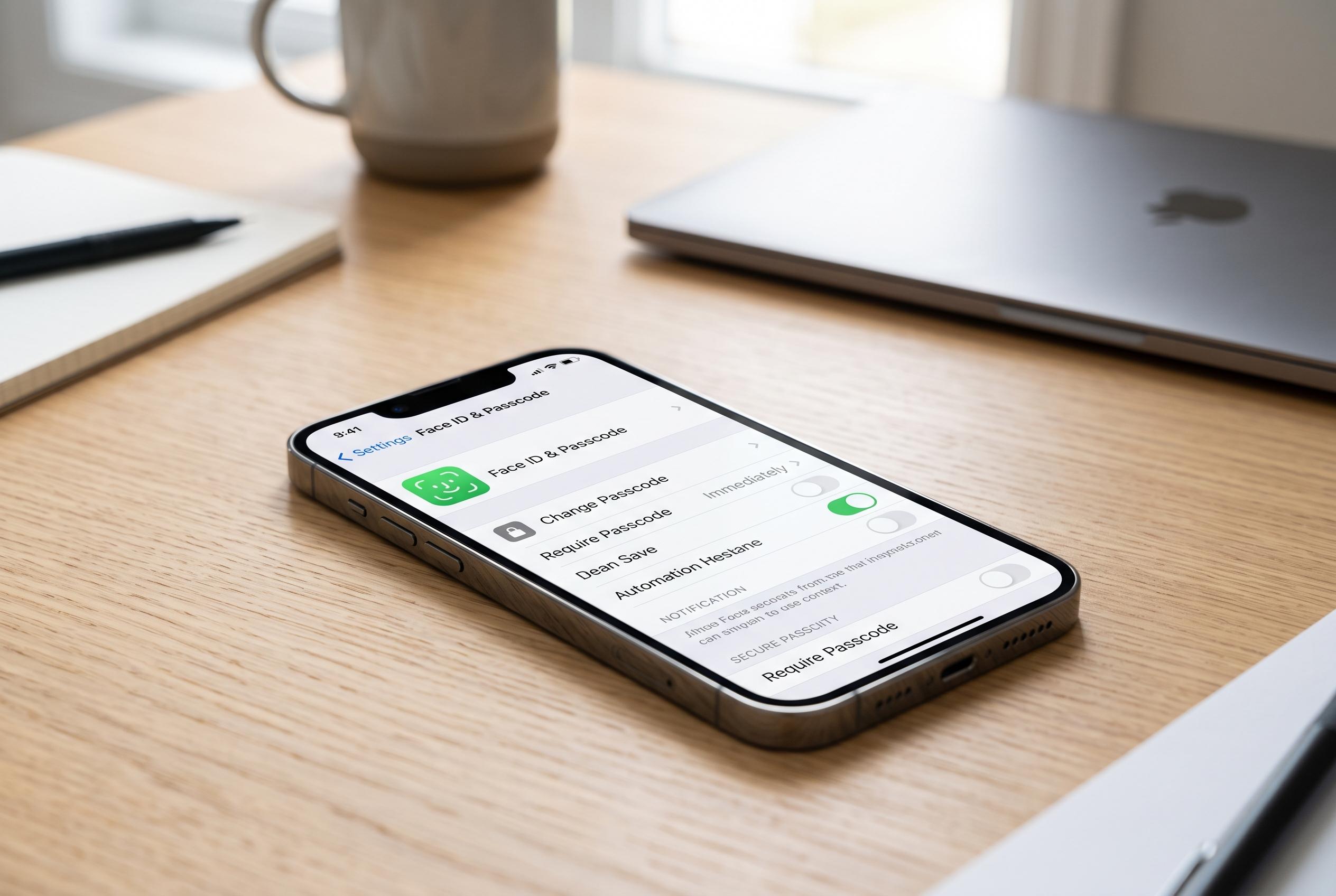

Apple’s built-in security features, including Screen Time restrictions and stolen device protections, offer significant safeguards for iPhone users by prioritising settings management over hardware enhancements, according to experts.
iPhone security often depends less on new hardware than on the settings already built in. According to Apple Support, Screen Time can do more than track usage: it can also lock down changes to key controls, restrict content and purchases, and keep those limits in place with a passcode. Used properly, those options create a stronger barrier around the device and the data stored on it.
The first step is to create a Screen Time passcode that is different from the iPhone unlock code. Apple’s guidance makes clear that this passcode is separate from the device passcode and can be managed independently, which matters because anyone who learns the lock-screen code should not automatically be able to alter restrictions. The safer approach is to keep the Screen Time code distinct and store it securely, rather than tying recovery too closely to an Apple ID that may itself need protecting.
The second step is to use Content & Privacy Restrictions to stop changes to sensitive settings. Apple’s own Screen Time guide explains that these controls can limit app downloads, websites and purchases, while also blocking changes that would weaken the device’s protections. In practical terms, that means a person with physical access to the phone should not be able to disable biometric security, adjust account settings or remove restrictions without the Screen Time passcode.
The third measure is to switch on Stolen Device Protection. On newer iPhones, this feature is designed to slow down attempts to make critical changes after an incorrect passcode has been entered, creating a delay that can help if the handset has been taken. The aim is simple: if a thief gets hold of the phone, they should not be able to immediately reset key settings, change account details or erase the device without additional safeguards.
There is still room for flexibility. If you need to make a legitimate change, such as updating an Apple ID password or adjusting Face ID, the restrictions can be lifted temporarily and then re-enabled afterwards. That balance is the point of these settings: they are meant to protect the device by default, while still allowing the owner to make controlled changes when necessary. For most users, taking a few minutes to set a unique Screen Time passcode, lock down sensitive settings and enable stolen device protection is a straightforward way to reduce risk.
Disclaimer: This content is intended for informational purposes only. Readers are advised to exercise their own judgement, conduct due diligence, or consult a qualified expert before acting on any information provided.



