

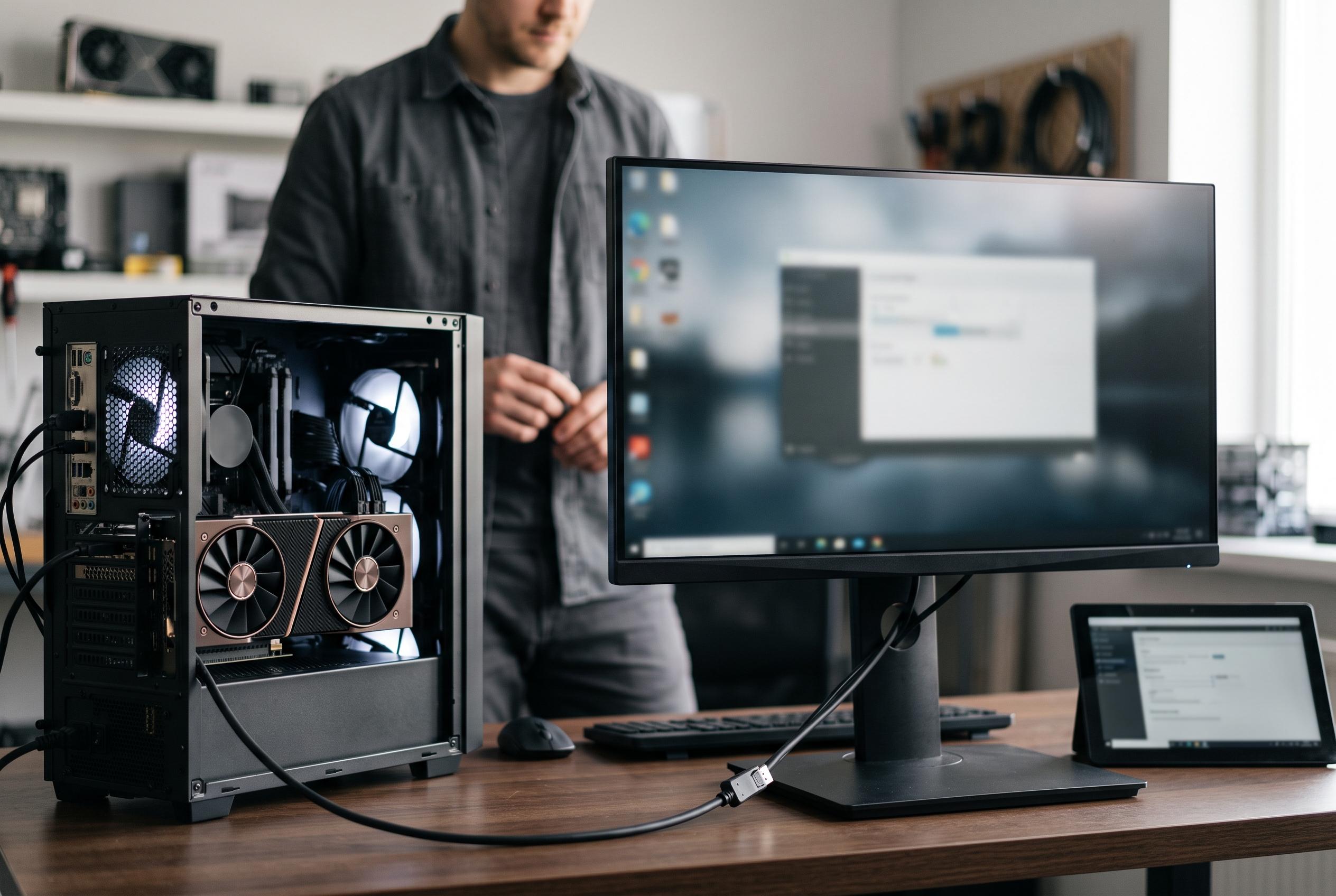

Many new Nvidia GPU users overlook crucial display settings in the Control Panel that can significantly impact performance and visual fidelity, with experts urging owners to check refresh rates and colour configurations early on.
New Nvidia GPU owners often spend far too long assuming the driver install is the final step. In practice, the Control Panel still contains several basic but important checks that can affect frame rates, image quality and input response. XDA Developers argues that these are the settings worth revisiting straight away rather than discovering them months later.
The first check is the display refresh rate. Nvidia’s Control Panel can show a monitor running at 60Hz even when the panel supports a much higher rate, which makes motion less fluid and undermines the point of buying a fast screen. The same display menu is also where users should verify output range and colour format. Nvidia’s own help pages note that the Control Panel includes display configuration tools, while community guides on image quality recommend reviewing picture-related settings alongside basic resolution checks.
Disclaimer: This content is intended for informational purposes only. Readers are advised to exercise their own judgement, conduct due diligence, or consult a qualified expert before acting on any information provided.



