

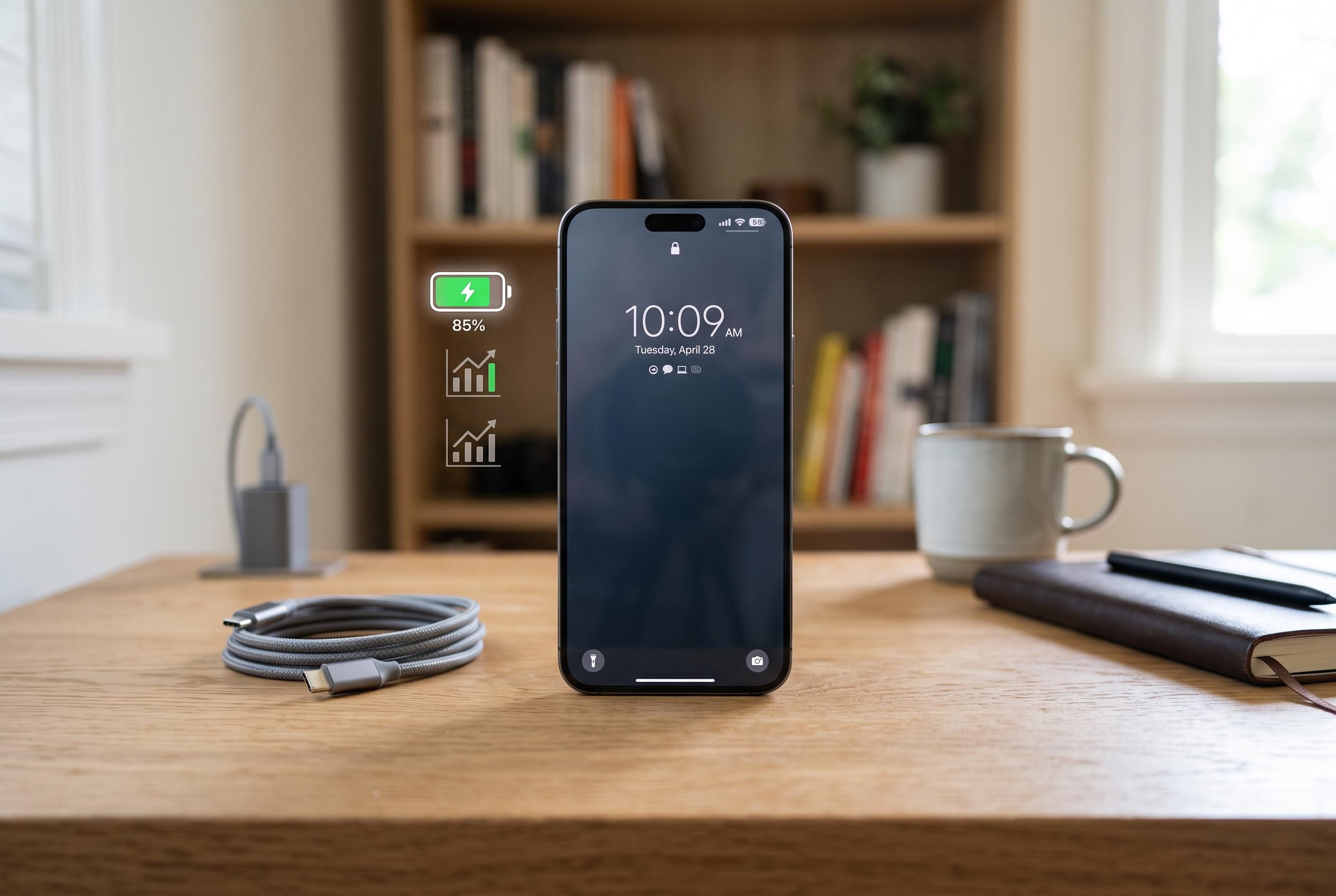

Experts reveal simple habits to slow battery wear, optimise charging, and prolong device lifespan amidst increasing mobile dependence.
Many smartphone users notice that battery performance declines over time, especially when a device is charged frequently and used intensively throughout the day. Battery wear is normal, but experts say a few simple habits can slow the process and help a handset remain reliable for longer. According to guidance from battery specialists and Google’s Android support pages, the aim is not to keep a battery perfect, but to reduce heat, unnecessary strain and prolonged exposure to extreme charge levels.
One of the most important habits is to avoid letting the battery run flat on a regular basis. Modern smartphones use lithium-ion cells, which do not need to be fully discharged before being charged again. Experts cited by TechRadar and Batteries Plus say frequent deep discharges can add stress, while keeping the charge roughly between 20% and 80% is generally better for long-term health. Occasional full charges are fine, but making 100% the normal daily target can increase wear over time.
It also helps not to leave a phone sitting at 100% for long periods. While that does not usually cause immediate damage, repeated extended charging at the top end of the battery range can shorten its useful life. Some newer devices include optimised charging or charge limits to reduce the time spent at full capacity, and Google recommends using built-in battery features such as adaptive battery where available.
Heat remains one of the biggest threats to battery life. Google and other technical guides warn that high temperatures can accelerate degradation and make a battery drain more quickly. That means avoiding direct sunlight, hot cars and charging in warm conditions. Heavy use while charging, particularly gaming or other processor-intensive tasks, can also raise the temperature of the device and place extra strain on the battery.
The charger and cable matter as well. Batteries Plus, Google and Android Central all recommend using the original power adapter or another reputable accessory that meets the phone maker’s specifications. Unverified chargers may not provide the correct protections, which can affect both safety and battery health. The same caution applies to cables and charging bricks that are poorly made or sold without clear certification.
Display settings also make a noticeable difference. The screen is one of the largest power consumers in any smartphone, especially when brightness is high for long periods. Reducing brightness manually, using adaptive brightness and shortening the screen timeout can all help. Google also notes that dark theme can reduce power use on some devices, while turning off keyboard sounds, vibrations and other non-essential effects can trim background consumption.
Users should also review which apps are using the most battery. Some applications continue running in the background even when they are not open, draining power through constant refreshes, location checks or network activity. Android’s battery tools can show which apps are consuming the most energy, making it easier to restrict unnecessary activity or remove apps no longer needed. Turning off Bluetooth or location services when they are not in use can also help in some cases.
Battery saver modes are useful when a phone needs to last longer between charges. Most devices can limit background activity, reduce performance and cut non-essential processes when this mode is enabled. Keeping the operating system up to date matters too, because software updates often include power-management improvements. At the same time, experts caution against apps that claim to “repair” or boost battery life, since many add more resource use than they remove. A gradual drop in battery capacity is normal after years of use. If a phone is losing charge unusually fast or switching off without warning, an authorised service check may be the most practical next step.
Disclaimer: This content is intended for informational purposes only. Readers are advised to exercise their own judgement, conduct due diligence, or consult a qualified expert before acting on any information provided.



