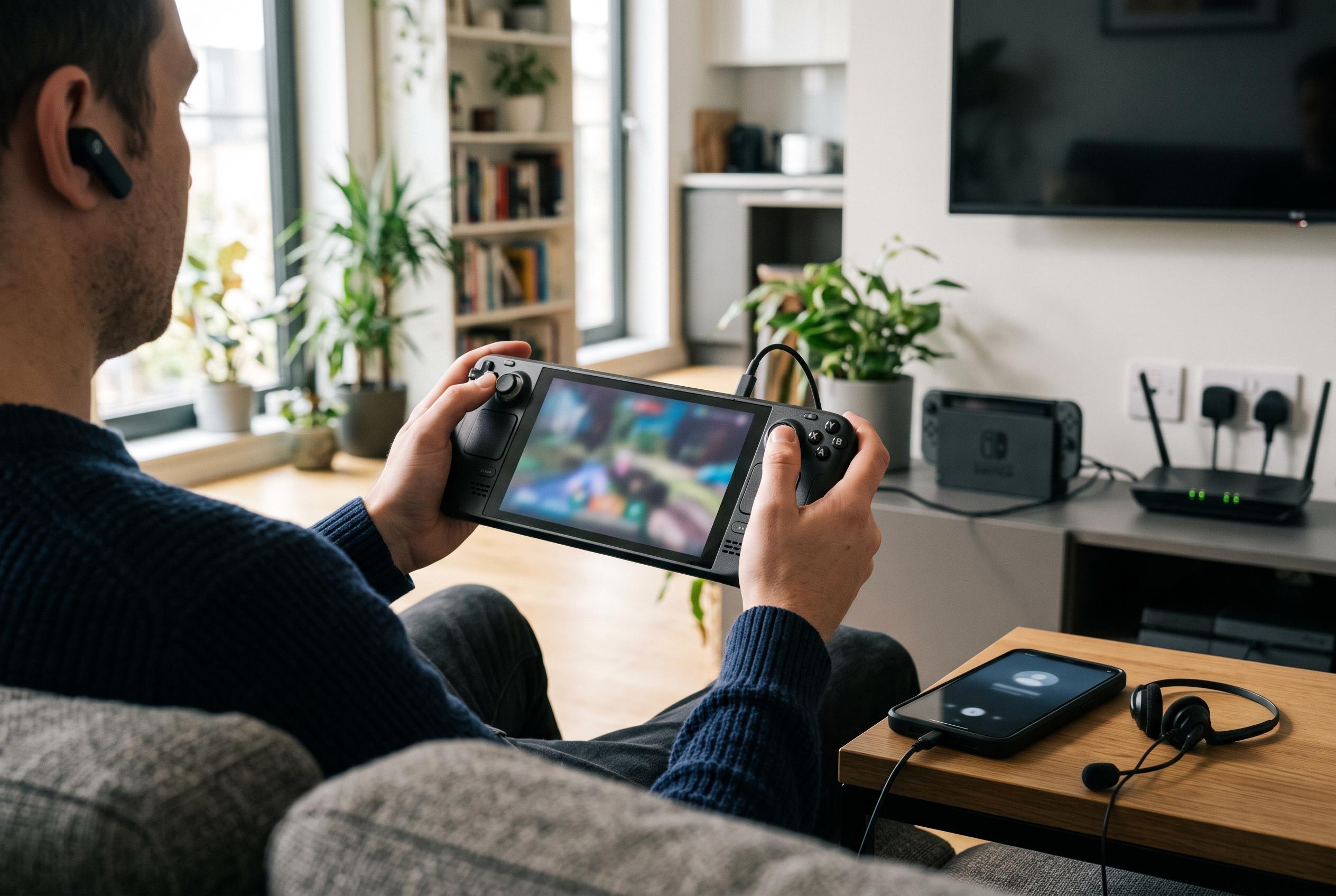

With the launch of the Nintendo Switch 2, early adjustments to settings such as GameChat, display, battery, and audio can significantly enhance user experience and gameplay performance from the outset.
If you have just bought a Nintendo Switch 2, the first few minutes can make a real difference to how it feels to use. The console introduces a larger 7.9-inch display, support for 4K output in TV mode, HDR, variable refresh rate and frame rates of up to 120fps, while the new Joy-Con 2 controllers add magnetic attachment, mouse-style control in compatible games and a dedicated C button for GameChat, Nintendo says. Frandroid has highlighted five early settings worth checking before starting a game session.
The first item is the C button itself. GameChat is launched from that button, but if you do not intend to use voice or video chat, Frandroid recommends changing the button’s behaviour to avoid accidental activation when the Joy-Con 2 controllers are used separately. On the Switch 2, this can be done through the console settings under accessibility and button configuration, or directly from the quick settings menu by holding the Home button.
The second setting concerns the Joy-Con 2 mouse mode. Nintendo says each controller can act like a mouse in supported games, and Frandroid notes that the sensitivity can be adjusted from the controllers and accessories menu. The available choices are limited to slow, default and fast, which is less precise than a PC mouse, but the same menu can also disable mouse mode completely if it is not needed.
Battery care is the third point. Frandroid points out that the Switch 2 can stop charging at around 90% to help preserve battery health, a function similar to charge-limiting tools found on some phones. Nintendo says the console’s battery life varies by game, with typical use ranging from about two to 6.5 hours, so the setting is best suited to players who keep the console in its dock for long periods rather than those who rely on handheld use every day.
The fourth and fifth checks are display and audio. Nintendo says the Switch 2 supports 4K at 60fps in TV mode, 120fps at lower resolutions, HDR and, after a system update, VRR on compatible televisions through the dock. Frandroid advises confirming that these options are enabled in display settings, including automatic low-latency mode if the television supports it, and checking the HDR brightness controls. The final setting is 3D Audio, which Nintendo says can create a more spatial sound field in supported games when using headphones or the console speakers.
Disclaimer: This content is intended for informational purposes only. Readers are advised to exercise their own judgement, conduct due diligence, or consult a qualified expert before acting on any information provided.