

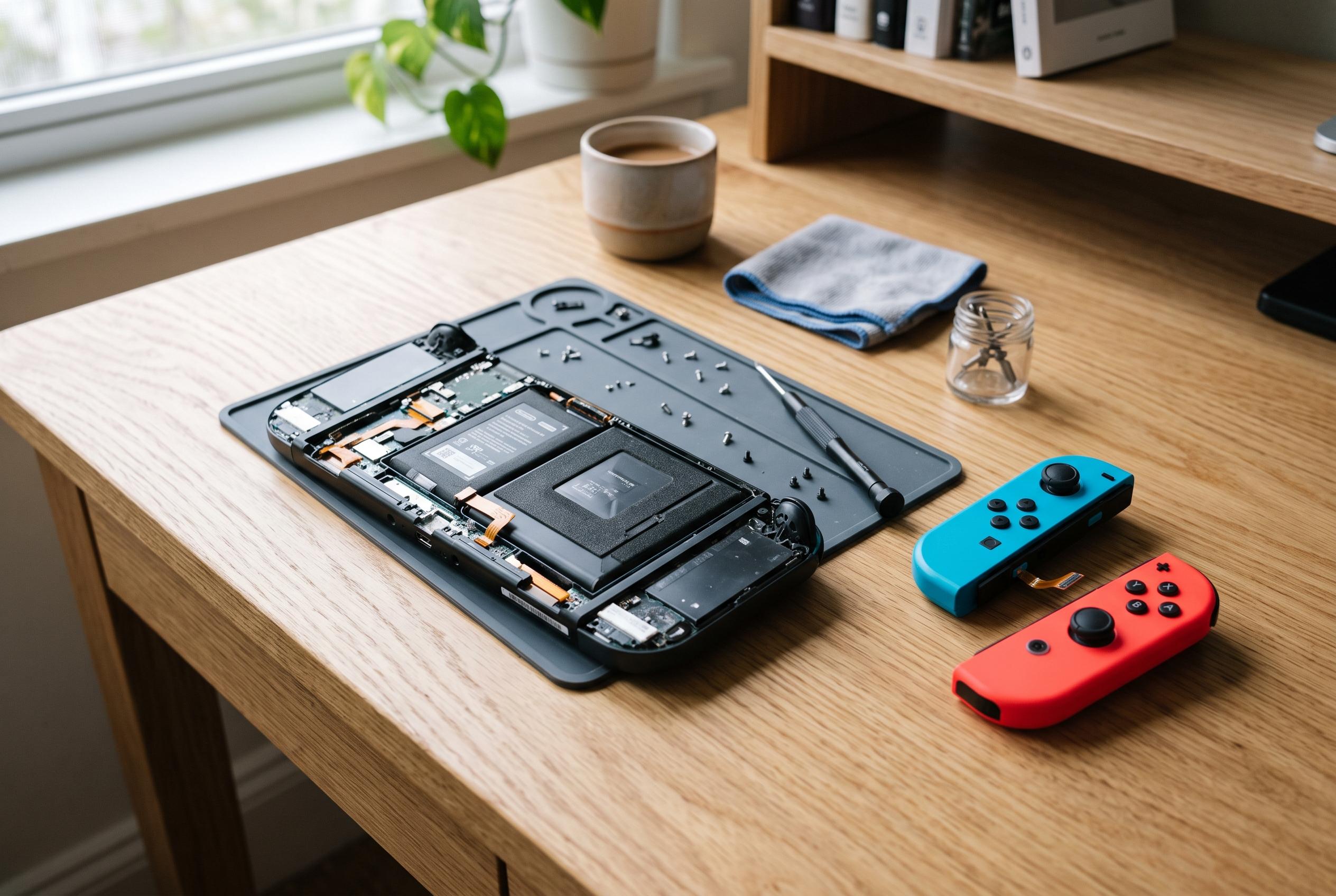

Persistent hardware issues like Joy-Con drift and overheating remain common among Nintendo Switch owners, but recent DIY fixes and official repair options offer renewed hope for gamers seeking cost-effective solutions.
The Nintendo Switch has remained one of the most widely used consoles because of its hybrid design and strong library of exclusive games, but it is not immune to routine faults. For many owners, the most common frustrations are practical rather than catastrophic: analogue stick drift, charging problems, display failures in docked mode, wireless instability, and overheating. Most of these issues can be addressed with basic checks before any repair is needed.
Joy-Con drift remains the best-known complaint. TechRadar, Nintendo Life and Tom’s Guide all describe the problem as unintended movement from the stick even when it is not being touched. The usual first steps are to update the controllers, recalibrate them through the console settings and clean around the stick mechanism. Several guides say compressed air or isopropyl alcohol can help if dust or residue is the cause, while persistent cases may require replacing the stick module. In some regions, Nintendo has also offered free repairs for drift.
Power and charging faults are another frequent headache. A Switch that charges slowly, or not at all, may be affected by a faulty cable, dock or USB-C connection, or by battery calibration rather than a full hardware failure. The safest advice is to use Nintendo’s own power adapter and test the console outside the dock first. If the battery reading seems stuck, a full discharge followed by an uninterrupted charge can sometimes restore a more accurate indicator.
Docked play can fail for simple reasons as well. If the television shows no signal, the problem is often the order of connections, the HDMI lead, the selected input on the television, or compatibility issues with unofficial docks. Reconnecting the power adapter before the HDMI cable, then inserting the console last, is the standard sequence recommended in troubleshooting guides. If that does not work, the dock itself may be at fault.
Heat and fan noise usually point to airflow problems. The Switch can become warm during long sessions, but blocked vents, dust build-up or use on soft furnishings can make matters worse. Keeping the console on a hard, open surface reduces the risk of thermal throttling and noise. If the machine still runs hot, particularly in docked mode, the issue may require professional cleaning or inspection.
Wireless and software faults tend to be less dramatic but still disruptive. Poor Wi-Fi performance may be caused by router interference, weak signal strength or outdated system software, while crashes and freezing are often linked to corrupted game data or insufficient storage. Updating the console and the game, restarting the router and archiving then reinstalling software are the most common remedies. In more stable home setups, a wired LAN adapter can improve online play.
Not every problem should be solved at home. Damaged charging ports, swollen batteries and persistent overheating are signs that specialist repair is safer than repeated DIY attempts. For day-to-day maintenance, however, the practical lesson is simple: keep the console clean, use official accessories where possible, and apply updates regularly. That approach resolves many of the Switch’s best-known faults without major expense.
Disclaimer: This content is intended for informational purposes only. Readers are advised to exercise their own judgement, conduct due diligence, or consult a qualified expert before acting on any information provided.



