

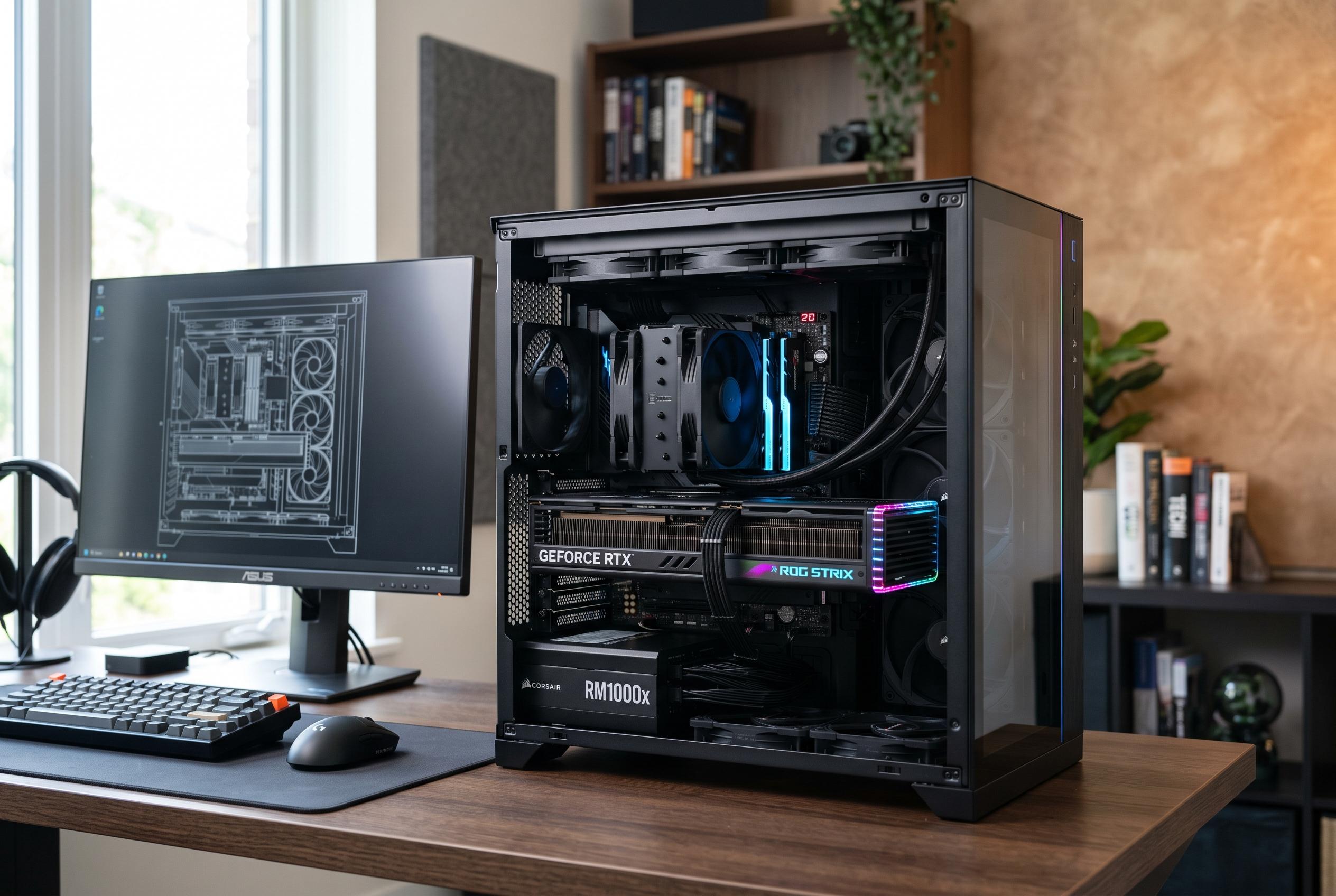

As graphics card prices remain high, experts suggest that users can improve gaming performance through system optimisation , from CPU, RAM, to Windows settings , potentially delaying costly upgrades.
With graphics card prices still elevated and Nvidia’s RTX 50 Super range looking increasingly unlikely to offer relief, many PC users are rethinking whether a new GPU is the right purchase. According to How-To Geek, the more practical move is often to tune the system already in place, starting with the CPU, RAM and Windows settings that can quietly limit gaming performance.
The first step is to establish whether the graphics card is actually the weak point. PCWorld recommends checking real-world GPU use while playing the games you normally run, rather than relying only on synthetic benchmarks, and then comparing performance at different resolutions. If frame rates barely change when dropping from 1440p to 1080p, the system is more likely to be CPU-limited than GPU-limited.
Memory configuration is one of the easiest and most overlooked fixes. As PC Bottleneck notes, many DDR5 kits boot at conservative default speeds until the user enables XMP on Intel systems or EXPO on AMD systems in the BIOS. That single change can improve memory throughput and reduce latency, both of which affect how efficiently the processor feeds data to the graphics card.
Windows settings can also matter. How-To Geek points to Memory Integrity in Windows 11 as a feature worth reviewing because it can add overhead in CPU-heavy games, particularly by affecting frame-time consistency. PCWorld likewise highlights Windows 11’s graphics-related settings, including hardware-accelerated GPU scheduling, which can shift some graphics work away from the CPU and help reduce bottlenecks without requiring new hardware.
Platform-level tuning is another useful step. Resizable BAR, which allows the CPU to access more of the graphics card’s memory at once, can improve performance in some titles, though the gain varies by game. Keeping chipset drivers current is also important, especially on AMD systems where the driver package can influence core scheduling and power management. If the processor includes integrated graphics, How-To Geek also suggests assigning lighter apps such as browsers, chat clients and media players to the iGPU so the discrete card remains focused on games and other demanding tasks.
The broader point is that a system does not always need a new GPU to feel faster. Other guides on bottleneck reduction make the same case: frame-rate caps, memory tuning, driver updates and selective graphics settings can recover a surprising amount of lost performance in CPU-bound scenarios. That may not eliminate the need for an upgrade eventually, but it can make postponing one a rational decision when the market is still poor value.
Disclaimer: This content is intended for informational purposes only. Readers are advised to exercise their own judgement, conduct due diligence, or consult a qualified expert before acting on any information provided.



