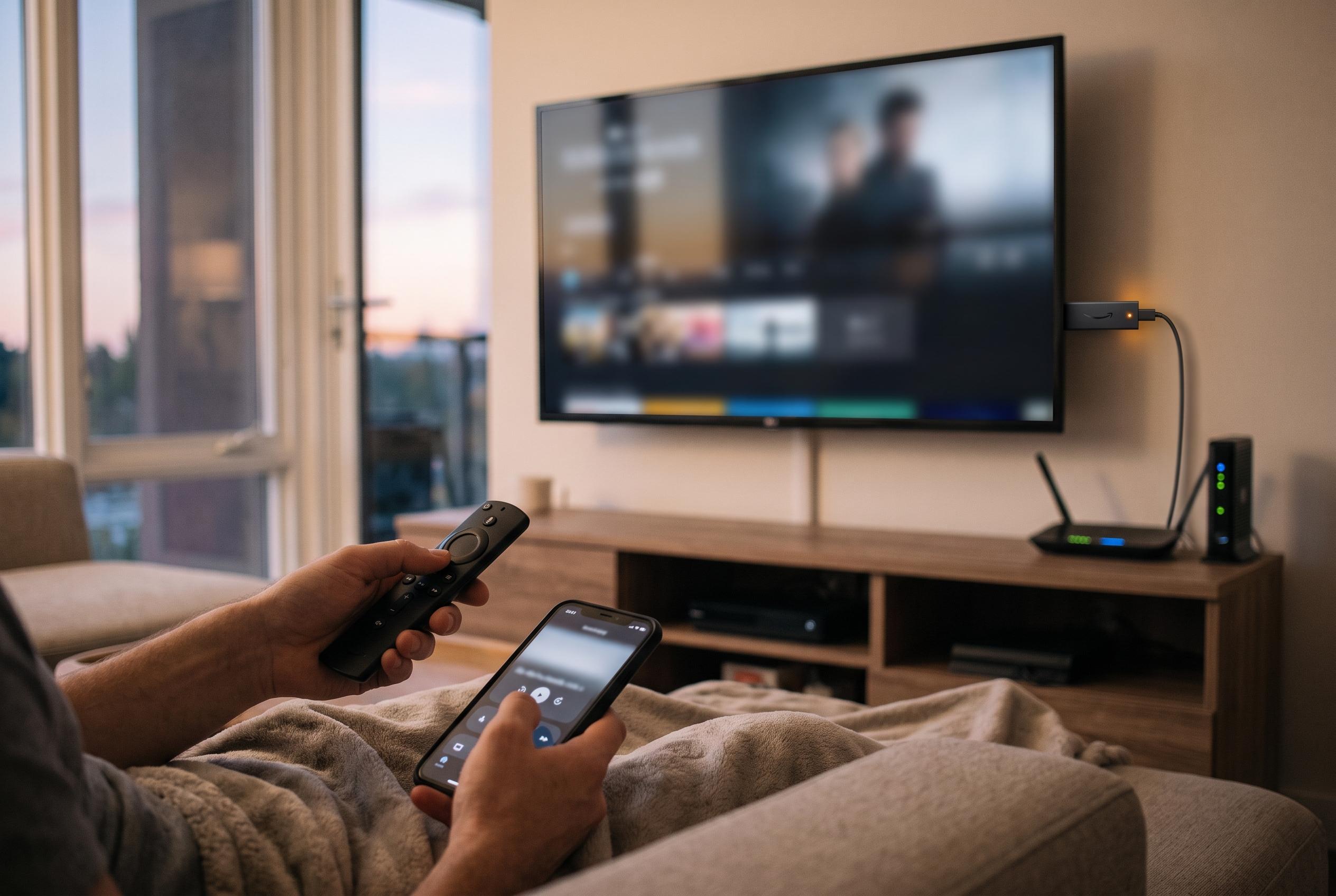

A sluggish Fire TV Stick 4K Max can often be revitalised through straightforward software adjustments, including managing background apps and keeping the device updated, improving responsiveness and viewing experience.
A sluggish Fire TV Stick is often a software problem rather than a hardware failure. Reviews of the Fire TV Stick 4K Max from Tom’s Guide and PCWorld have long noted that the device combines strong picture and sound support with broadly responsive menus, but they also highlight that the platform can feel cluttered over time as apps, promotions and background services accumulate. In practice, that means a stick that once felt quick can gradually become less nimble even if the hardware itself is still perfectly capable.
One of the most common causes is a build-up of apps that remain active after they have been left. On Fire TV, switching away from an app does not always close it completely. Instead, it may continue running in the background, drawing on memory and processing power. Pocket-lint found that simply clearing cached files helped only partially, because the real bottleneck was the number of background processes still alive on the device. That distinction matters: cache clearing removes stored temporary data, but it does not necessarily stop an app from continuing to consume system resources.
The quickest remedy is to force-stop those processes. Amazon’s own settings menu allows users to go into Applications, open Manage Installed Applications and choose Force Stop for individual apps. That works, but it is slow when several apps are involved and offers no clear view of what is actually running. Pocket-lint points to a more efficient approach in the Amazon Appstore: an app called Background Apps and Process List. The app functions much like Task Manager on Windows or Activity Monitor on a Mac, showing which apps are active and letting users move through them one by one. Pocket-lint says its close-all function takes the user directly to each app’s Force Stop option, making it easier to clear out forgotten services such as streaming apps that have not been opened for weeks.
There is, however, an important limitation. The method only applies to Android-based Fire TV devices, including models such as the Fire TV Stick HD, Fire TV Stick 4K Plus and Fire TV Stick 4K Max. Newer Fire TV Sticks that run Amazon’s Vega OS cannot use Android apps, so the same tool is unavailable there. That makes the distinction between Amazon’s older and newer software platforms more than a technical footnote: it directly affects which maintenance tools are available to the user.
Beyond closing background apps, there are several other small but useful steps. Clearing all application caches can free space and remove temporary files that may be slowing down app launches. Turning off autoplay for featured content on the home screen reduces the amount of video and audio the stick has to load in the background. Keeping the device updated is also worth doing, especially because Amazon has recently introduced a redesigned Fire TV experience with performance improvements. Pocket-lint says the latest software made its own Fire TV Stick 4K Max feel more responsive, and that is consistent with the broader view from reviewers that the device is strongest when it is kept lean, updated and free of unnecessary background activity.
Disclaimer: This content is intended for informational purposes only. Readers are advised to exercise their own judgement, conduct due diligence, or consult a qualified expert before acting on any information provided.