

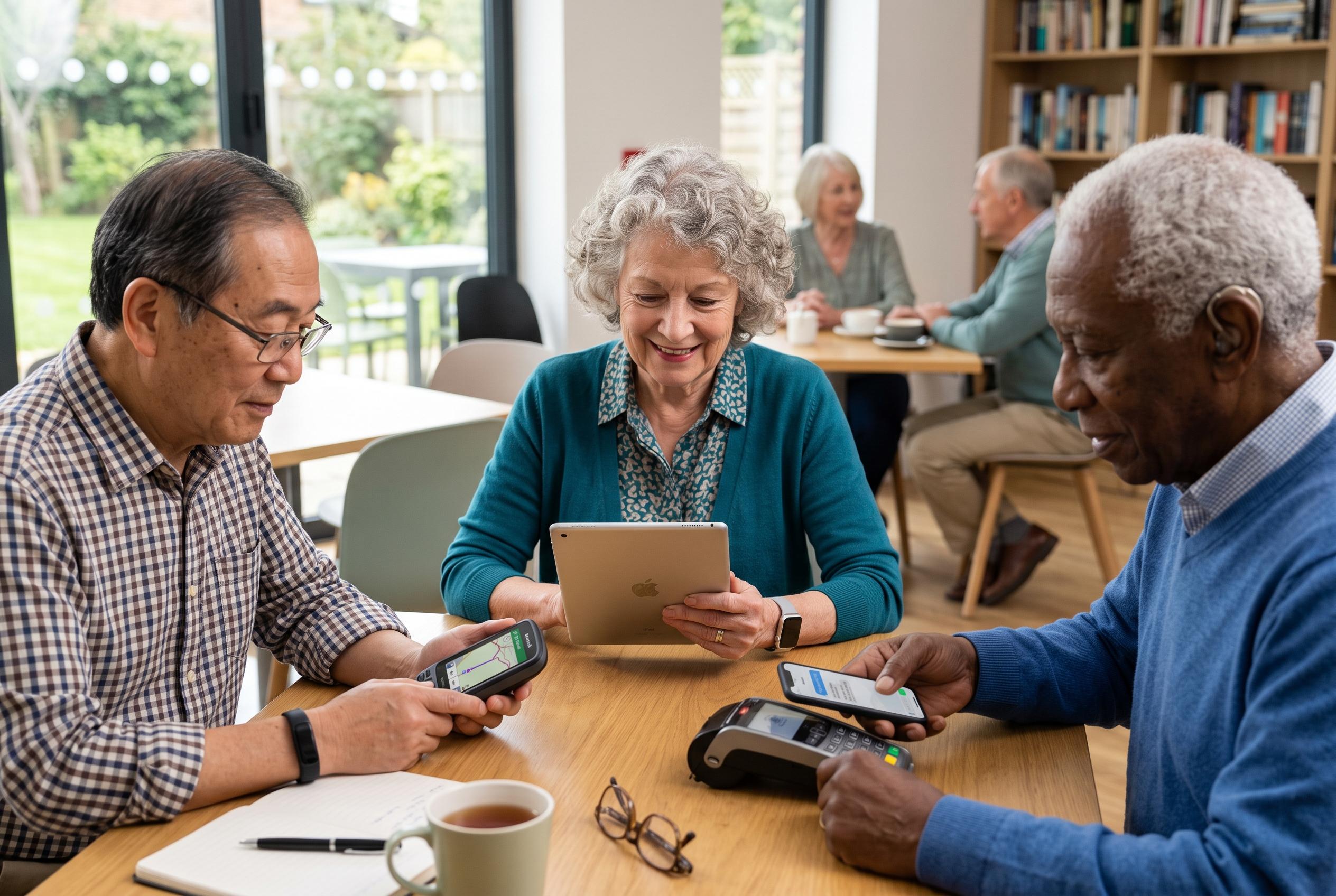

A tailored approach to technology helps seniors stay connected, safe, and autonomous, emphasising user-friendly devices, secure messaging, navigation aids, wearables, and digital payments designed with care and confidence.
For older adults, the value of technology lies not in novelty but in practical independence. A well-chosen phone, app or wearable can make daily tasks safer and simpler, provided it is set up with care and used with confidence. That starts with the smartphone itself. According to recent buying guides for seniors, the most suitable handsets tend to offer large, high-contrast screens, clear sound, strong battery life and straightforward controls. In practice, that means the device should be adapted to the user, not the other way round.
Messaging tools remain central, but they work best when used carefully. WhatsApp is often the easiest way for families to stay in touch, share pictures and make video calls, and a senior-friendly guide recommends learning the basics step by step rather than all at once. Security matters as much as convenience. Kaspersky advises enabling two-factor authentication, checking identities before replying and treating unexpected links or urgent requests with suspicion, especially when money or personal data are involved.
Navigation apps can remove a great deal of anxiety from travel. Google Maps, or similar mapping services, can help users check routes before leaving home, find hospitals, pharmacies, stations and cash machines, and share live location with relatives if needed. The real benefit is not just getting from one place to another, but reducing uncertainty before a journey begins. Spending a little time learning the app at home is often enough to make it genuinely useful later.
Wearables and emergency tools add another layer of reassurance. Smartwatches can track heart rate, sleep and activity, and some models include fall detection, SOS alerts and ECG-related functions. These features are not a substitute for medical care, but they can help summon help quickly. For those who prefer a simpler approach, dedicated emergency pendants or panic buttons may be more practical. The key is to choose a device that will actually be worn and understood.
Digital payments also deserve careful attention. UPI has made everyday transactions easier, but it depends on users knowing the rules. One of the most important is that a UPI PIN is entered to authorise a payment, not to receive money. Seniors who are new to digital payments are usually better off starting with small amounts and protecting banking apps with strong phone security. The same caution applies to document storage services such as DigiLocker, which can reduce dependence on paper copies if access is properly secured.
Health and voice-driven tools can be especially helpful for people who find small keyboards awkward or tiring. Telemedicine services can support routine consultations, prescriptions and follow-ups when a clinic visit is inconvenient, though they cannot replace an in-person examination when one is needed. Voice assistants and smart speakers can also reduce friction by allowing users to set reminders, place calls or ask simple questions without typing. According to some senior-focused device guides, even basic phones with stripped-down menus may suit users who want connectivity without distractions.
The broader lesson is that technology should solve a clear problem before it is allowed into daily life. Affordable mobile plans, simpler phones and even so-called dumbphones may suit some users better than feature-heavy devices. The best choice is not necessarily the most expensive one, but the one that reduces confusion and supports independence. For older adults, comfort with technology matters more than ownership of it.
Disclaimer: This content is intended for informational purposes only. Readers are advised to exercise their own judgement, conduct due diligence, or consult a qualified expert before acting on any information provided.



