

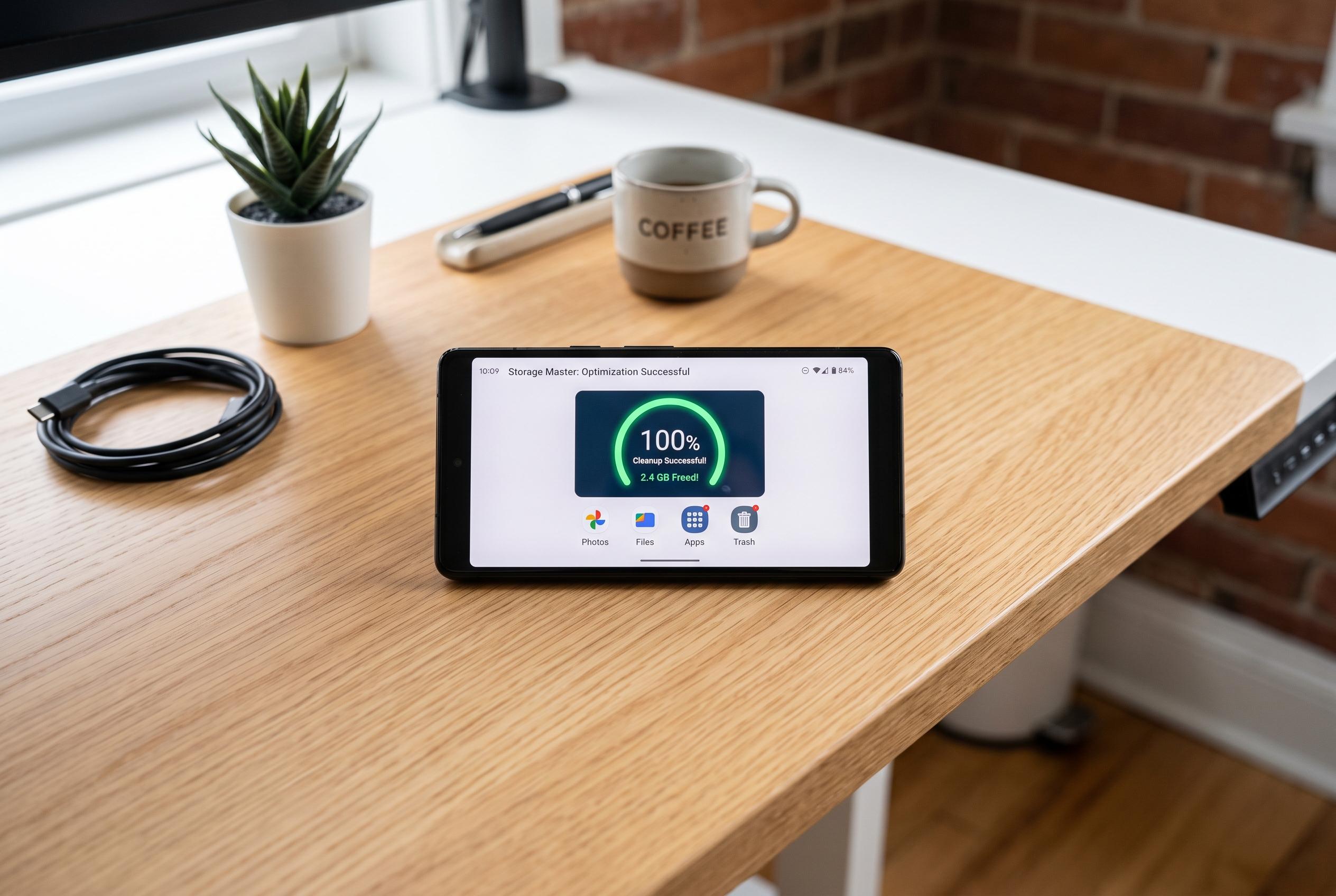

With many smartphones burdened by clutter and storage pressure, experts suggest targeted clean-ups over complete resets to keep Android phones running smoothly, avoiding disruption and data loss.
A factory reset has long been treated as Android’s emergency button, the quickest way to deal with lag, app crashes and general clutter. But the modern smartphone is now tied to banking apps, two-factor authentication, eSIMs, cloud backups and a growing number of linked services, so wiping a device can create more work than it solves. In many cases, the problem is not a broken phone but an overburdened one.
Before erasing everything, the first question is what is actually slowing the handset down. TechAdvisor, Android Central and Android Authority all note that cache can build up over time and that clearing it can free storage and improve responsiveness. Cache is temporary data that helps apps load faster, but when it becomes excessive it can contribute to sluggish performance.
Storage pressure is often the most practical culprit. PCWorld has pointed out that a phone packed with photos, downloads, offline maps and large app files can lose speed simply because Android has less room to work with. That matters because free space is not just for new content; the system also uses it for updates, temporary files and internal housekeeping. Keeping some headroom can make a noticeable difference, especially on cheaper devices with modest storage.
The safer approach is to remove what is unnecessary rather than start from zero. That means moving photos and videos to a computer, external drive or cloud service, deleting duplicated files, clearing old downloads and uninstalling games or apps that have not been used for months. It can also mean replacing heavy apps with lighter versions where they exist. On older phones, smaller alternatives can reduce both storage use and background strain, even if they sacrifice a few features.
A reset still has its place. If the handset remains unstable, if malware is suspected or if the operating system has become genuinely corrupted, wiping the device may be the right step. But it should come after a proper check of backups, account recovery, authentication apps and eSIM transfers. In most cases, a targeted clean-up is faster, less disruptive and enough to make Android feel new again.
Disclaimer: This content is intended for informational purposes only. Readers are advised to exercise their own judgement, conduct due diligence, or consult a qualified expert before acting on any information provided.



