

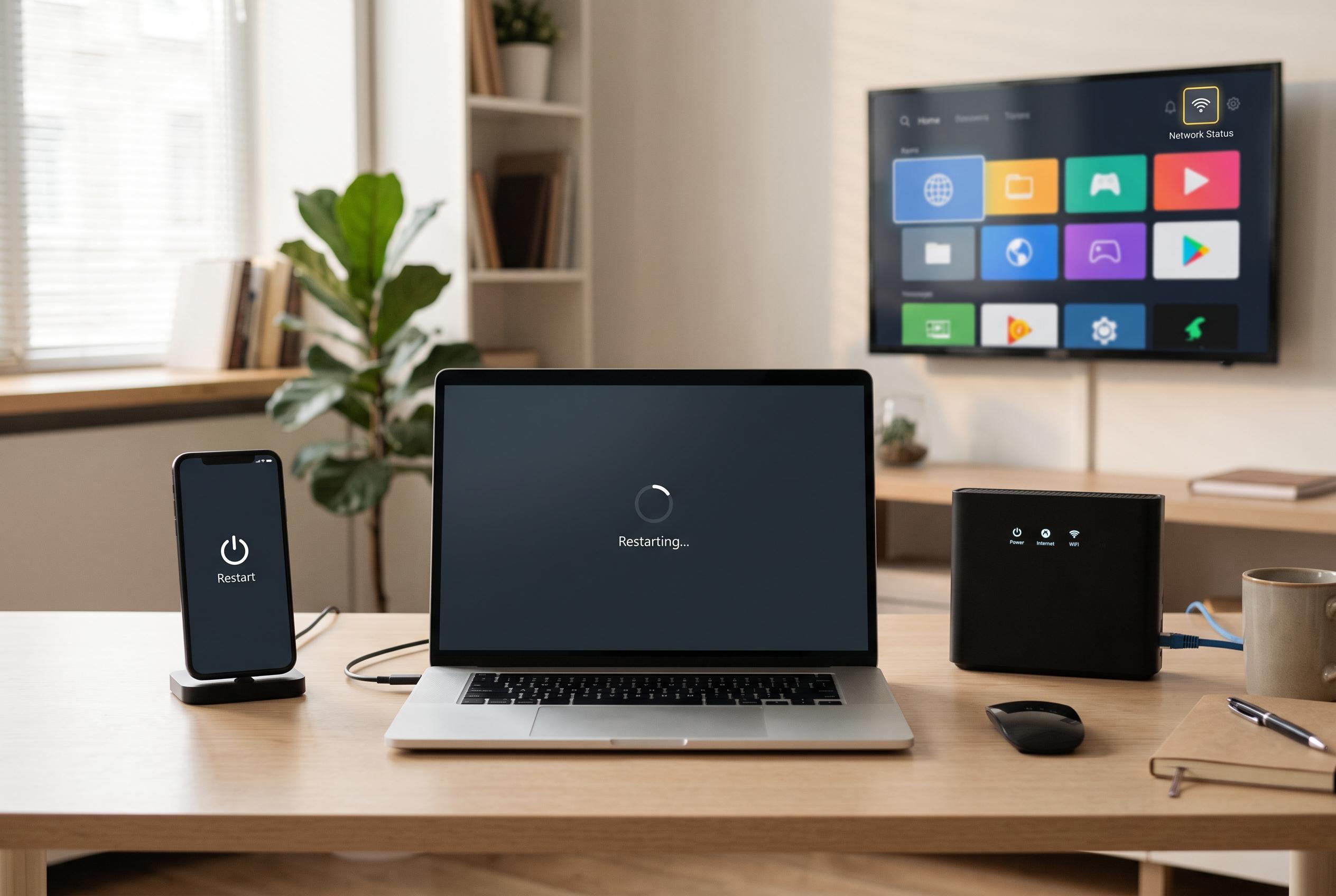

Routine restarting of smartphones, computers, routers, and smart TVs remains an easy yet effective method to enhance device performance, resolve minor faults, and prevent connectivity issues, according to experts and tech guides.
Millions of people leave their devices running for weeks at a time, but a simple restart can still make a difference. The practice does not solve every fault, yet it can clear temporary memory, close background tasks and remove minor software hiccups that build up during everyday use. In some cases, it can also interrupt suspicious activity that is still sitting in volatile memory, which is why technicians often treat it as the first basic check before anything more serious. According to Techlicious and other device-focused guidance, restarting remains one of the simplest forms of routine maintenance.
For smartphones and tablets, a weekly restart is a practical rule of thumb. FittedTech recommends doing this every seven to ten days, while Amiva says regular restarts can improve performance, reduce battery drain and help apply updates cleanly. The same logic applies to smartwatches, which also run background processes, keep Bluetooth links active and can become less responsive over time. A full power cycle does not change settings or delete data, but it can clear the small faults that cause sluggish menus, poor syncing and uneven battery life.
Computers also benefit from a proper reboot, especially if they are left in sleep mode for long periods. FittedTech advises restarting Windows and Mac systems once a week to flush memory and complete system updates, while Microsoft has long encouraged users to reboot when updates are waiting to finish. On Macs, Apple’s own approach is less prescriptive, but a restart is still a standard first step when apps freeze, browsers become heavy or the machine feels less responsive than usual. The key difference is that sleep preserves the session, whereas a reboot fully closes processes and starts the operating system again.
Routers are among the most useful candidates for a restart because they work constantly and hold together every connected device in the home. Consumer Reports says rebooting a router can resolve slow speeds, intermittent connections and other stability problems by clearing temporary data and re-establishing network links. RTL notes that unplugging the unit for about 30 to 45 seconds is usually enough, and some models now support scheduled reboots through an app or admin panel. SlashGear adds that smart TVs respond in a similar way: a full restart once a month can help fix app glitches, improve responsiveness and ensure updates are properly installed.
What matters most is not confusion between a restart and a factory reset. A restart is temporary maintenance: it powers the device down and back up without removing accounts, apps or personal data. A reset is far more drastic and should be reserved for cases such as resale, severe corruption or unresolved faults. For day-to-day problems, whether the issue is a slow phone, a temperamental router or a TV that will not launch an app, the modest habit of restarting periodically remains one of the cheapest and most effective fixes.
Disclaimer: This content is intended for informational purposes only. Readers are advised to exercise their own judgement, conduct due diligence, or consult a qualified expert before acting on any information provided.



