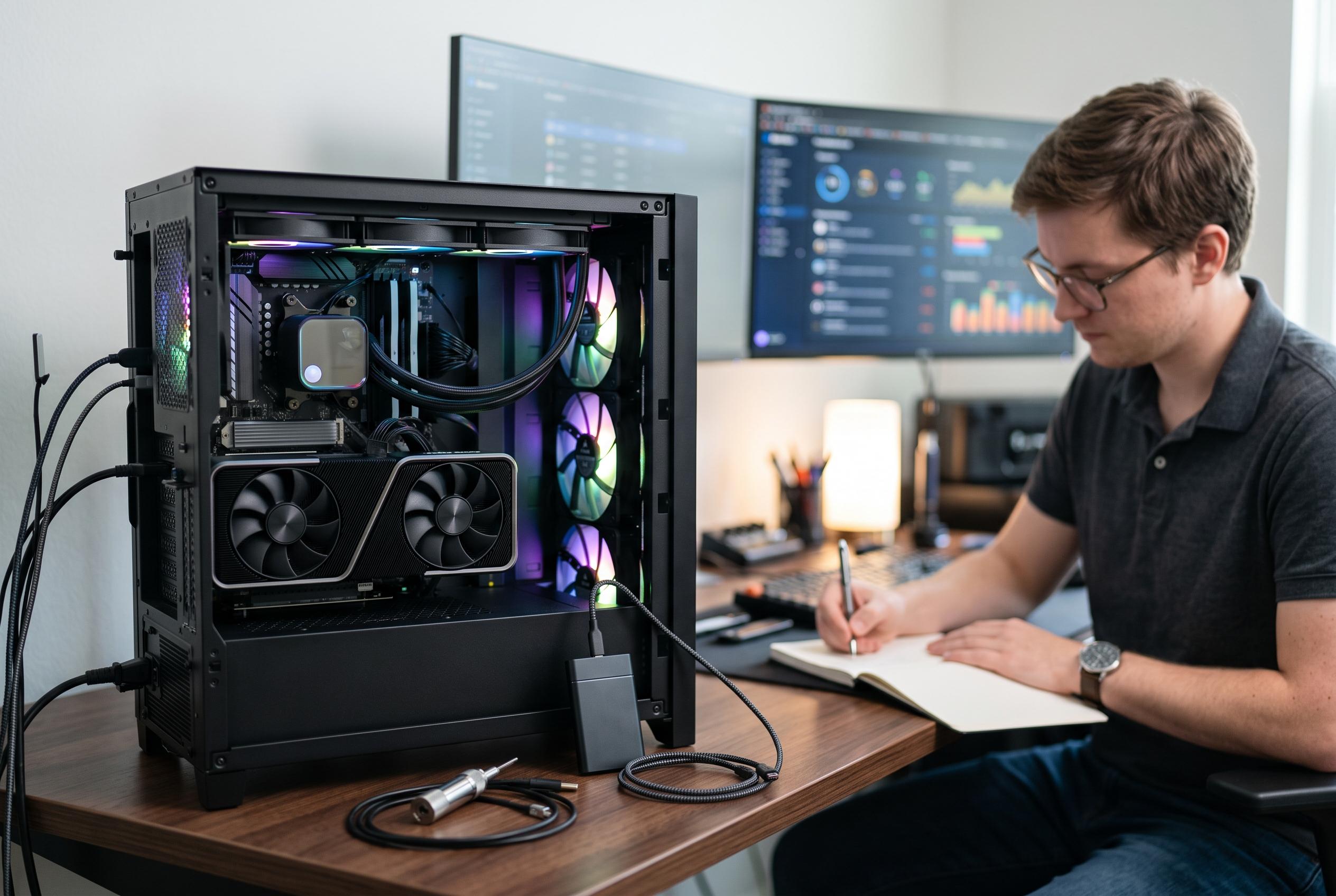

Emerging updates and tools in PC benchmarking are enabling more precise and comprehensive performance assessments, from graphics stress tests to storage speed evaluations, catering to both enthusiasts and professionals.
For anyone trying to measure a PC properly, the first rule is to match the benchmark to the component being tested. Graphics cards are best assessed with tools such as 3DMark, which remains one of the most widely used packages for this purpose. UL Solutions says the programme covers a broad spread of systems, from thin-and-light laptops to high-end desktops, and its free version still lets users run core tests and compare results against similar hardware online. For people who need more exhaustive stress testing, the paid edition adds longer runs and extra options, although many users will never need that level of depth. According to Engadget, that makes the free release sufficient for most routine checks.
A second option for graphics testing is Superposition, built on the UNIGINE 2 engine. It is useful when the aim is not just to obtain a score, but to see how a card behaves under sustained pressure. The software pushes lighting and visual effects hard enough to reveal whether cooling is working as expected, and it can report clock speeds and temperatures while the test is running. Although the programme has not seen a major overhaul recently, it still has value as a practical stress tool for enthusiasts who want to watch thermal behaviour as well as raw performance.
On the processor side, Cinebench is the standard recommendation. Maxon describes it as a cross-platform benchmark for CPU and GPU rendering performance, and it is widely used to compare systems and check stability. The latest release, Cinebench 2024, continues that approach, while Tom’s Hardware reports that Cinebench 2026 raises the workload further, adds an SMT core test and extends support to newer chips from AMD, Nvidia and Apple. For realistic load testing, combining Cinebench with 3DMark can be revealing, since it places both the CPU and graphics card under pressure at the same time. Engadget suggests pairing Cinebench’s multi-core test with 3DMark’s ray-tracing-heavy Speed Way run for a closer approximation to gaming conditions.
Storage performance is best checked with CrystalDiskMark. CrystalMark says the free, open-source utility measures sequential and random read and write speeds on SSDs and hard drives, making it a straightforward way to see whether a drive is performing as expected. The tool is simple to use, but the test environment still matters. Background applications should be closed, the drive should ideally have at least some free capacity, and laptop users should keep the machine plugged in to avoid power-management effects distorting the result. In practice, a clean test environment matters as much as the software itself.
Disclaimer: This content is intended for informational purposes only. Readers are advised to exercise their own judgement, conduct due diligence, or consult a qualified expert before acting on any information provided.