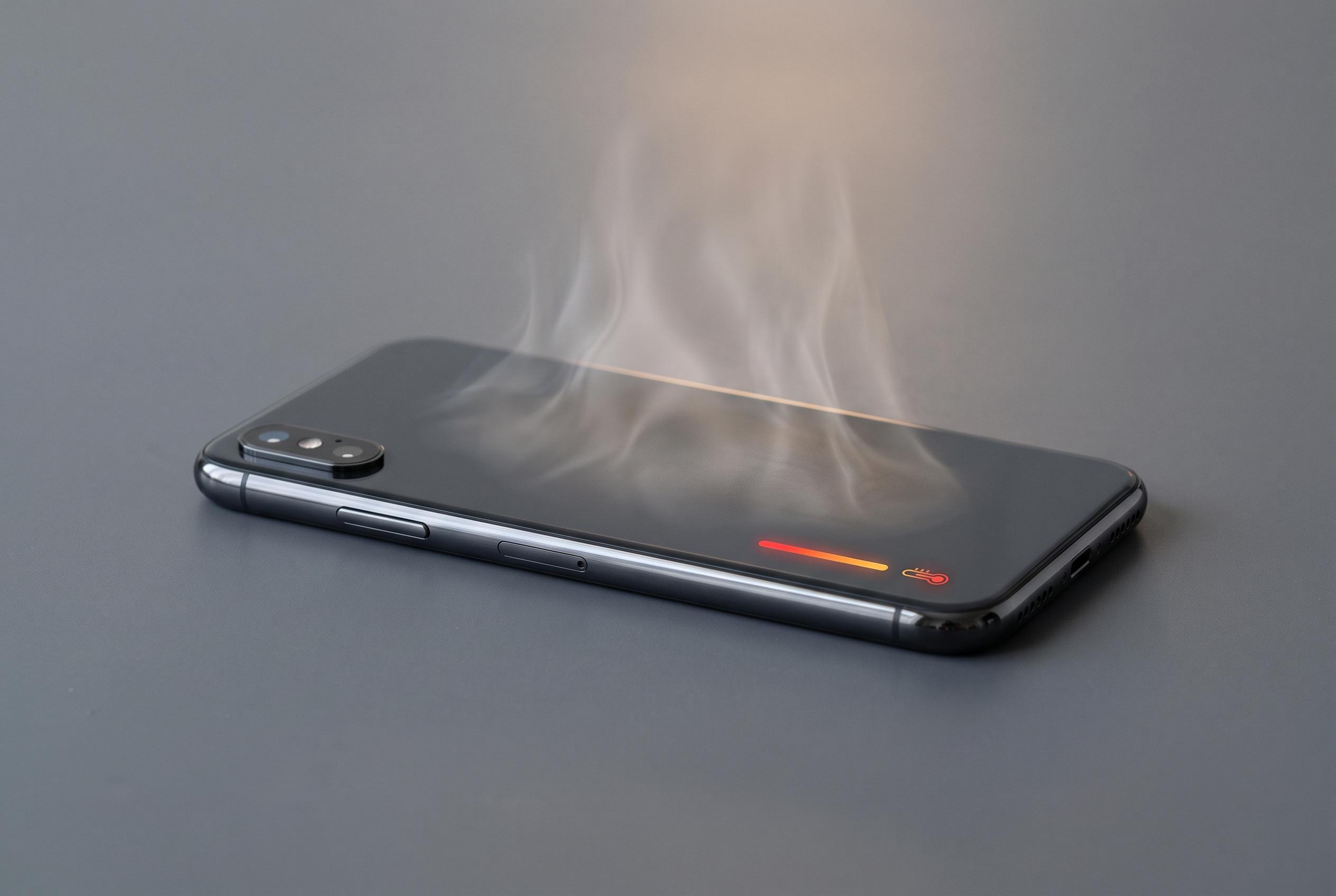

Experts warn that ongoing phone heat issues may indicate internal component strain, with practical measures advised to prevent serious failure and extend device lifespan.
Persistent phone heat is more than an annoyance. According to Elnacional, a handset that feels hot under ordinary use may be signalling strain inside the battery or other components, and prolonged overheating can raise the risk of serious failure. McAfee also notes that excessive heat can be linked to heavy processor load, battery stress, outdated software or even malware, so the cause is not always obvious.
The first step is to reduce the device’s exposure to heat. Keep it out of direct sunlight and away from other warm surfaces. If the phone is charging, place it on a hard, open surface rather than a bed, sofa or other covering that traps warmth. Several guides, including those from Tech Advisor, Tom’s Guide and Samsung, also recommend removing the case during charging if the device is running hot, because that can help heat escape more quickly.
If the handset is still uncomfortably warm, power it down for a few minutes. That stops background processes that may be driving the temperature up and gives the battery and processor time to cool. A restart can help, but complete shutdown is usually more effective when the problem is acute. Tech Advisor and Samsung both advise limiting demanding tasks such as gaming, video streaming and screen mirroring when the phone is already under thermal stress.
Another useful check is background activity. On iPhone, background app refresh can be managed through Settings, then General, then Background App Refresh. On Android, battery settings can be used to restrict apps that keep running when they are not in active use. McAfee says hidden activity from apps or software can keep the processor working harder than expected, which adds heat.
Charging equipment is also worth inspecting. Elnacional says damaged cables should be replaced, and third-party chargers should be original, authorised or certified. That warning is consistent with advice from several device-support and repair guides, which say poor-quality accessories can worsen heat and battery wear. If the phone continues to overheat after those checks, the battery or another internal part may need professional inspection.
Disclaimer: This content is intended for informational purposes only. Readers are advised to exercise their own judgement, conduct due diligence, or consult a qualified expert before acting on any information provided.