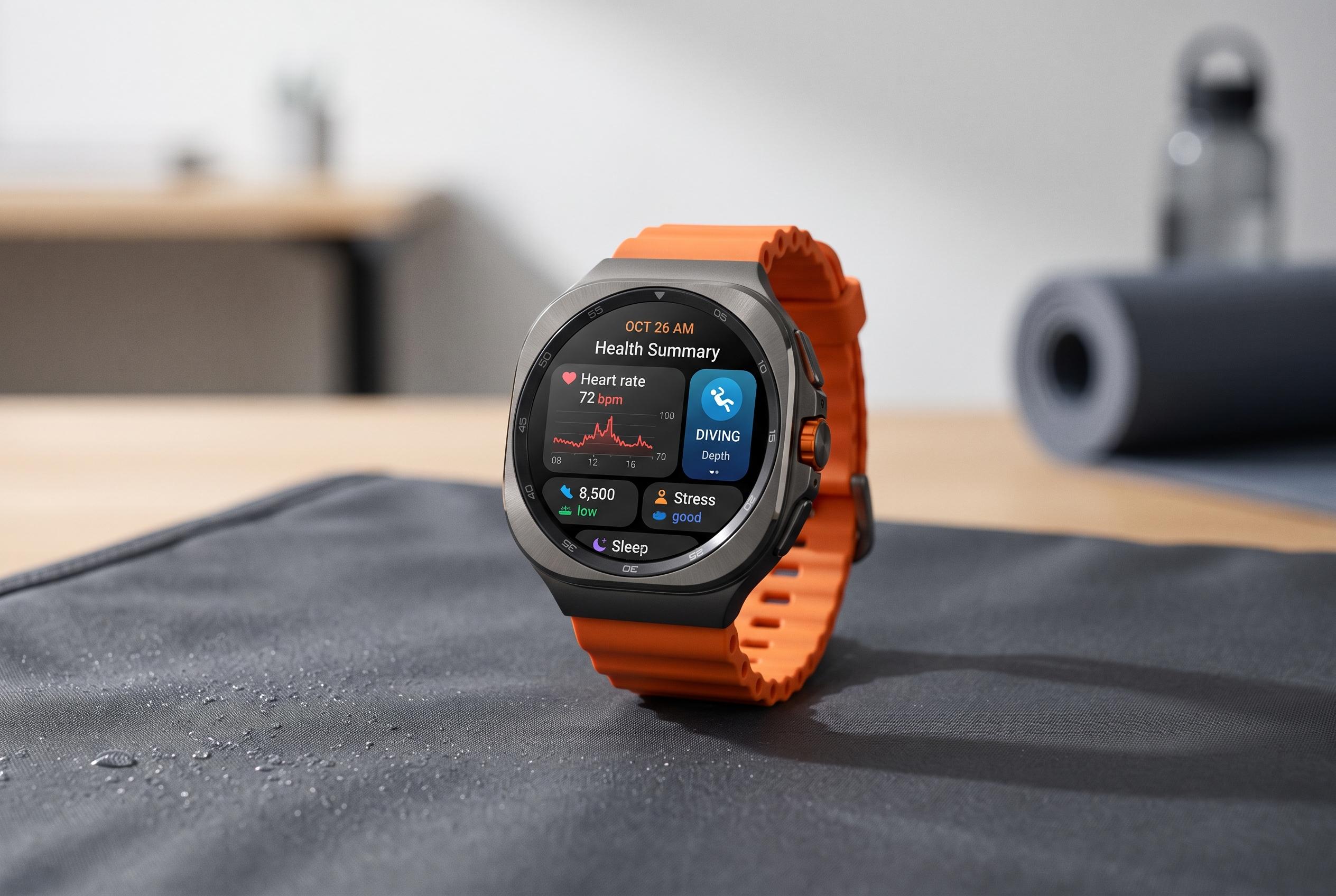

Samsung’s latest Galaxy Watch Ultra 2 extends beyond traditional smartwatches, offering advanced health monitoring, diving features, and customisation to seamlessly integrate into users’ routines and activities.
Samsung’s Galaxy Watch Ultra 2 is designed to do far more than show the time. According to Samsung’s product pages, it combines health monitoring, sleep analysis, heart insights and daily energy scoring with personalised guidance based on the wearer’s data. That makes the first task after setup less about appearance and more about deciding which information should be visible at a glance and which features should be left in the background.
A sensible starting point is the watch face. Samsung’s support material and SamMobile’s guide both note that users can change faces either on the watch itself or through the Galaxy Wearable app on a paired phone. That matters because the face determines what the watch can surface instantly, from health metrics and battery status to workout shortcuts and calendar data. The device also supports custom faces, including photo-based layouts and activity-specific designs.
Fitness and health tools are a major part of the Ultra 2’s pitch. Samsung says the watch can provide sleep monitoring, heart health data and energy scores, while Geeky Gadgets highlights tiles and widgets for vitals, cardio load, hearing exposure and the Antioxidant Index. The practical approach is to move the most useful readings into the front of the interface, then pair them with workout controls such as a custom quick button and preloaded exercise modes in Samsung Health.
For users who plan to take the watch beyond the gym, Samsung’s broader feature set is notable. Tom’s Guide reports that the Ultra 2 is being positioned as a dive-capable device with Mares software support, depth and temperature tracking, and certification aimed at recreational diving. That makes custom modes, quick settings and alerts especially useful, because they let the watch switch between everyday use, exercise and specialist activity with fewer taps.
The rest of the setup is about making the watch behave like a practical tool rather than a generic accessory. Samsung and Geeky Gadgets both point to wallet payments, notifications, sleep mode, SmartThings control, offline music, third-party accessories and regular software updates as worthwhile additions. The result is a watch that is easier to use, safer in daily life and better aligned with the owner’s routine.
Disclaimer: This content is intended for informational purposes only. Readers are advised to exercise their own judgement, conduct due diligence, or consult a qualified expert before acting on any information provided.